uberAgent® Helpdesk Splunk App
The uberAgent Helpdesk Splunk App is designed for helpdesk heroes who support virtual or physical desktops and who need quick answers to typical questions like the following:
- Why is my login so slow? It was fast yesterday.
- Why is my app constantly crashing?
- Citrix is slow!
- The website is not loading fast enough!
What Does the App Look Like
The app has just one dashboard, nice and easy. You start by searching either for a user or a machine. After selecting a session of interest detailed information will be provided.
Note: enter a
*in the search field to see all user sessions or machines.
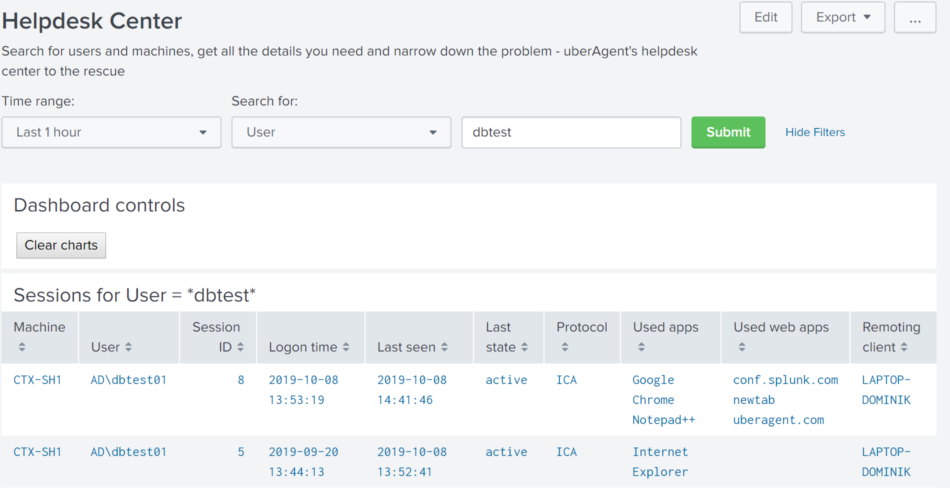
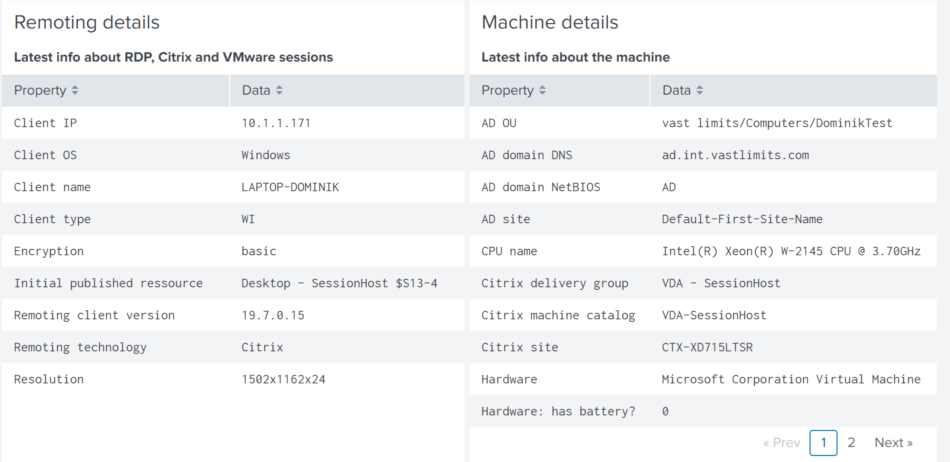
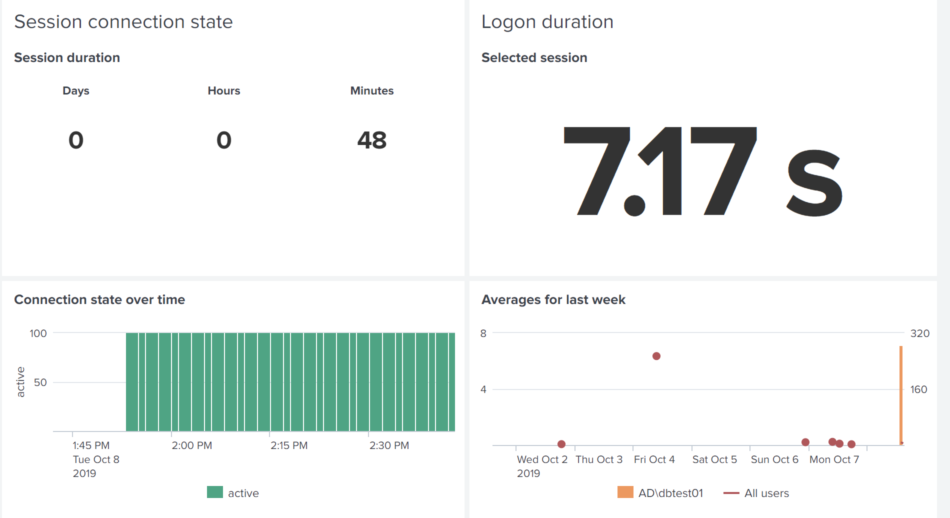
The dashboard gives you an overview of the user’s session with helpful content like user and machine information, connection state over time as well as logon time compared to the previous week.
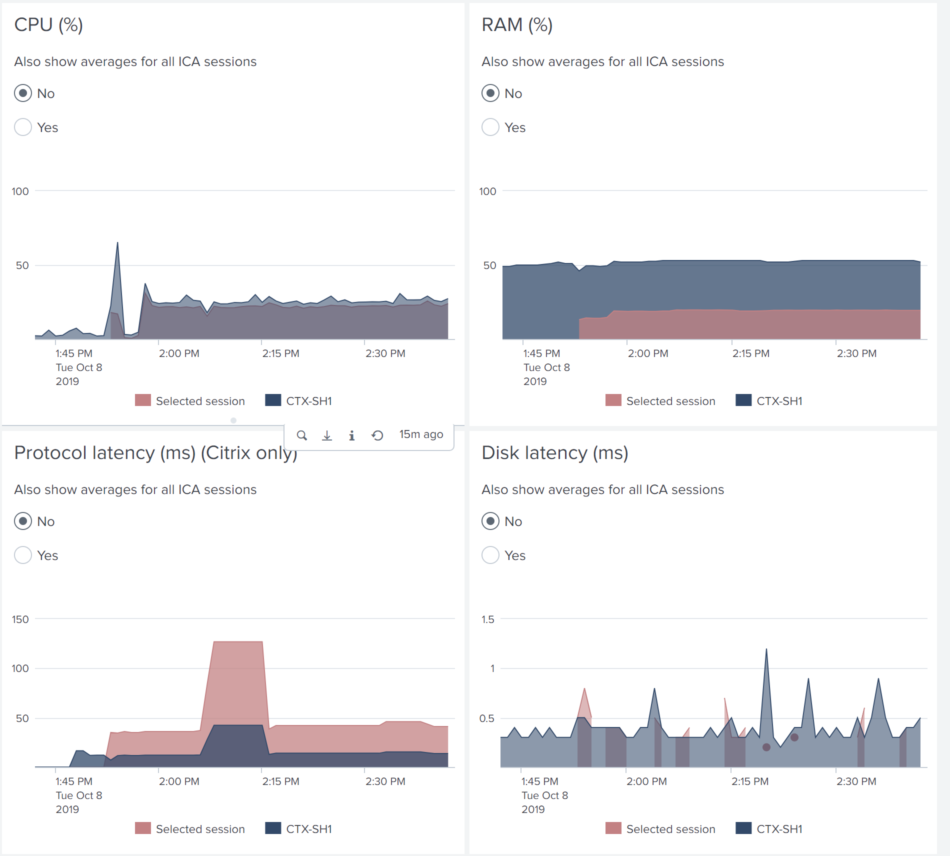
Now dive into the session’s performance and compare it to the entire machine or even to other sessions in the organization.
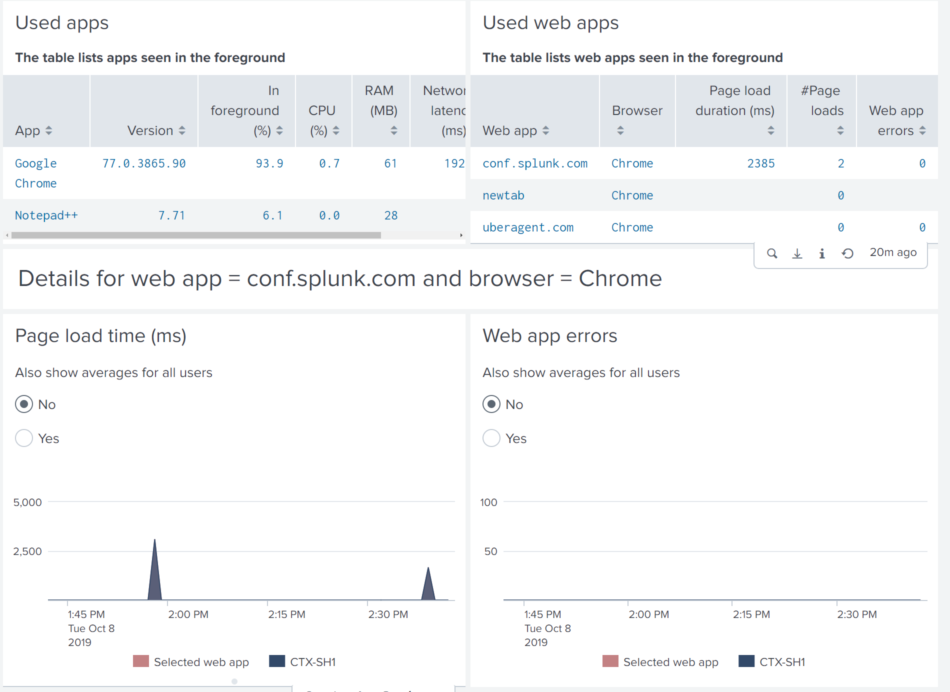
The user is reporting issues with a specific native application or SaaS app? Click on an item in the list and you will get details to solve the user’s problem immediately!
Download
The app is available for free and can be downloaded from Splunkbase.
Requirements
The helpdesk app provides a different view of the regular dataset collected by uberAgent. As such it requires a working uberAgent infrastructure on Splunk. General uberAgent requirements apply.
uberAgent Version
- uberAgent UXM 6.0 or greater
Limit Helpdesk Employees to the Helpdesk App
With role based access in Splunk, you can configure that helpdesk employees only see the helpdesk app and are automatically forwarded to the app after logging on to Splunk.
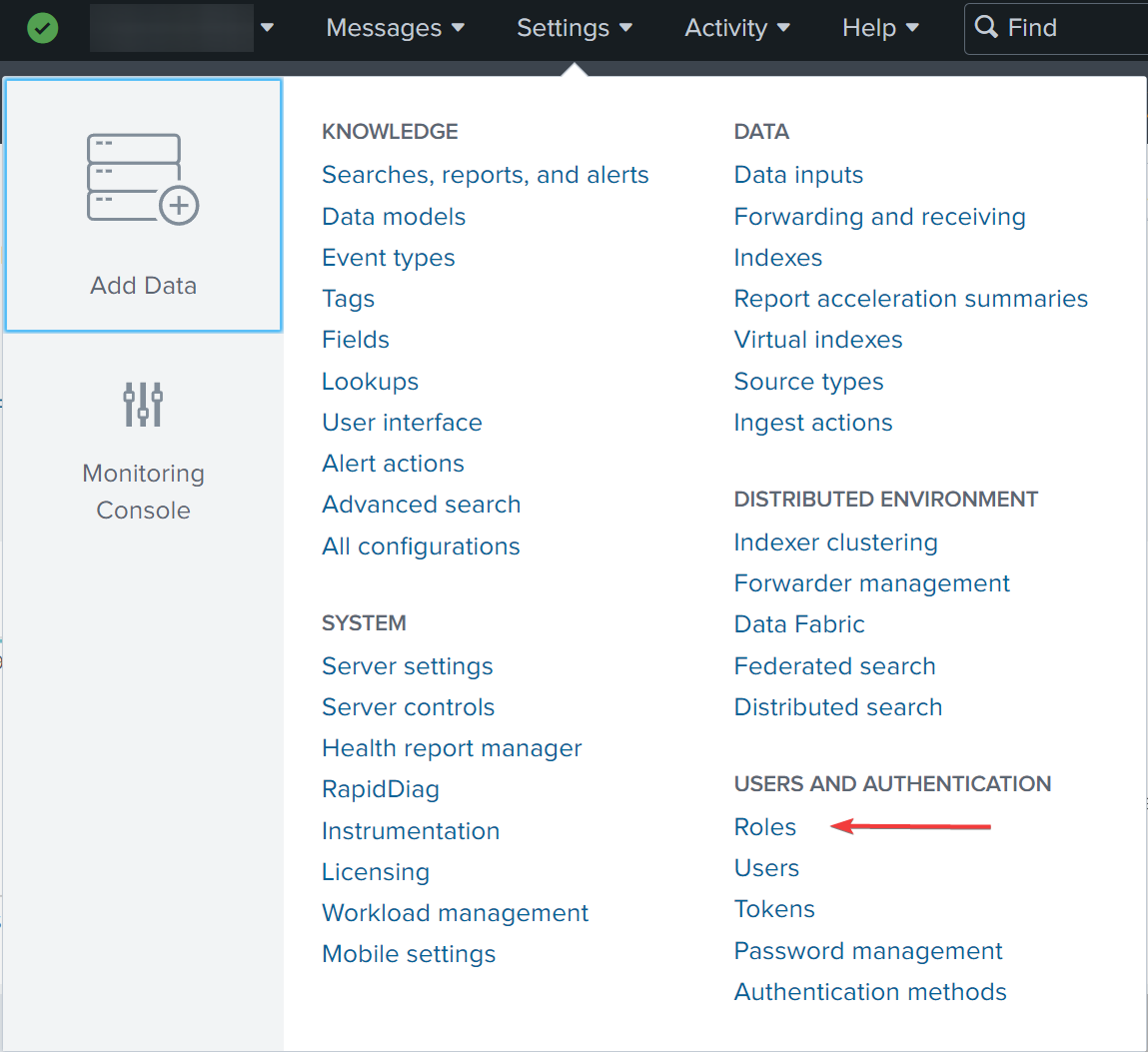
Navigate to Settings -> Users and Authentication -> Roles.
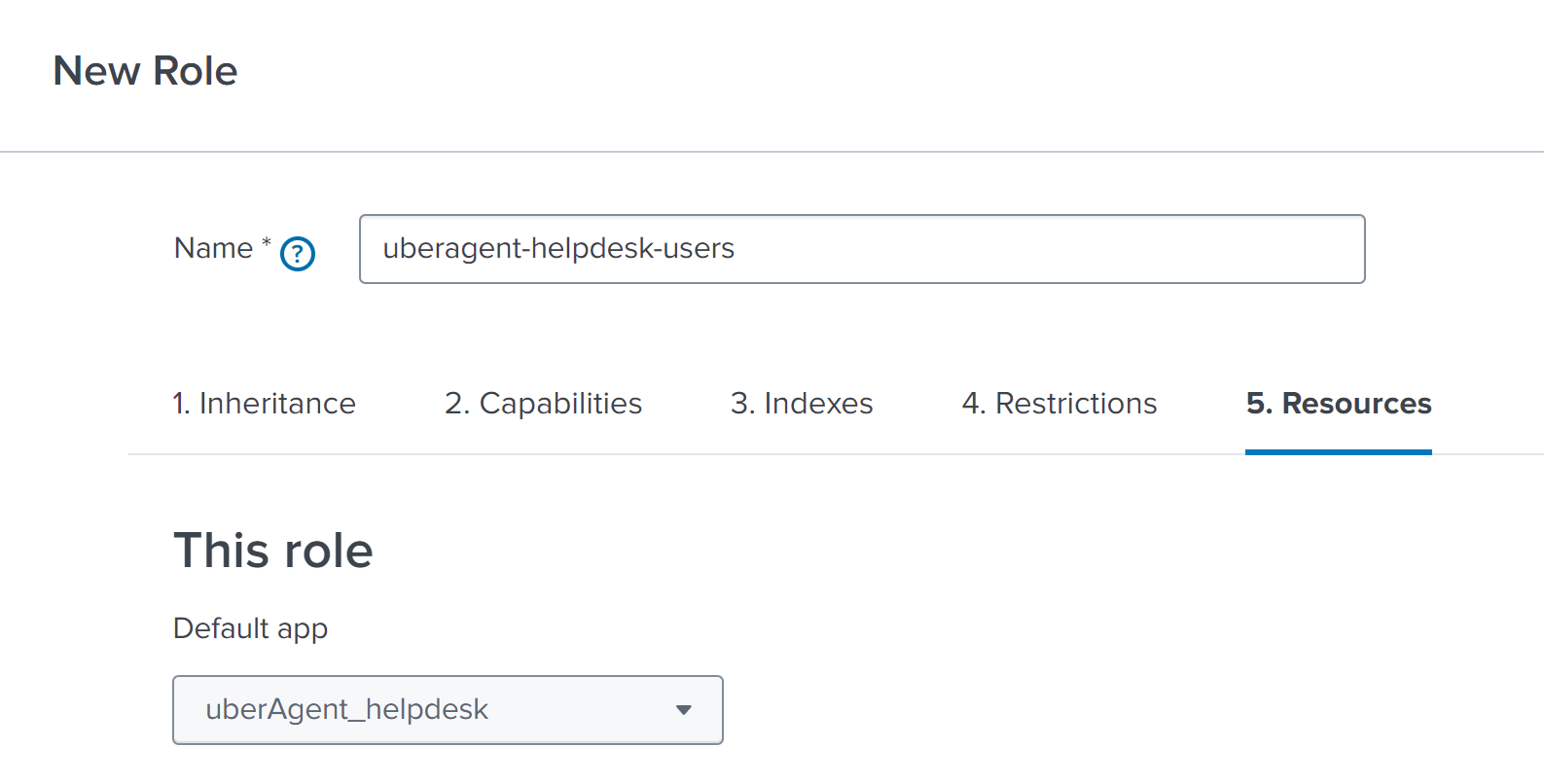
Create a new user role with a meaningful name like uberagent-helpdesk-users. More information on roles are available in Splunk’s documentation.
In the last step, select the uberAgent_helpdesk app as default.
Put your helpdesk users in the new uberagent-helpdesk-users role.
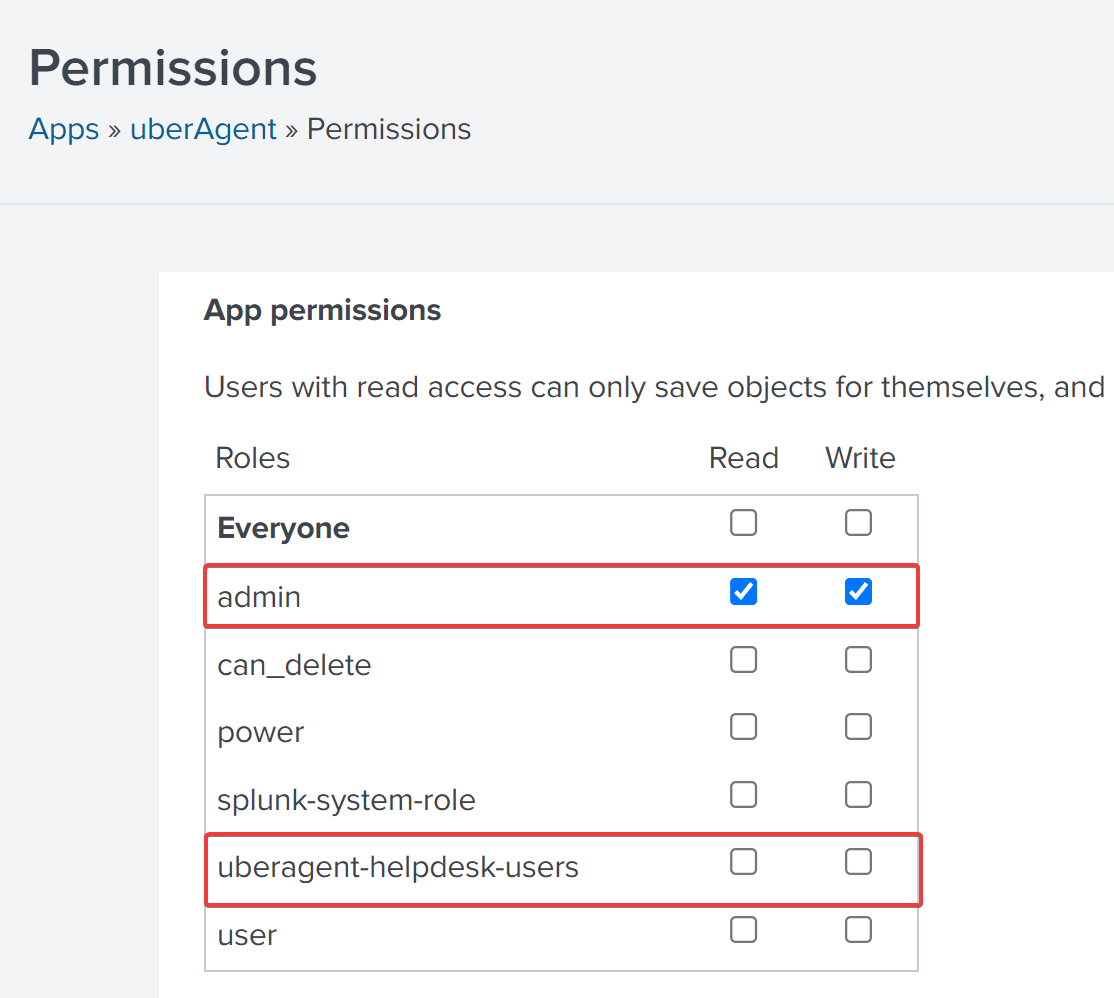
Go to Apps -> Manage Apps, find the uberAgent UXM app, click on Permissions, and remove Read access for Everyone. Give Read access to admins only.
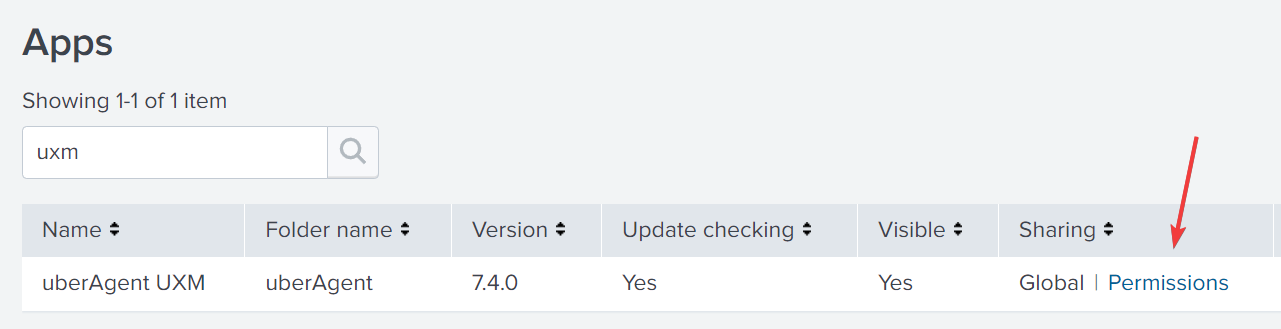
Note that the group uberagent-helpdesk-users does not have read access anymore.
Repeat the process for the uberAgent ESA app.
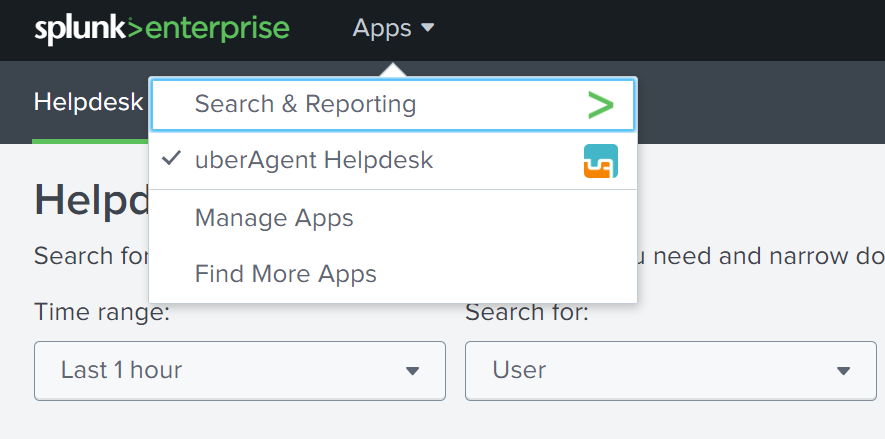
Now helpdesk employees only see the helpdesk app when logging on to Splunk.
This chapter was contributed by Antoin Carroll.