Performing a USB recovery
| Requires |
|---|
|
|
-
Configure the BIOS of your device for boot from USB.
-
Connect the USB stick to a USB port and boot the device.
-
To call the boot menu, during the boot process, press F12 or the relevant key specified by the supplier.
-
On the eLux® boot menu, select the Install eLux XX option.
-
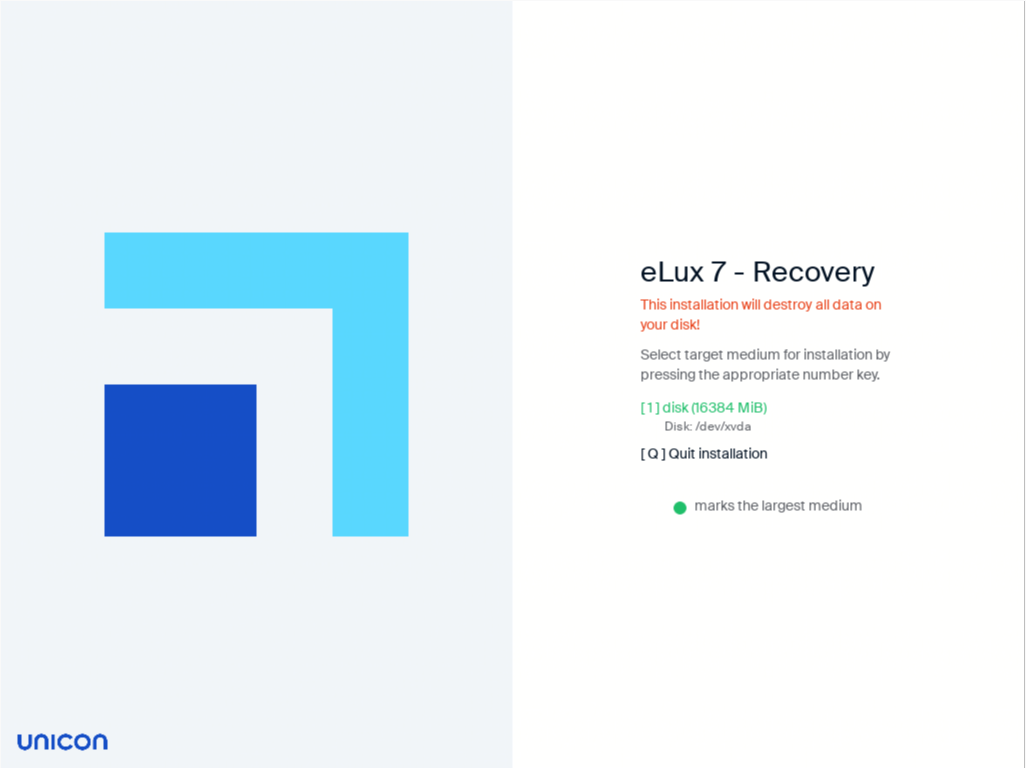
Select the target medium for the installation by pressing the number key shown next to it.
The medium marked with a green dot is the largest one found on the device.
Important:
During the installation process, all data and the entire operating system are deleted from the hard disk (system recovery). All eLux and Management license information is kept as is.
The installation starts and shows the current package being installed and the overall progress. Do not switch off the device during this process.
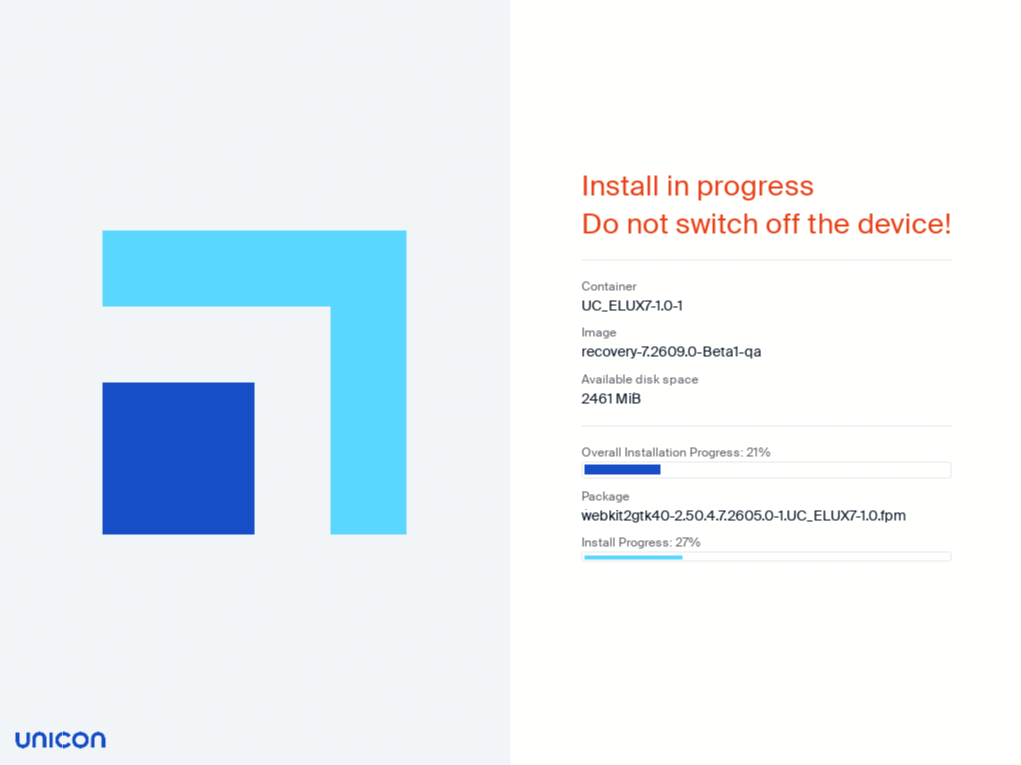
After the installation is completed, the client restarts. Depending on the network configuration, the device is automatically assigned to a Scout Server via DHCP or DNS, or the First Configuration Wizard starts.