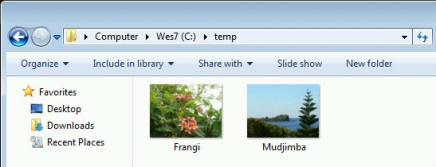
Transferring files to the Windows client
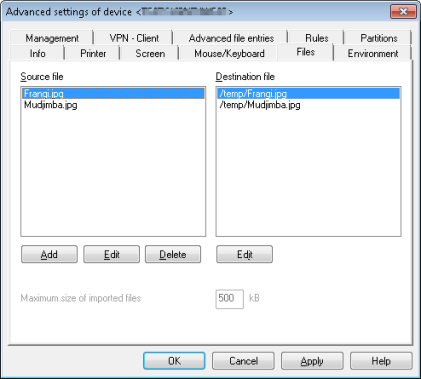
By using the Scout feature Files configured for transfer in the console, you can transfer any files from Scout to the Windows devices.
Note:
For the file path on the Windows client, do not enter a drive letter (it is always drive C:) and use slashes instead of back slashes.
For further information, see Files configured for transfer in the Scout guide.