
Code repositories
Before a project owner can import a repository, the Git provider has to be connected at platform level. That connection is what lets Citrix SecurSpaces™ authenticate on a developer's behalf, so nobody has to hold repository credentials on their own device.
Connect a provider once. Every organization and project on the platform can then import repositories from it.
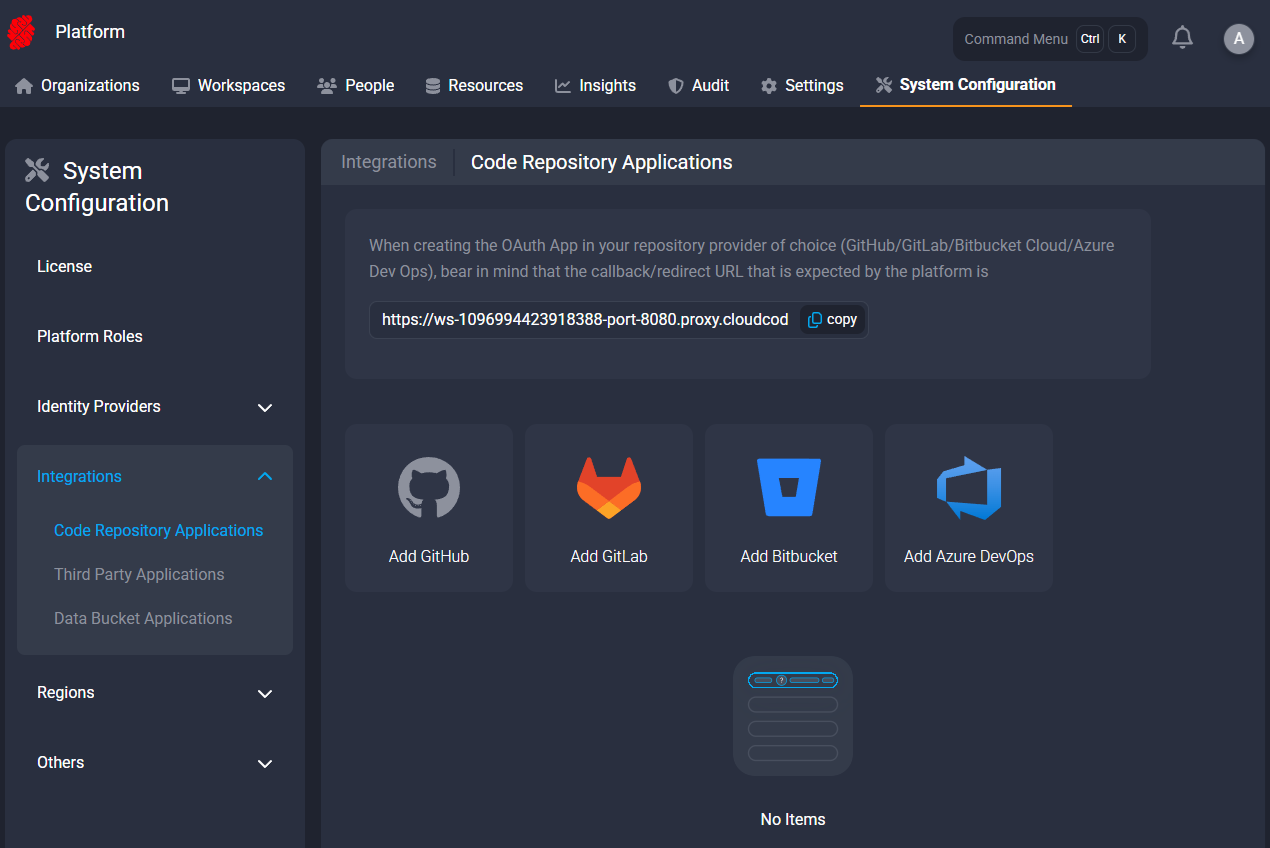
Choose a provider
| Provider | Hosting | What you need |
|---|---|---|
| GitHub | Managed and self-hosted (GitHub Enterprise Server) | An OAuth application in your GitHub organization |
| GitLab | Managed and self-hosted | An OAuth application in your GitLab instance |
| Bitbucket | Cloud and Server | Credentials that differ between Cloud and Server — see the page |
| Azure DevOps | Managed | An application registration in Microsoft Entra |
You can connect more than one, including two instances of the same provider — for example a managed GitHub organization alongside a self-hosted GitHub Enterprise Server.
A repository hosted somewhere else can still be used. A project owner adds it manually by URL, but without a connected application the platform cannot enumerate repositories or inject credentials for it.
What happens after you connect
The provider appears as an option when a project owner imports a repository. See Code repositories for that side of the task.
From then on, credentials are injected into the workspace at runtime and traffic to the provider passes through the platform proxy, so repository access is attributable and can be audited.
Related information
-
Code repositories (project level)
-
Trust boundaries