
Your profile
Setting up for the first time?
Set up your account walks through these four pages in order, as a guided first-run task. Use the pages below when you want the detail on a particular setting.
The Profile and Account Settings pages let you manage personal data and set preferences around your work habits. For example, you can set-up a work schedule such that your workspace is automatically deployed at pre-set hours.
The profile is used also to store any personal configuration files such as .bashrc, etc needed to customize your workspaces.
In addition, you can use the profile to record IDE configurations, including installed plug-ins, and replicate them across workspaces. Finally, the profile is the place to manage the different authentication tokens and access keys to authenticate to GIT applications attached to the platforms and accessible from the workspaces.
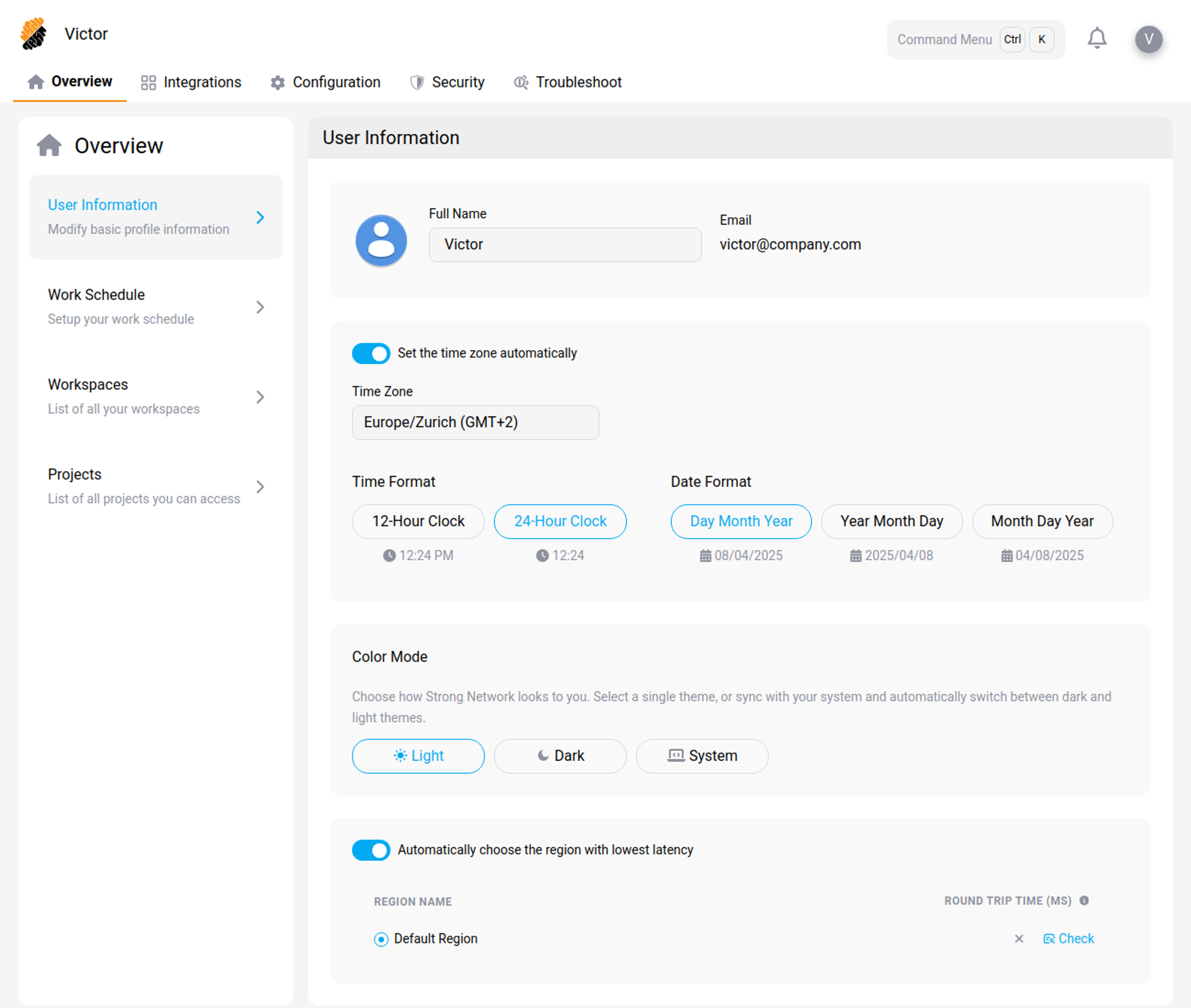
The Overview Page allows you to edit personal information, define a work schedule, view owned workspaces and project membership.
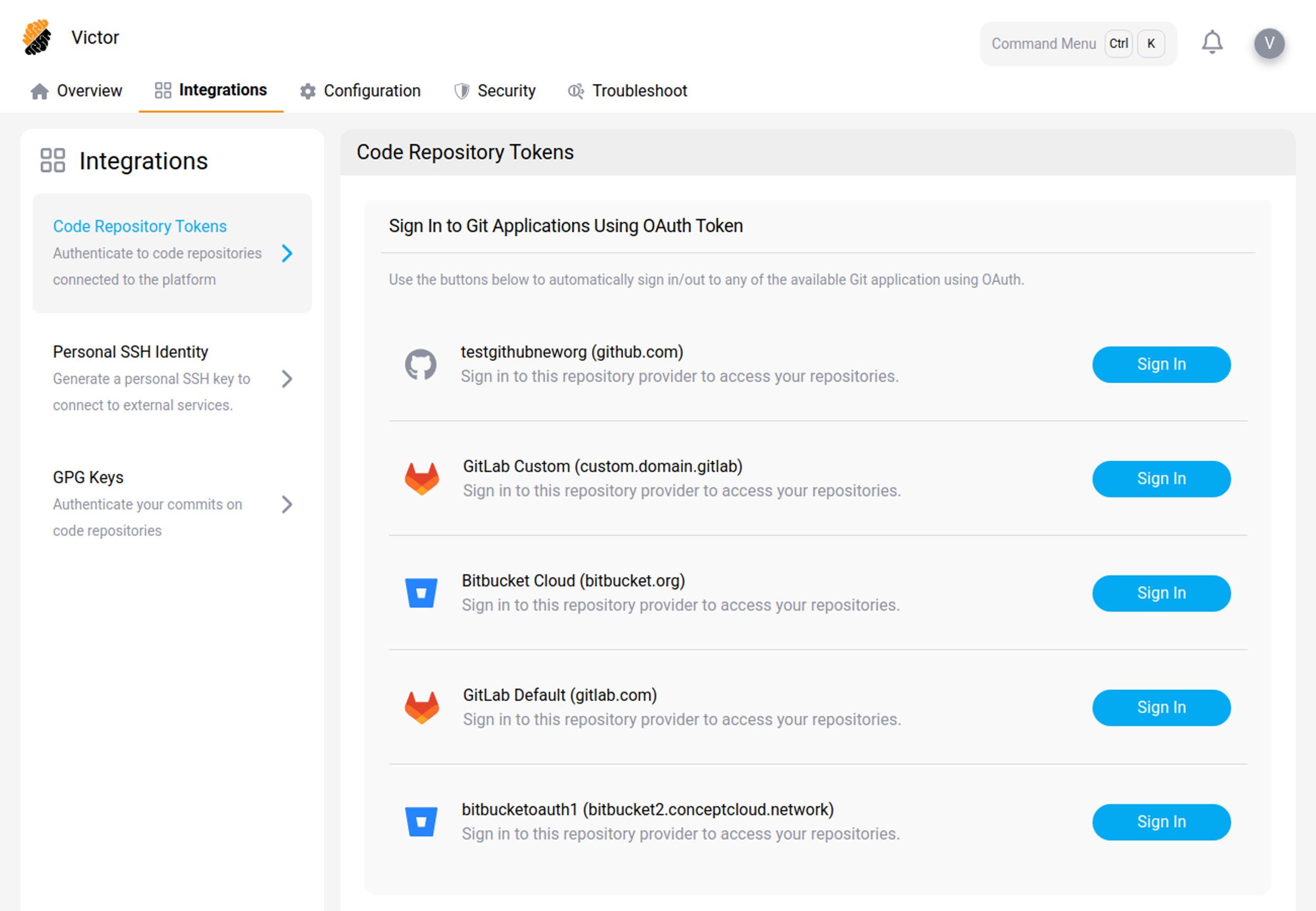
The Integration Page allows you to create and edit different authentication tokens, personal SSH identity, and GPG keys.
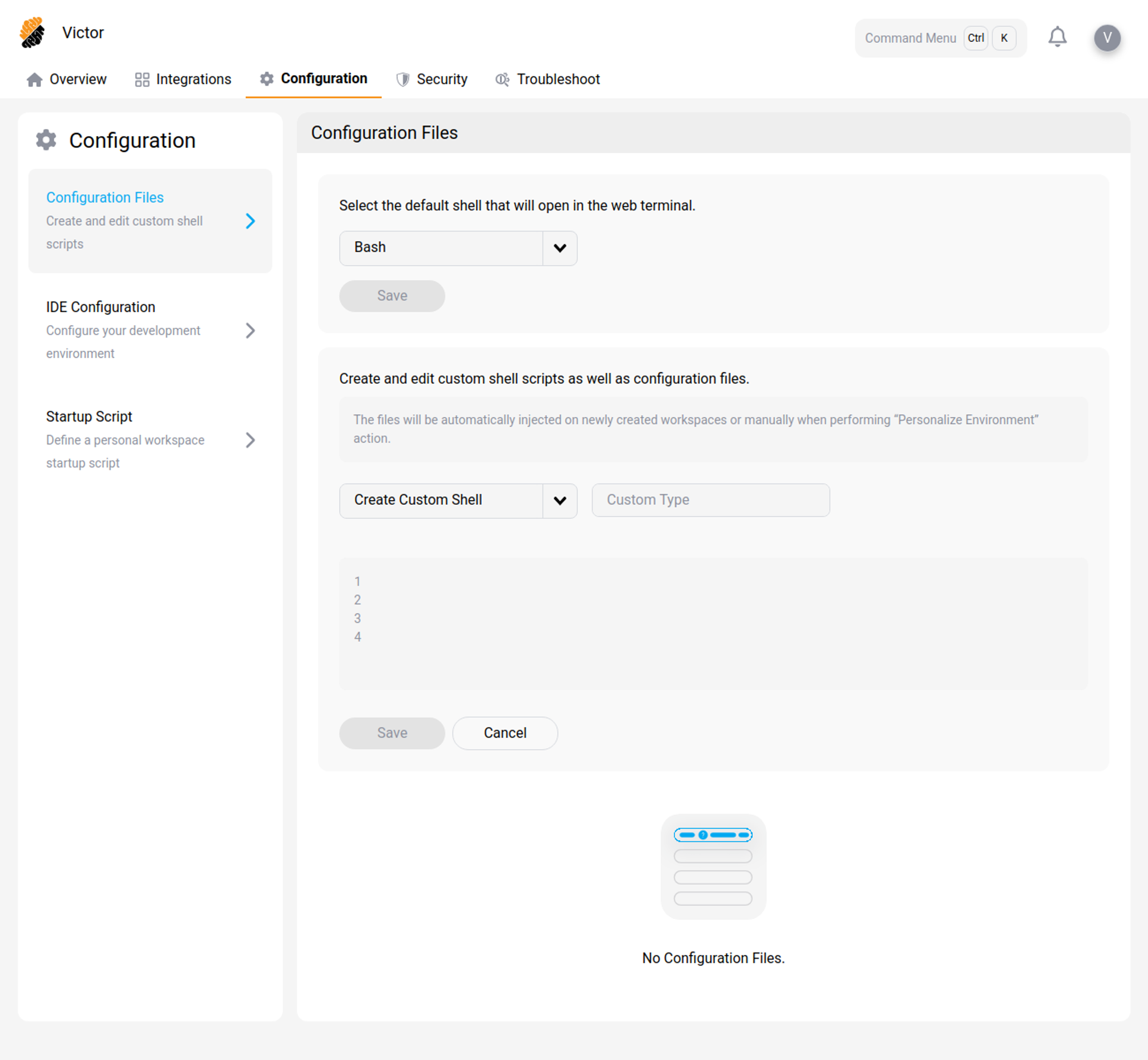
The Configuration Page allows you to create and edit custom configuration files, IDE configurations and workspace startup scripts.
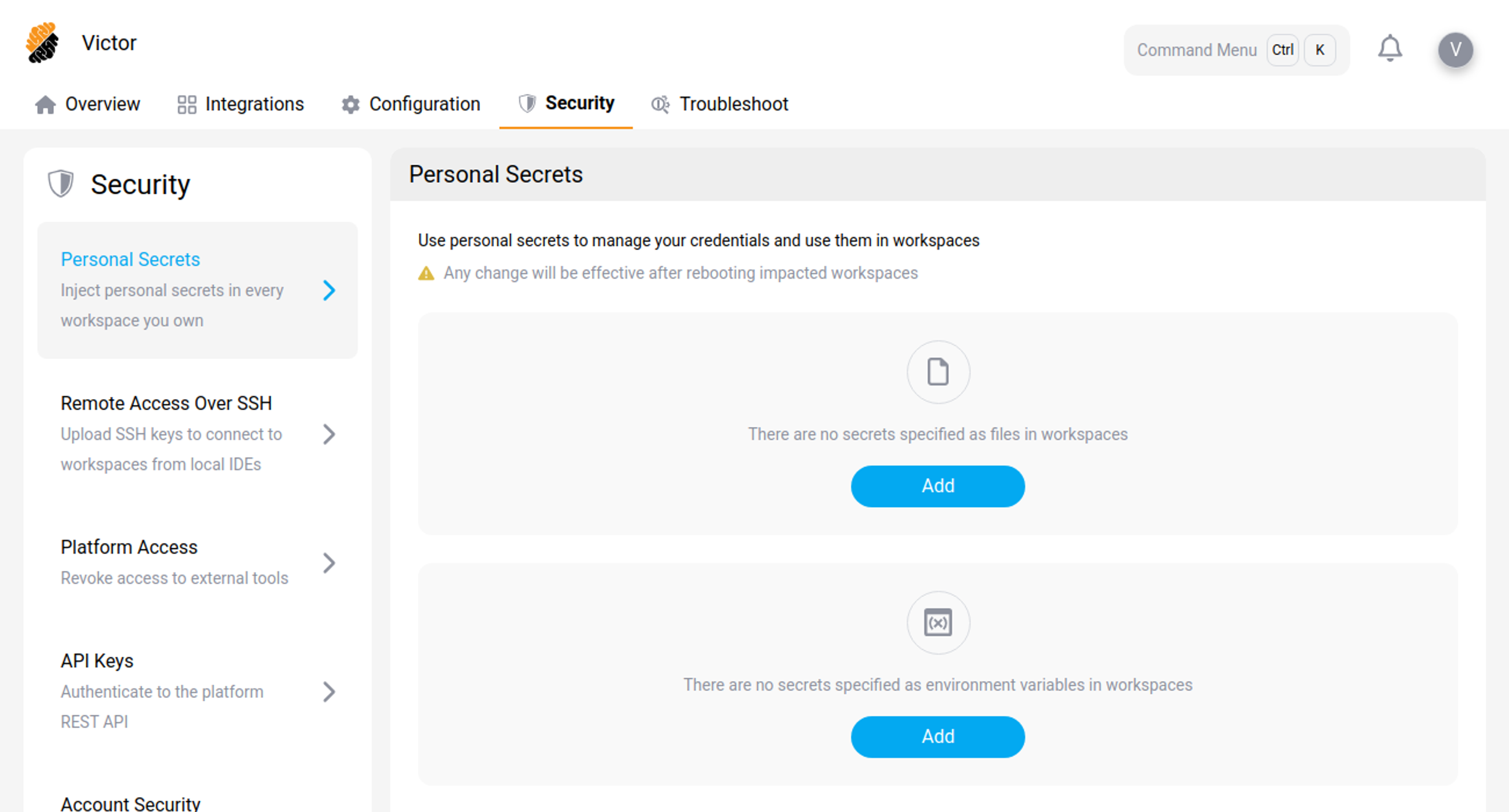
The Security Page allows you to create and edit API keys, SSH keys and personal secrets.
Account menu
Select your profile picture at the top right of the screen to open the account menu. Alongside the profile pages and the theme setting, the menu includes:
-
REST API — the API specification for your deployment. See REST API.
-
Documentation — this documentation set.
-
What's New — the SecurSpaces release notes, in a new browser tab.
-
Your Organizations and Your Projects — the organizations and projects you belong to.
Content
-
Overview Page
-
Integration Page
-
Configuration Page
-
Security Page
-
Troubleshoot — four diagnostic tools for the IDE connection, region latency, DNS, and network protocols