
People page
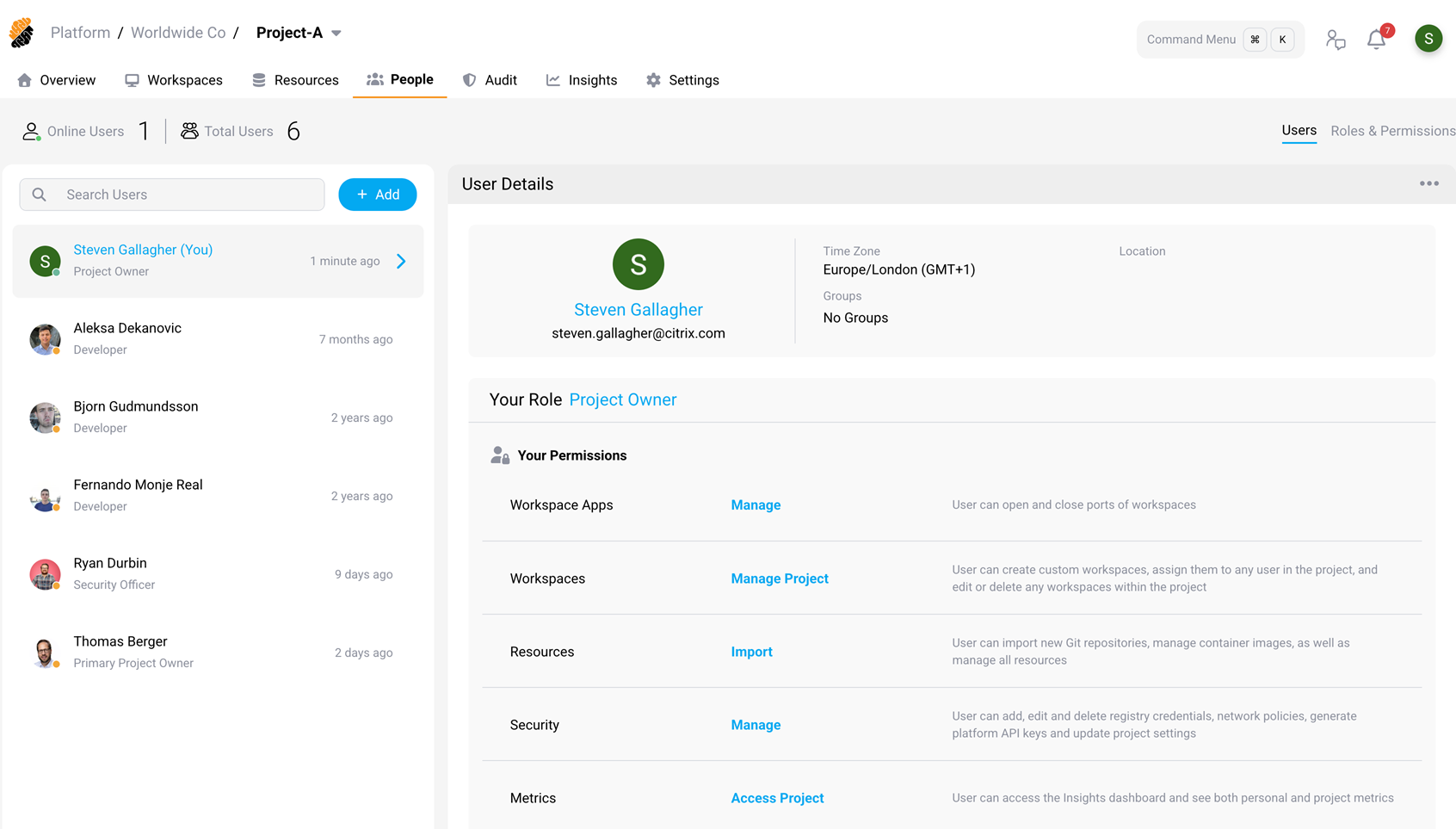
The People page contains information about users onboarded to a project, an organization or the entire platform. Switching projects or organizations therefore updates the membership in the table.
You can see the role, permissions and public details for each user in the View User panel.
This page provided typical team management functions to users with the appropriate permissions. The project owner has permissions to update the roles of the users in the project.
In addition, the project owner can create new roles or update existing ones from the Permission Management panel.
Info:
A regular user can view all of the roles in the project and their permissions, even without the Members permission set to Manage.
Content
-
View Users panel.
-
Access Control panel.