Place access restrictions on recordings
Overview
You can restrict access to selected recordings from within the Session Recording service. In addition to playback permissions, this feature provides more granular access control.
Citrix Cloud™ administrators assigned any of the following access permissions are allowed to place access restrictions on recordings:
- Full access
- Cloud Administrator role
- Session Recording-FullAdmin role
- Session Recording-PrivilegedPlayerAdmin role
- Session Recording-ReadOnlyAdmin role
Restricted recordings are not accessible to Session Recording read-only administrators, that is, Citrix Cloud administrators assigned only the Session Recording-ReadOnlyAdmin role. Session Recording read-only administrators do not have permission to access the Restricted page or remove access restrictions on the page.
Note:
- This feature requires Session Recording server 2209 or later.
- Placing access restrictions on live recordings is not supported.
Place and remove access restrictions on target recordings
- Select Recordings > All Recordings from the left navigation of the Session Recording service.
-
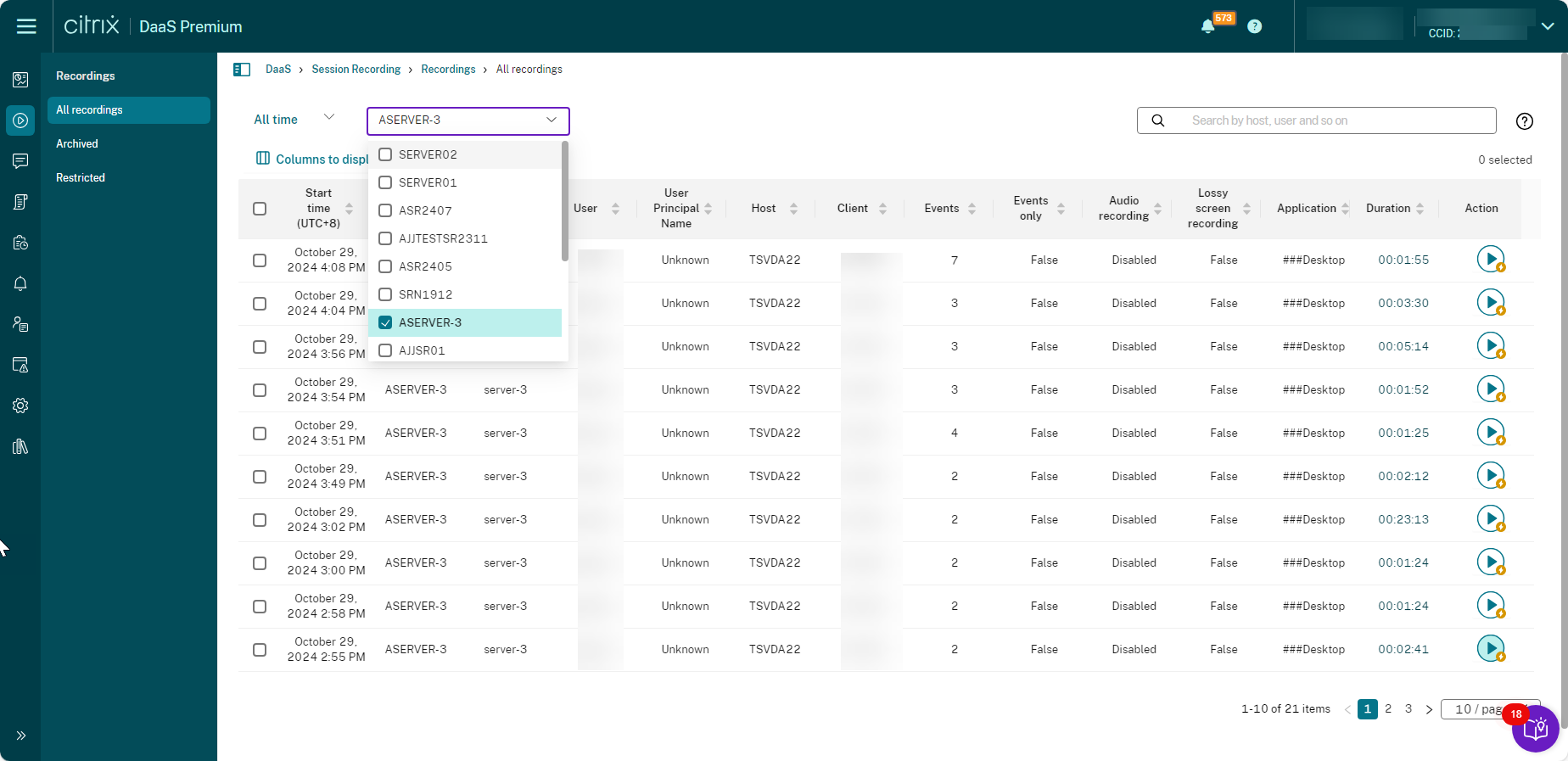
Select a site consisting of Session Recording server 2209 or later.
-
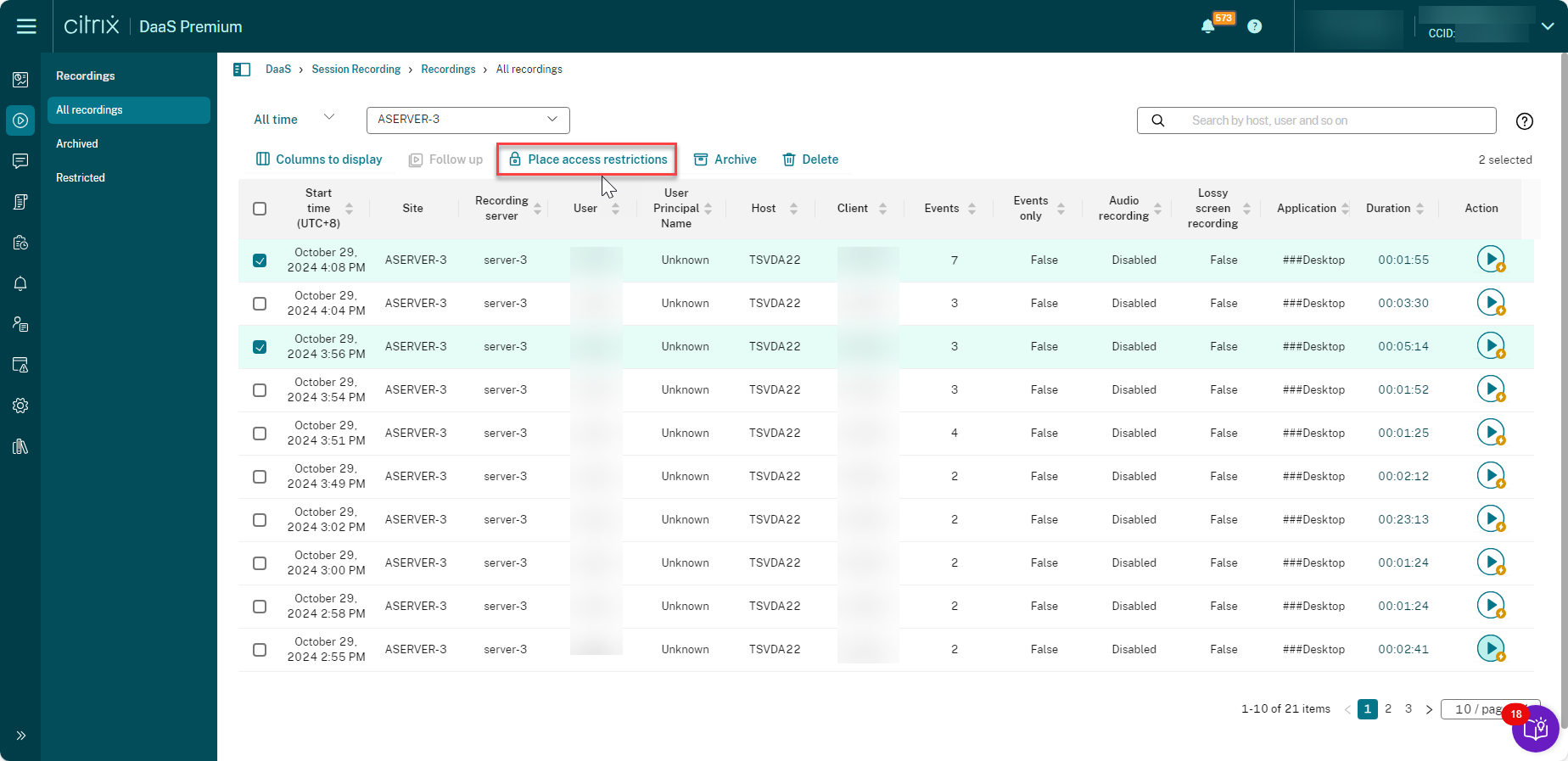
On the All Recordings page, select one or more target recordings.
Note:
We recommend you select no more than 40 recordings at a time. Otherwise, access restrictions can fail.
-
Click Place access restrictions.
-
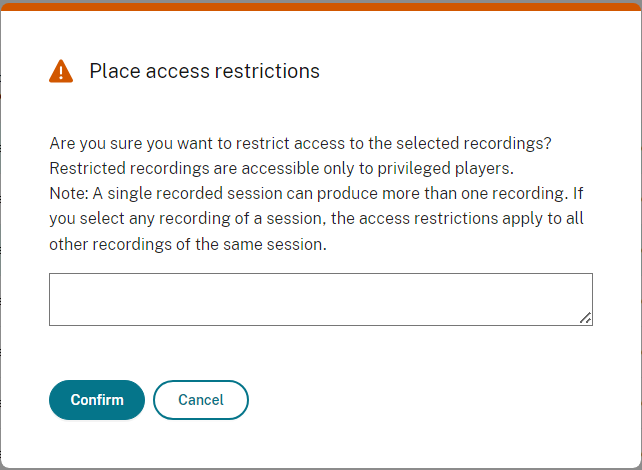
Read the prompt and then click Confirm.
-
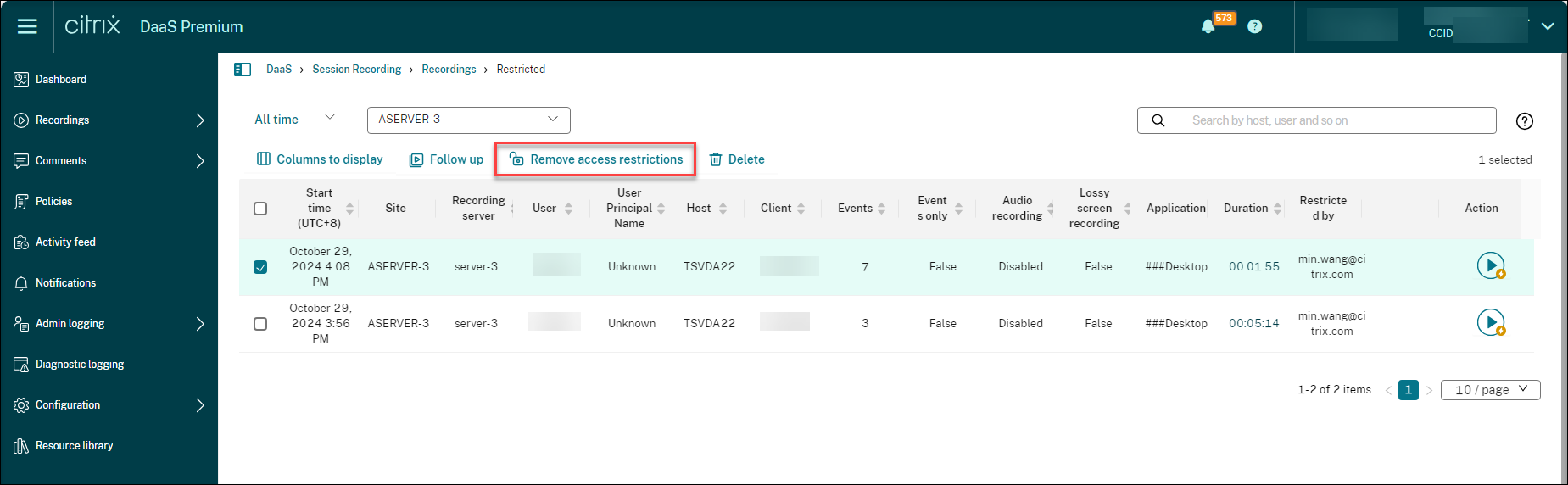
Verify that the selected recordings on which you placed access restrictions are moved from the All Recordings page to the Restricted page.
-
On the Restricted page, remove access restrictions as needed. With access restrictions removed, recordings are moved back to the All Recordings page.