
Popup Message Task
The
Popup Message task displays a popup message to the user, either in a top level popup window, or using an Action Center notification when available.
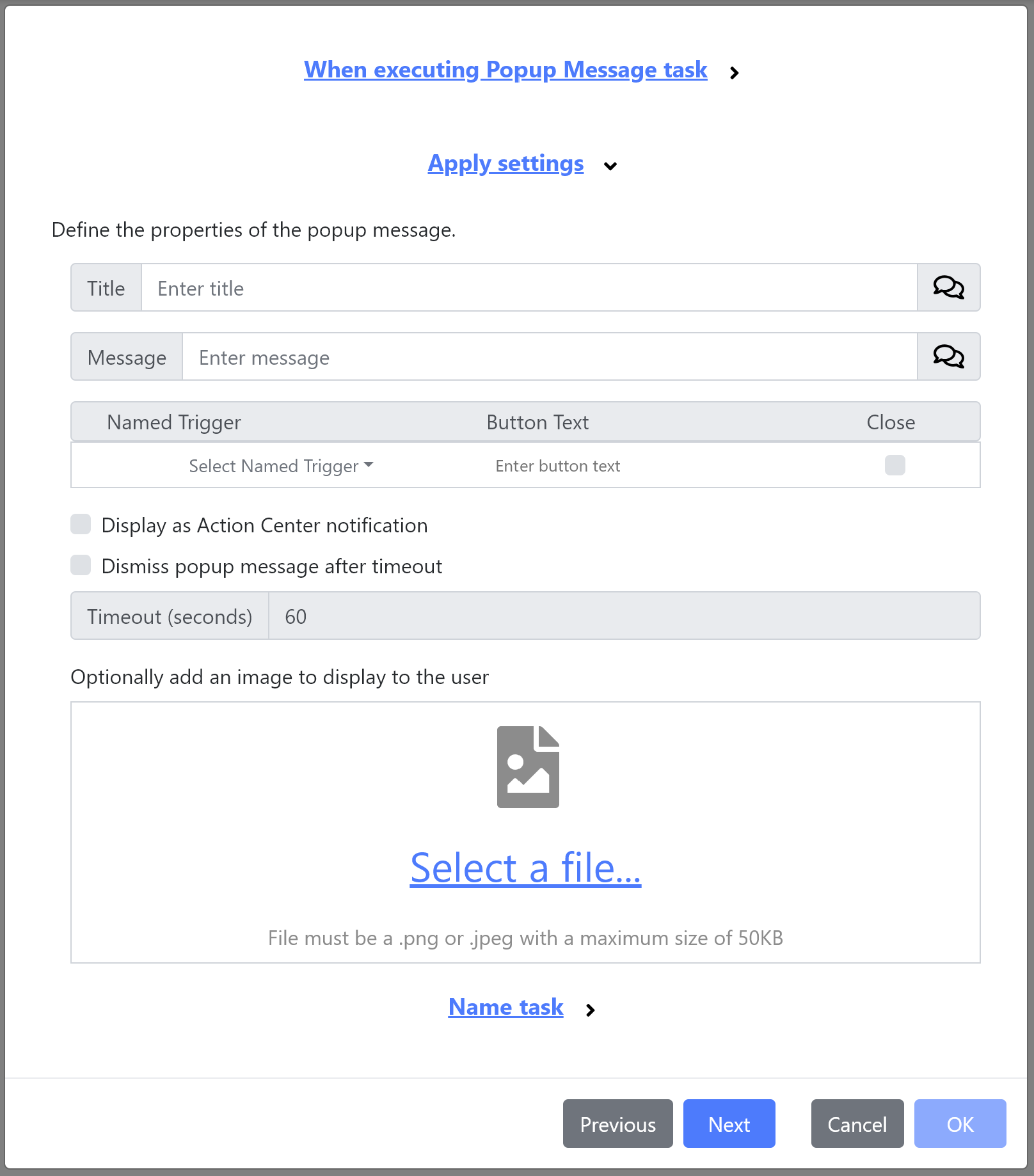
The following controls are available:
-
Title - The title of the message displayed to the user.
-
Message - The message displayed to the user.
-
Buttons - Optionally, one or more additional buttons to add to the popup:
-
Named Trigger - The name of a named trigger to execute when the user clicks the button.
-
Button Text - The text displayed to the user on the button.
-
Close - When checked, the popup message is closed when the user clicks the button.
-
-
Display as Action Center Notification - When checked, the popup message is shown using the OS notifications.
-
Dismiss popup message after timeout - When checked, the popup message is automatically closed after the specified time period.
-
Image - An optional image displayed on the popup.