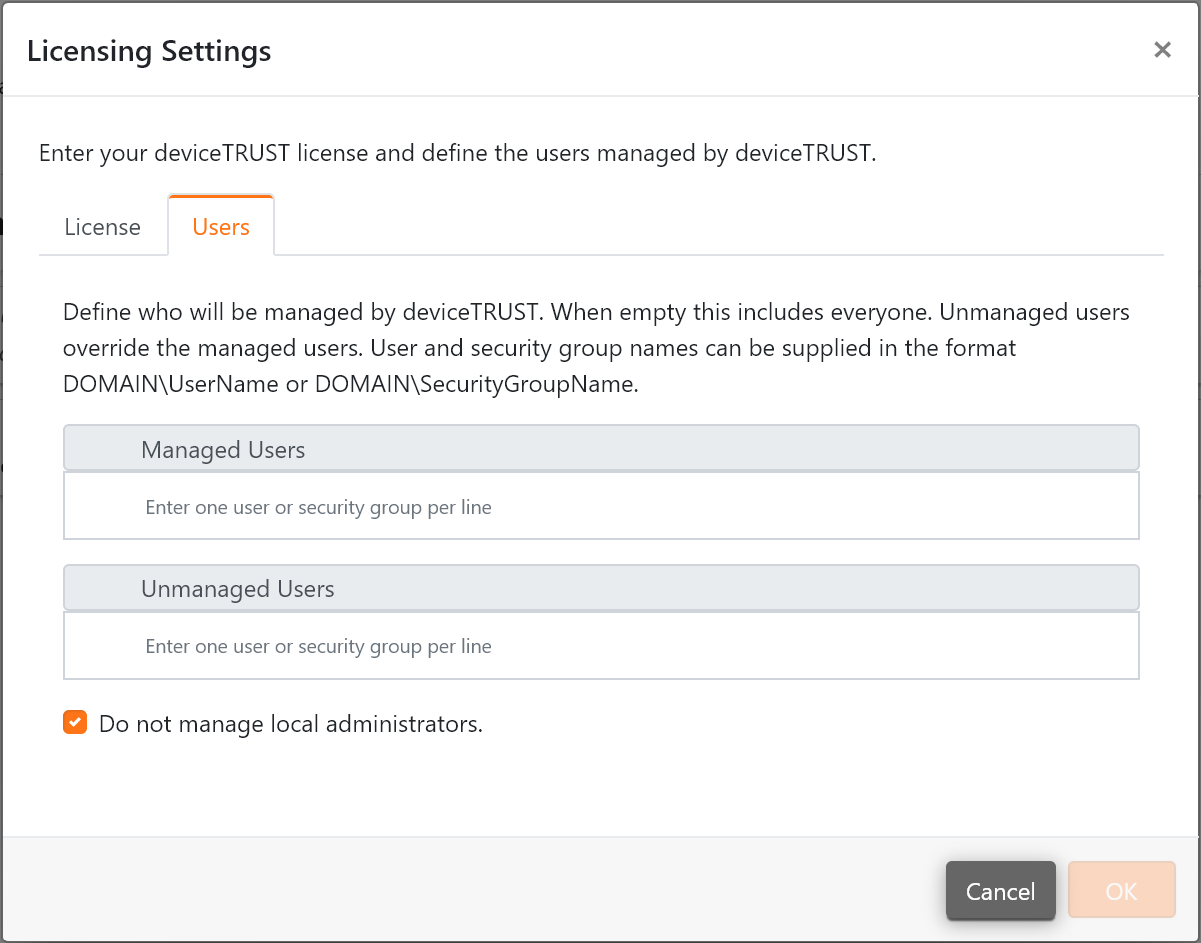
Licensing Settings
The
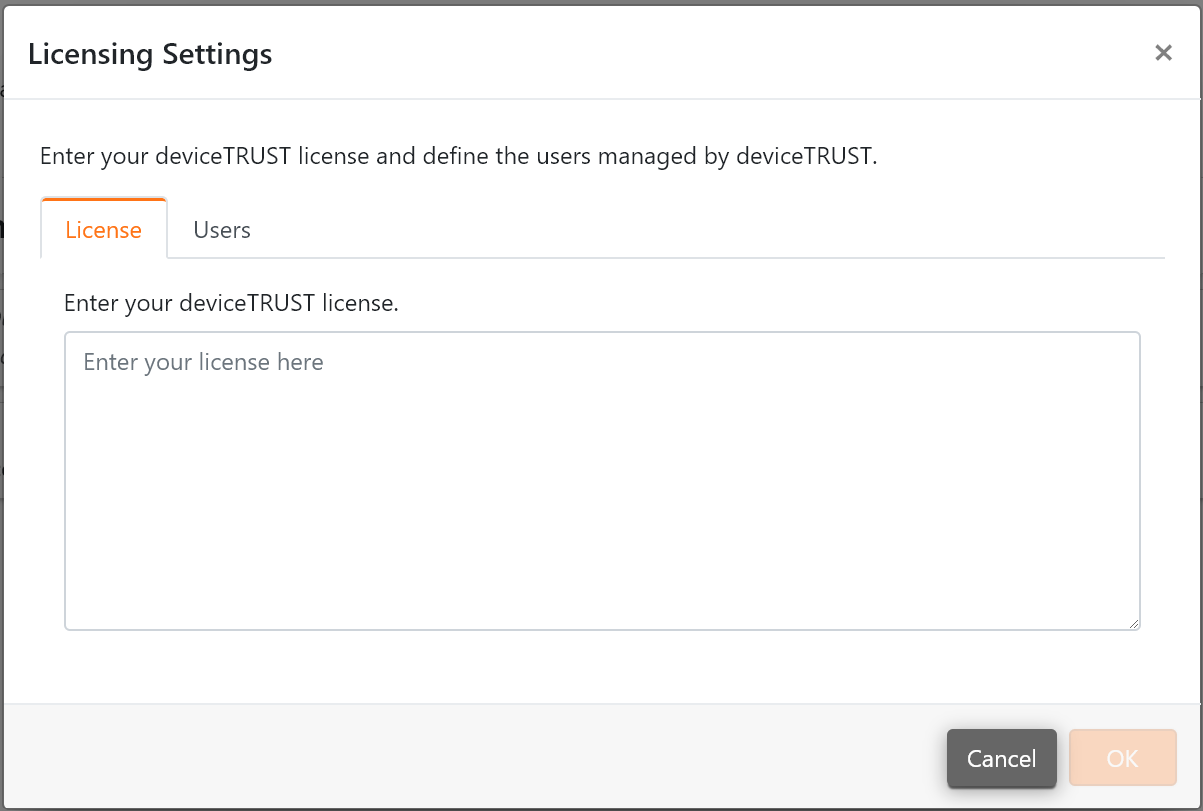
Licensing Settings defines your deviceTRUST license and the users managed by deviceTRUST. The deviceTRUST product can be licensed by entering a license key within the Enter your deviceTRUST license text area.
By default deviceTRUST will manage all users except users within the Local Administators group. This can be configured by entering the security groups containing the users that deviceTRUST should manage. Local Administrators can be managed by deviceTRUST by unchecking the
Do not manage local administrators checkbox.