Update licenses
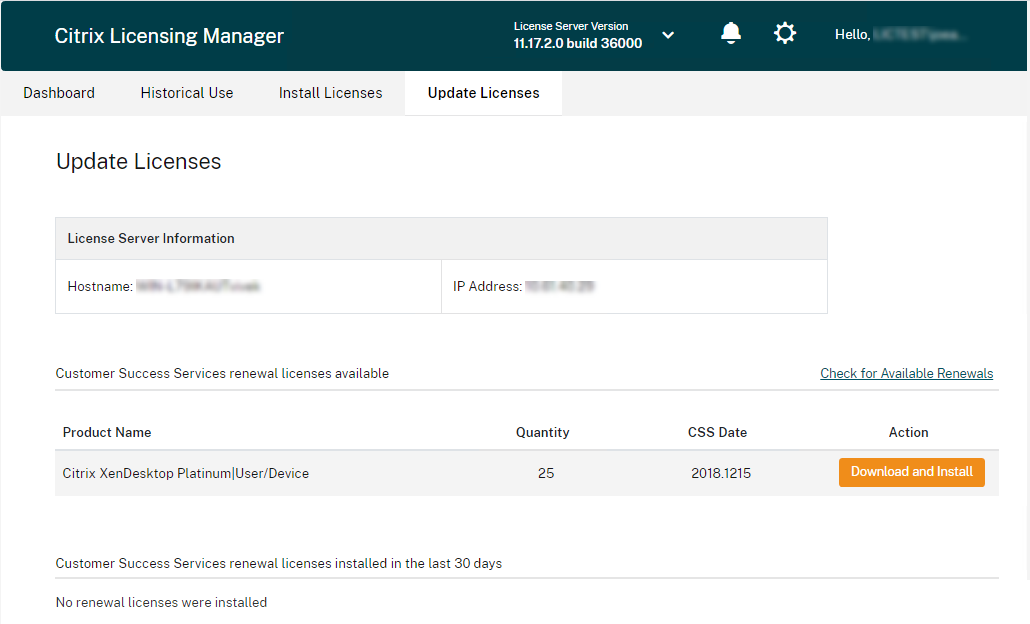
Install your Customer Success Services renewal licenses from the Update Licenses tab in the Citrix Licensing Manager. You can also see a record of the recently installed renewal licenses in the Customer Success Services renewal licenses renewed in the last 30 days section.
To update the licenses
-
In the Customer Success Services renewal licenses available section, click Check for Available Renewals.
-
Click Download and Install to install the license. For more information see the Use downloaded license file section in Install licenses.