
Custom backgrounds and banner messages on session logon screens
Add a custom background or banner message to session logon screens
Tip:
To use the feature on SUSE 15.4, install
imlib2 from <http://download.opensuse.org/distribution/leap/15.3/repo/oss/>.
You can use the following commands to add a custom background or banner message to session logon screens. To add both a background and a banner message to session logon screens, you can embed the banner message into the background image. After you open a session, the banner message page is displayed first and then the authentication dialog appears.
To set the title of a custom banner message, run:
/opt/Citrix/VDA/bin/ctxreg create -k "HKLM\System\CurrentControlSet\Control\Citrix" -t "REG_SZ" -v "LogonDisplayStringTitle" -d "<Banner message title>" --force
To set the body text of a custom banner message, run:
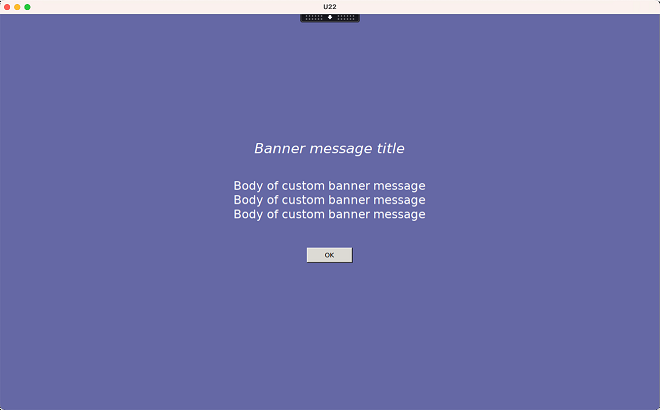
/opt/Citrix/VDA/bin/ctxreg create -k "HKLM\System\CurrentControlSet\Control\Citrix" -t "REG_SZ" -v "LogonDisplayString" -d "Body of custom banner message\nBody of custom banner message\nBody of custom banner message\n" --force
Tip:
The
\n element creates a line break. In this example, the banner message screen looks like this:
To add a custom background to session logon screens, run:
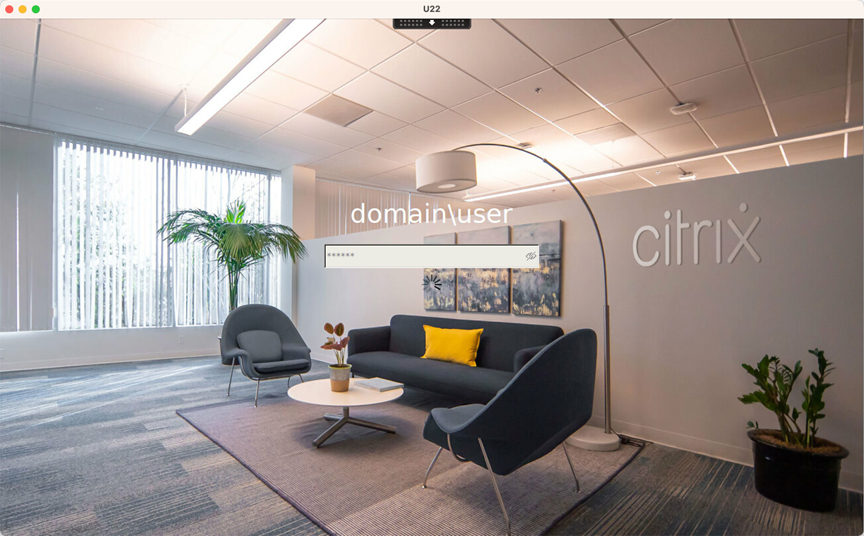
/opt/Citrix/VDA/bin/ctxreg create -k "HKLM\System\CurrentControlSet\Control\Citrix" -t "REG_SZ" -v "BackgroundImagePath" -d "<path to the background image>" --force
For example:
Example session logon screens
The following are example session logon screens in different scenarios:
-
Session logon in single sign-on (SSO) scenarios:
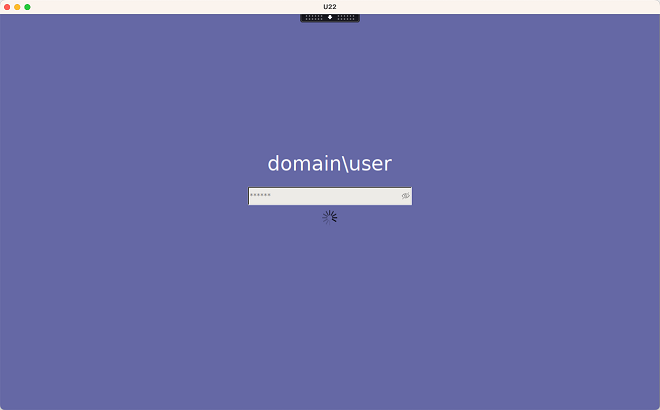 The logon process is displayed.
 -
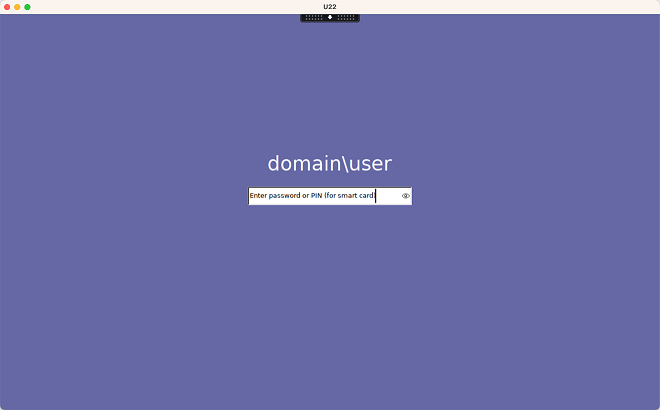
Session logon in typical non-SSO scenarios:
-
A password or PIN code is required in non-SSO scenarios.
-
Users can toggle the visibility of passwords and PIN codes, making it easy for users to find out incorrect inputs.
-
-
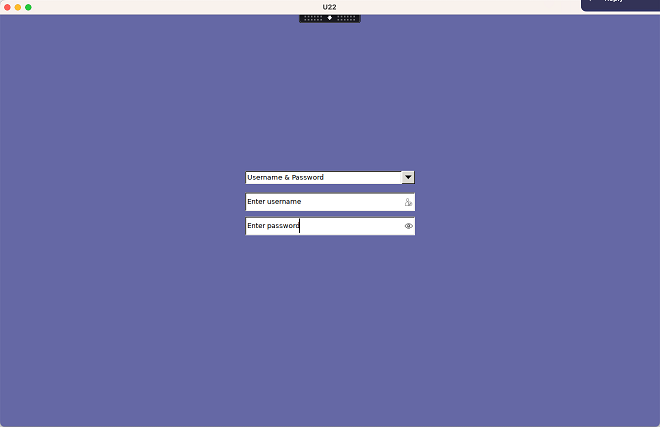
Session logon in non-SSO scenarios when users log on to VDA sessions with credentials different from those used to log on to Citrix Workspace™ app:User name and password used for session logon:
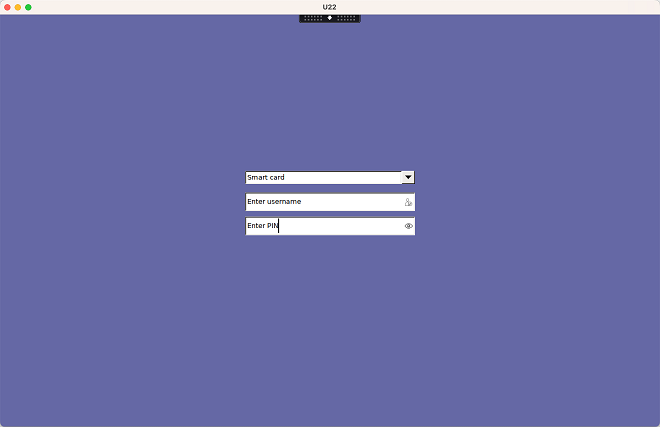
 Smart card used for session logon:
 For the combinations of user authentication methods supported in non-SSO scenarios, see Non-SSO authentication.