Event response reports
Overview
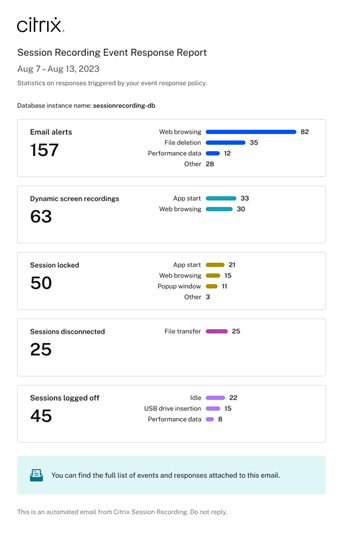
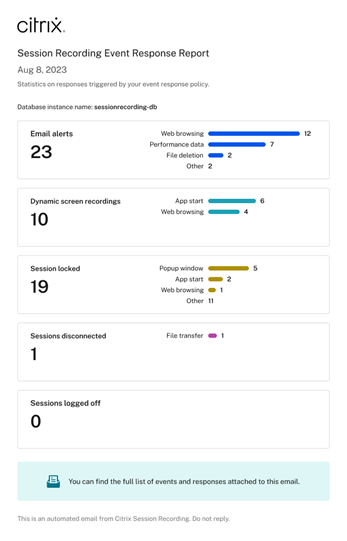
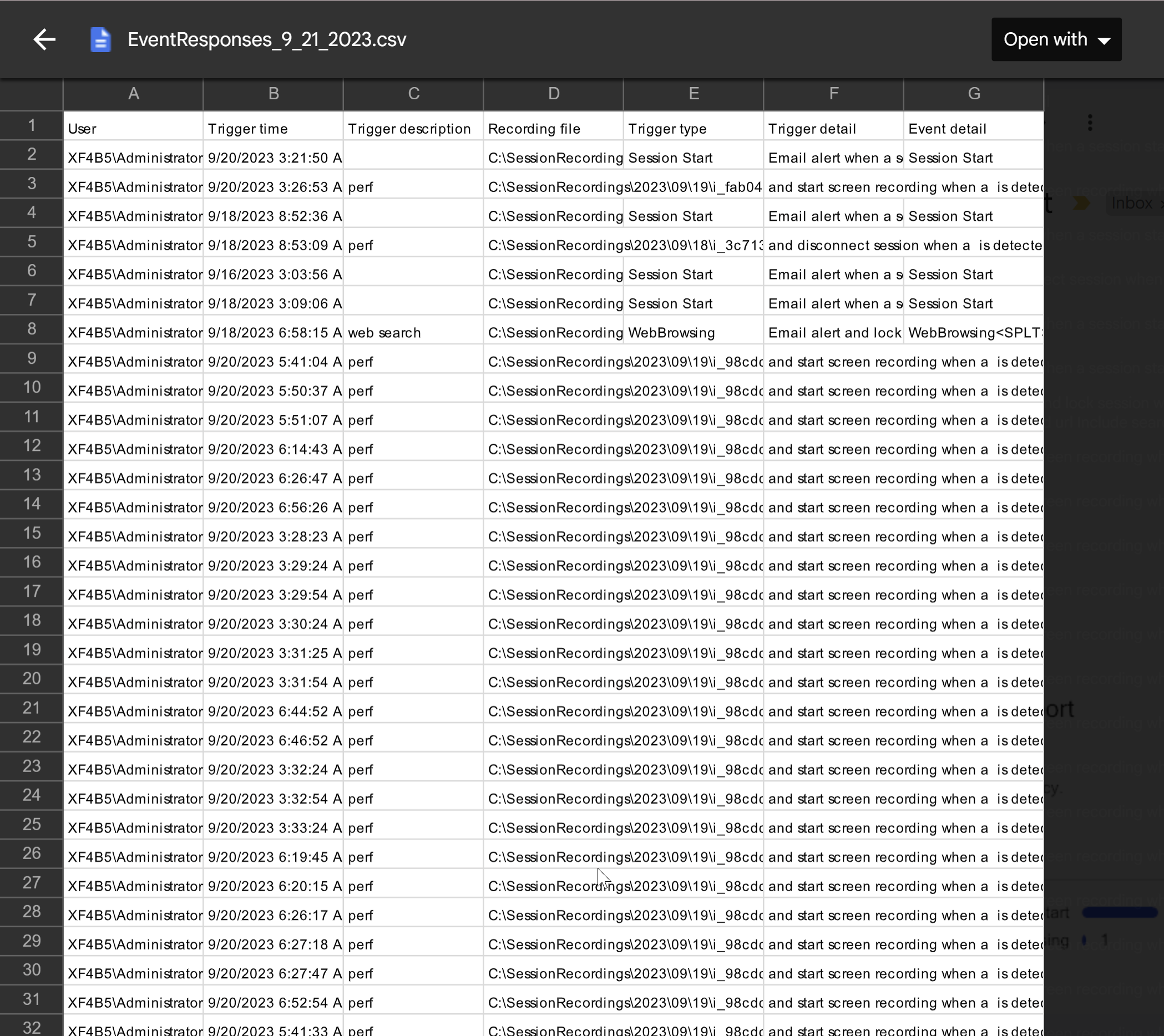
You can receive emailed event response reports on a daily or weekly basis. An event response report contains a digest chart as the email body and a csv file as the attachment. The csv file includes a full list of the events during the day or week that have triggered various event responses.
Note:
By selecting email notifications as the event response in your custom event response policy, you can still be notified about each individual occurrence. You can choose regular event response reports, individual notifications, or both.
The following are example digest charts contained in a weekly and a daily event response report:
| Weekly | Daily |
|---|---|
 |
 |
See the screen capture below for an example csv file that can be linked to an event response report:
Configuration
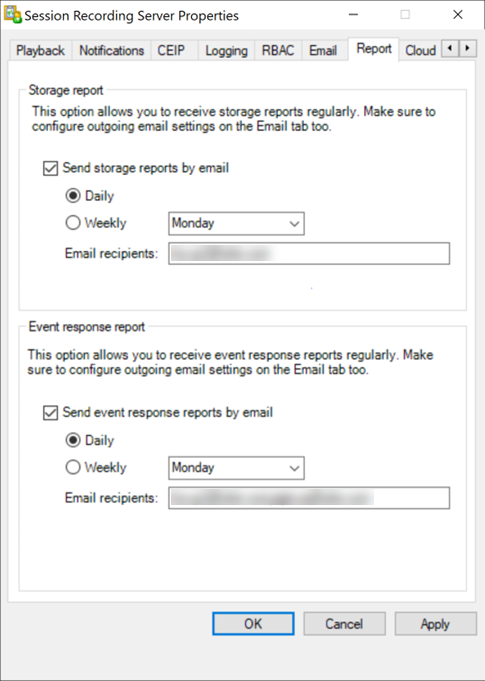
To receive emailed event response reports on a daily or weekly basis, schedule reports through Session Recording Server Properties. Make sure to configure outgoing email settings on the Email tab too.
Note:
If your Session Recording servers are configured in a load balancing manner, schedule reports on one of the servers. Otherwise, create a schedule on each of your Session Recording servers.