
FIPS support
You can run Workspace Environment Management™ (WEM) in a FIPS environment. The following configurations in WEM relate to FIPS:
-
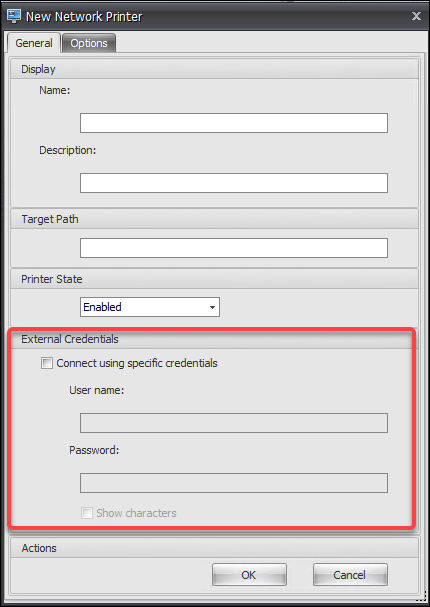
Printer credentials in Administration console > Actions > Printers:
-
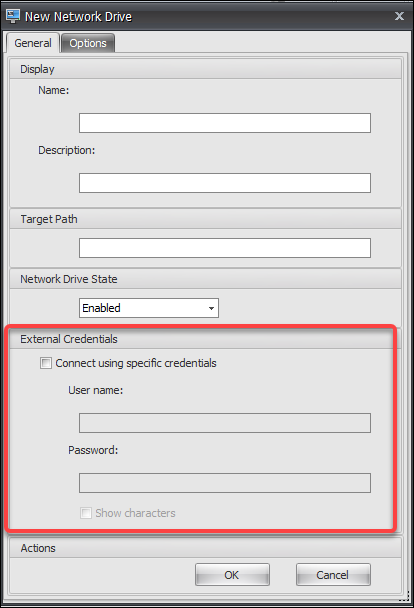
Network drive credentials in Administration console > Actions > Network Drives:
-
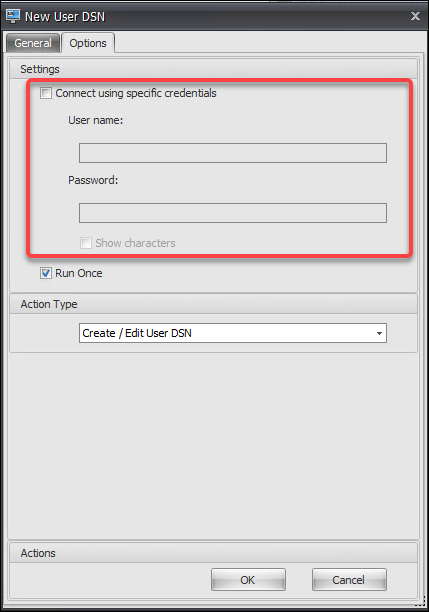
User DSN credentials in Administration console > Actions > User DSN:
-
SMTP credentials in Administration console > Advanced Settings > UI Agent Personalization > Helpdesk Options:

-
Unlock password settings in Administration console > Transformer Settings > General > General Settings:

-
Auto logon credentials in Administration console > Transformer Settings > Advanced > Logon/Logoff & Power Settings:

Be aware of the following consideration when running WEM in a FIPS environment.
-
You cannot restore to your WEM environment the following items if they are exported from a WEM 2003 or earlier environment.
-
Actions (printers, network drives, user DSN) and action groups containing those actions
-
Settings (agent configuration settings and transformer settings)
-
Configuration sets
-
Upgrade considerations
If you want to run WEM in FIPS mode, be aware of the following considerations before upgrading the WEM infrastructure services and administration console:
-
If you have WEM 2006 or later running in your environment, you can first upgrade to 2109 and then switch to FIPS mode or the opposite way.
-
If you have WEM 2003 or earlier running in your environment, you must first upgrade to 2109 and then switch to FIPS mode.
Agent considerations
To run the WEM agent in a FIPS environment, make sure that the version of the agent is 2006 or later.