
Customize your store experience
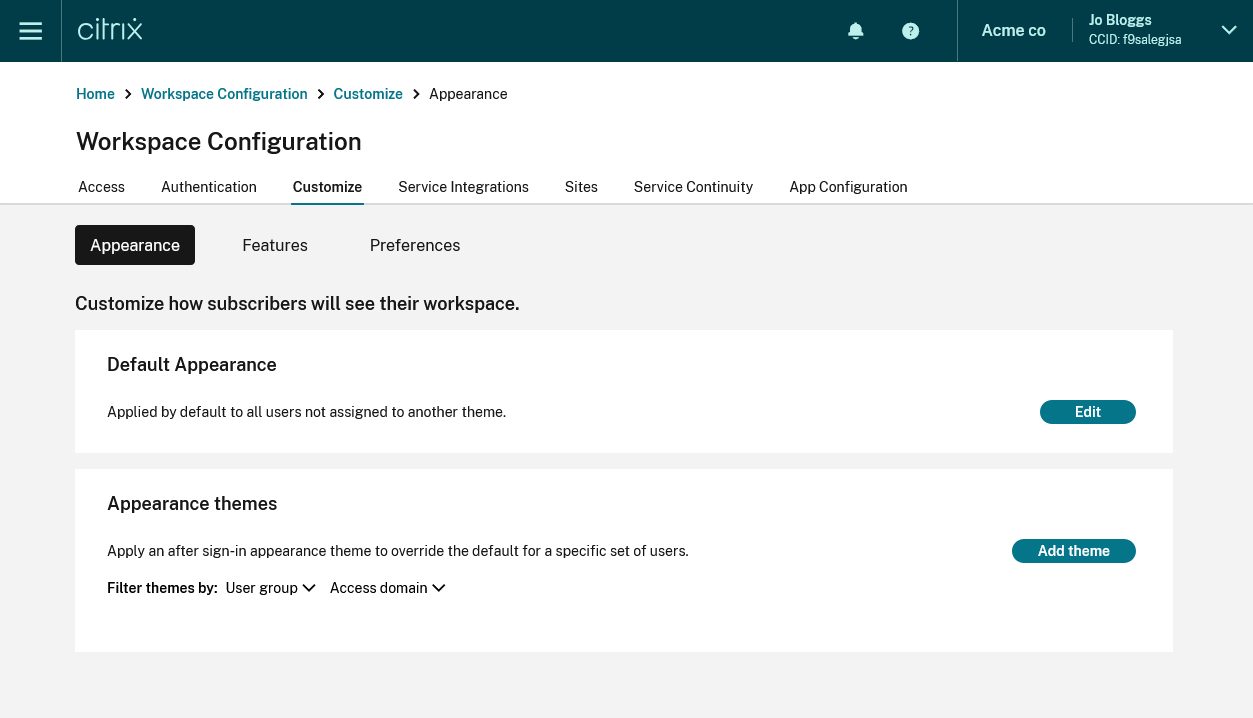
To customize the store, from the menu open StoreFront Cloud then the Customize tab.
Appearance
To customize your store with your own logos and colors, go to the Appearance tab. For more information, see Customize the appearance of stores.
Features
To customize which feature your users have access to, go to the Features tab. For more information, see Enable and disable features.
Preferences
To modify other aspects of behavior, appearance, and configure access methods for the store, apps, and desktops, go to the Preferences tab. For more information, see the following pages: