Citrix Endpoint Management™ data source
The Endpoint Management data source represents the Citrix Endpoint Management service associated with your Citrix Cloud account. When users use this service, Citrix Analytics receives the user events related to users' endpoints and their activities in real time. The user events are processed to detect any security threats.
Prerequisites
-
Subscribe to Citrix Endpoint Management offered on Citrix Cloud. To learn how to set up your Endpoint Management service, see Onboarding and resource setup.
-
Cloud Site and Enterprise Directory set up. Ensure that you have two machines running Windows 2012 R2 or Windows 2016 server to install the Cloud Connector.
-
Cloud Connector installed. Download and install the Cloud Connector on a virtual machine that is part of Active Directory.
-
Review the system requirements and ensure that your environment met the requirements.
View data source and turn on data processing
Citrix Analytics automatically discovers all Endpoint Management data sources associated with your Citrix Cloud™ account.
To view the data source:
From the top bar, click Settings > Data Sources > Security.
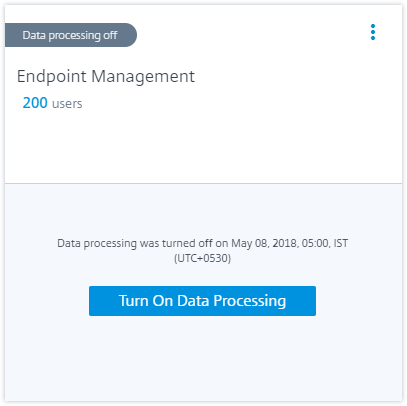
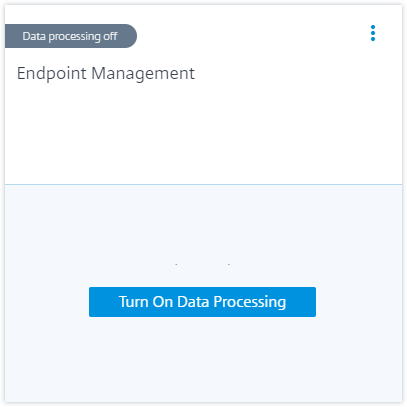
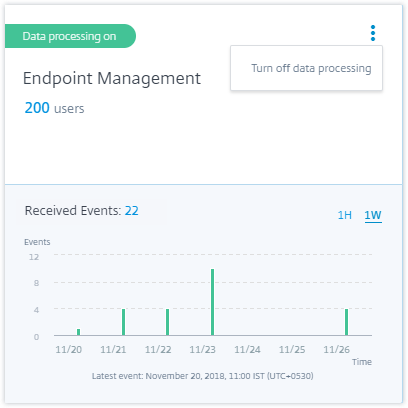
A site card for the Endpoint Management data source appears on the Data Sources page. Click Turn On Data Processing to allow Citrix Analytics to begin processing data for this data source.
View users and received events
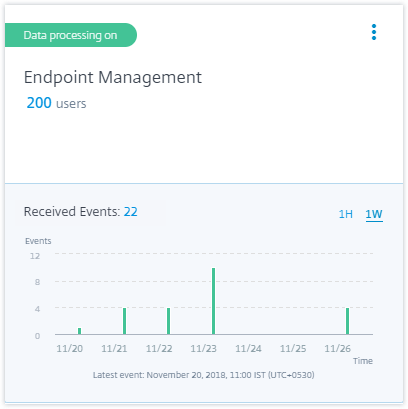
The site card displays the number of Endpoint Management users, devices, and the received events for the last one hour, which is the default time selection. You can also select 1 week (1W) and view the data.
Click the number of users to view the user details on the Users page.
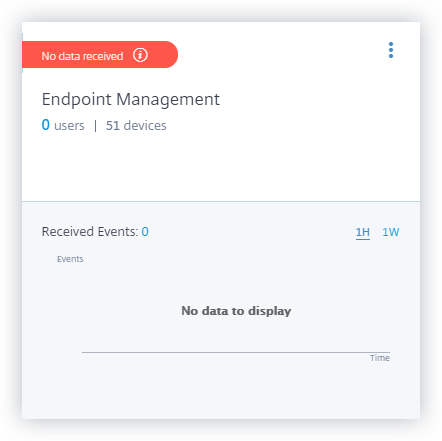
After you have enabled data processing, the site card might display the No data received status. This status appears for two reasons:
-
If you have turned on data processing for the first time, the events take some time to reach the event hub in Citrix Analytics. When Citrix Analytics receives the events, the status changes to Data processing on. If the status does not change after some time, refresh the Data Sources page.
-
Analytics has not received any events from the data source in the last one hour.
Turn on or off data processing
To stop data processing, click the vertical ellipsis (⋮) on the site card and then click Turn off data processing. Citrix Analytics stops processing data for this data source.
To enable data processing again, click Turn On Data Processing.