
Remove a store
To remove a store:
-
Select the Stores node in the left pane of the Citrix StoreFront management console
-
In the Actions pane, click Remove Store
-
In the confirmation window Click Yes.
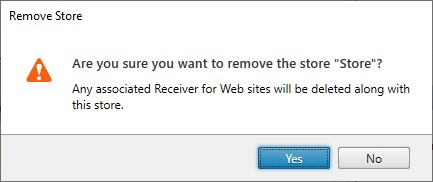
When you remove a store, any associated websites are also deleted.