
Kerberos 委派
注意:
Kerberos 只能与 XenApp 6.5 及更早版本一起使用。
当直接或通过 Citrix Gateway 使用域直通或智能卡身份验证时,StoreFront 不具备用户凭据,因此无法使用用户凭据向交付控制器进行身份验证。当使用 XenApp 6.5 及更早版本时,您可以启用 Kerberos 委派,以允许 StoreFront 模拟用户向交付控制器进行身份验证。这需要 Active Directory 中配置委派。
-
选择一个应用商店,从“操作”窗格中单击“配置应用商店设置”。
-
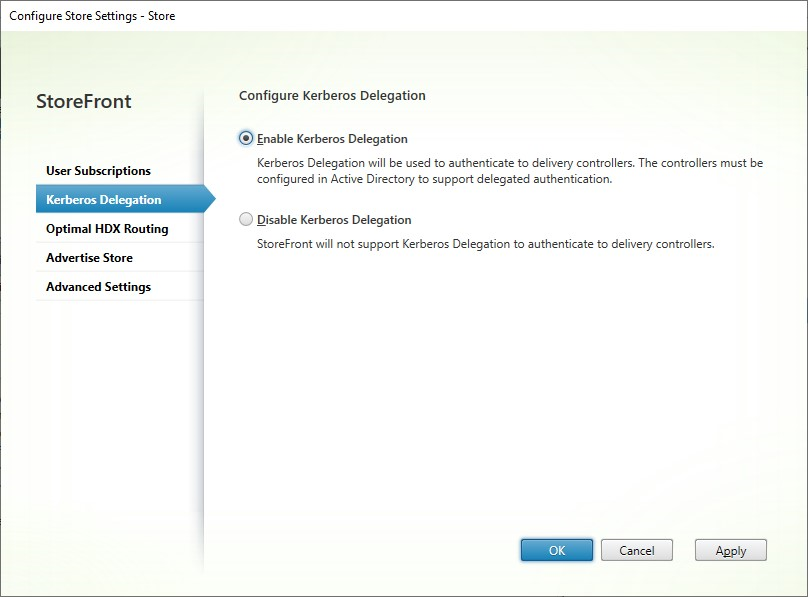
选择“Kerberos 委派”选项卡。
-
选择是启用 Kerberos 委派还是禁用 Kerberos 委派。
-
按“应用”或“确定”保存更改。
PowerShell SDK
要配置 Kerberos 委派,请使用 cmdlet Set-STFStoreService 并使用参数
-KerberosDelegation