
Manage selected recordings
You can select target recordings to archive and delete manually.
Archive recordings manually
To archive recordings manually:
-
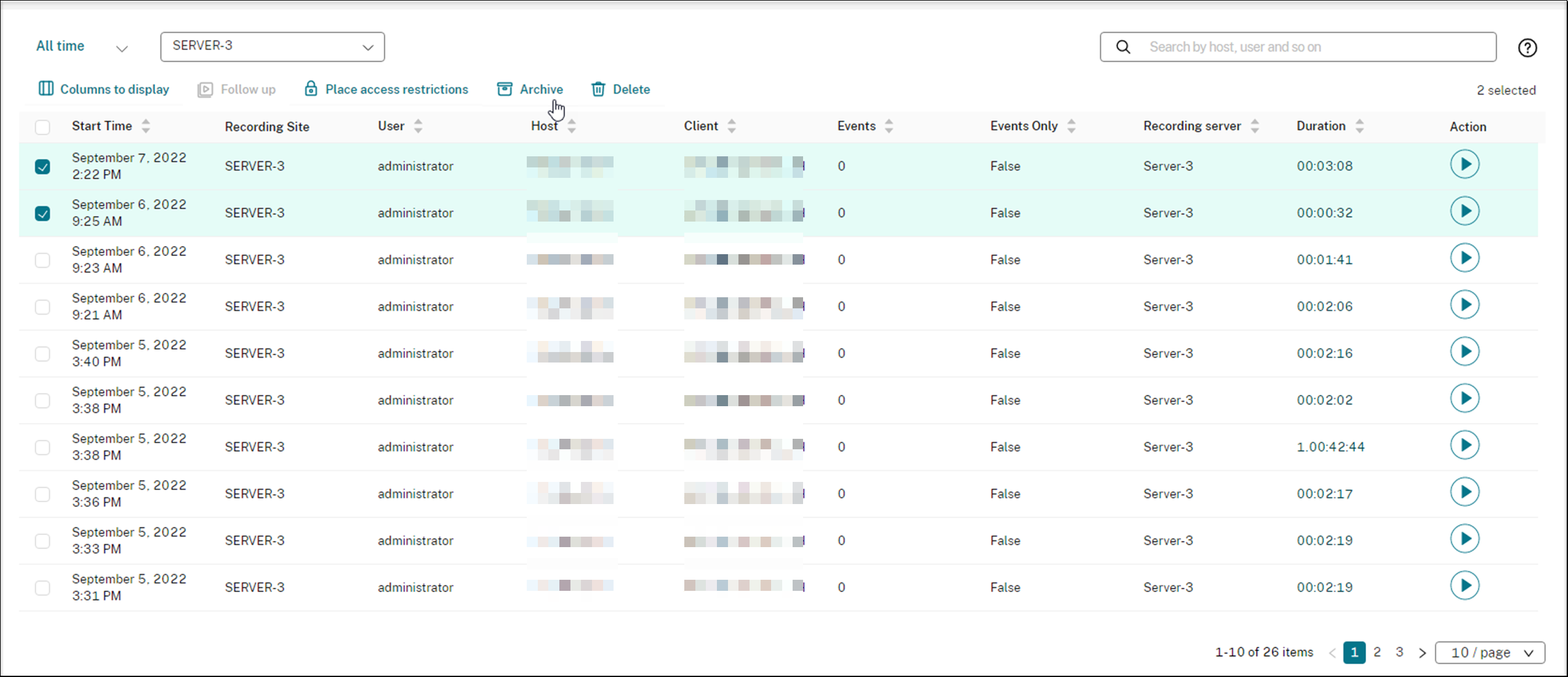
Select Recordings > All Recordings from the left navigation of the Session Recording service.
-
Select one or more target recordings.
-
Click Archive.
Note:
Only Citrix Cloud™ administrators of the following roles can archive recordings:
-
Full access
-
The Cloud Administrator, All role
-
The Session Recording-FullAdmin, All role
-
The Session Recording-PrivilegedPlayerAdmin, All role
If archiving a recording does not complete successfully, the recording is not available for playback or deletion for the first 24 hours following the archiving operation.
A single session can produce multiple recordings. Only recordings of sessions recorded in their entirety can be archived.
If you select any recording of a session, all other recordings of the same session are archived as well.
You can select one or more recordings to archive at a time. When archiving recordings, you can choose to move the recording files to a different location from the one where they were originally stored.
-
If you move the recording files to a different location on the same Session Recording server, grant permissions for the System and Network Service accounts to read and write the archived recordings.
-
If you move the recording files to a UNC path, grant permissions for all computer accounts in your site to read and write the archived recordings.
Delete recordings manually
To delete recordings manually:
-
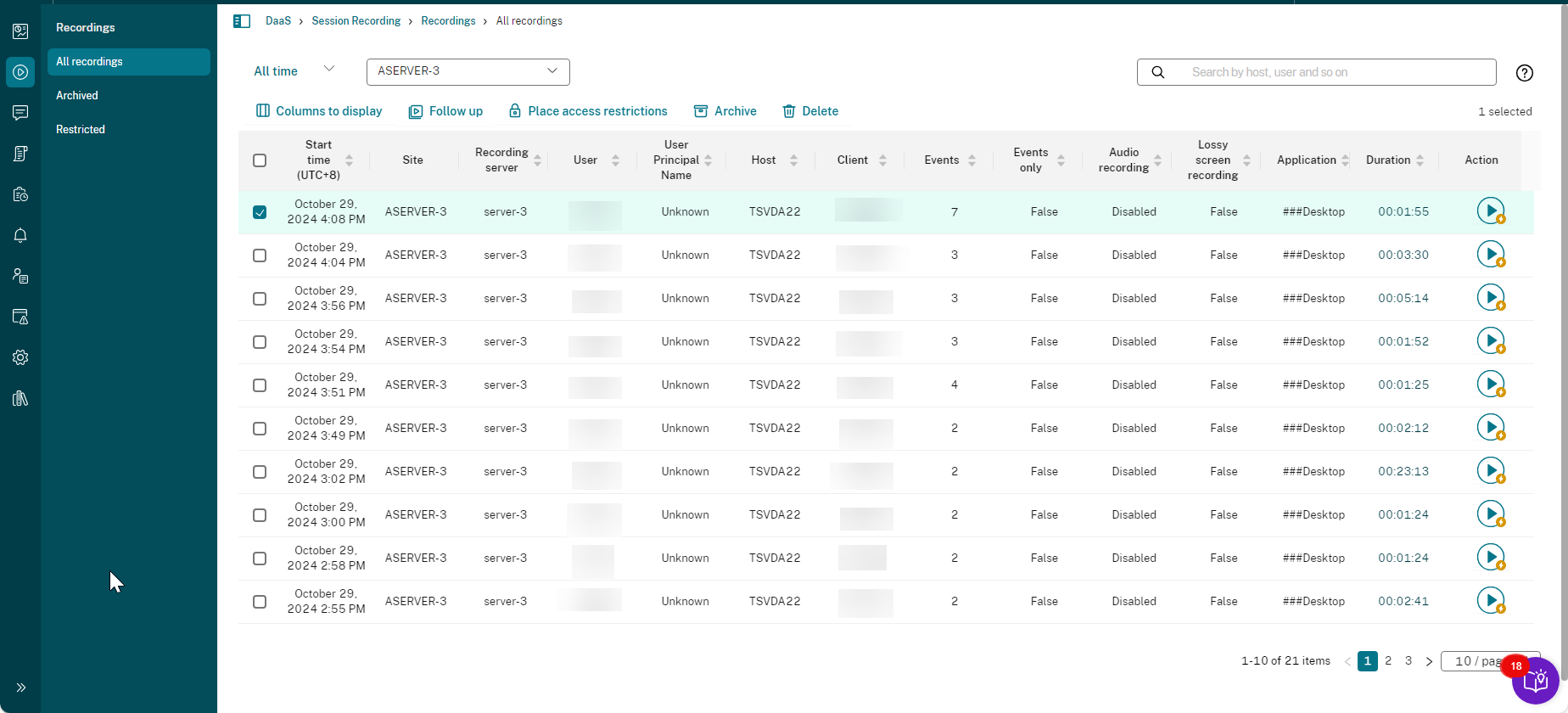
Select Recordings from the left navigation of the Session Recording service.
-
Find one or more target recordings on any of the All Recordings, Archived, or Restricted pages.
-
Click Delete.
Note:
Only Citrix Cloud administrators of the following roles can delete recordings:
-
Full access
-
The Cloud Administrator, All role
-
The Session Recording-FullAdmin, All role
-
The Session Recording-PrivilegedPlayerAdmin, All role
A single session can produce multiple recordings. Only recordings of sessions recorded in their entirety can be deleted.
If you select any recording of a session, all other recordings of the same session are deleted as well.
You can select one or more recordings to delete at a time. When deleting recordings, you can choose to also delete the recording files along with the database records.