
Configure preferences
To configure your preferences for Session Recording, select Configuration > Utility Settings from the left navigation.
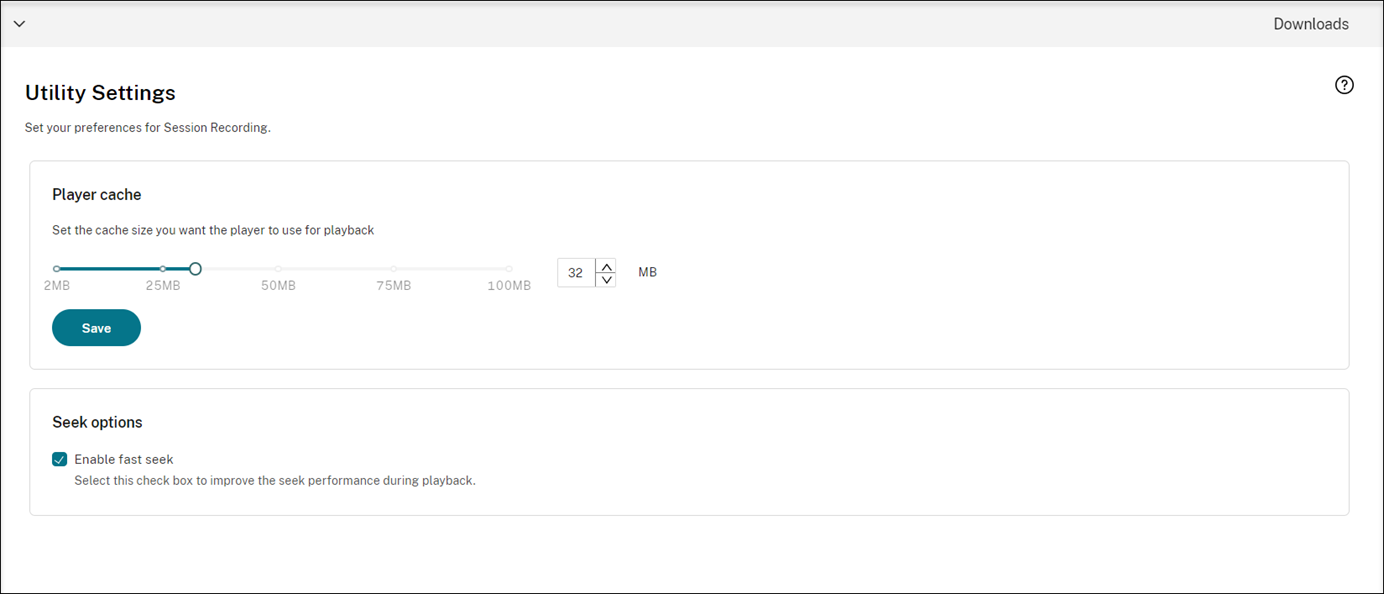
You can configure the following preferences for Session Recording:
-
Player cache. Drag the slider to set the cache size you want the player to use for playback.
-
Fast seek. You can enable fast seeking through ICA® screen recording by configuring how often an I-Frame is generated. This feature significantly improves the playback seeking experience and is available with Session Recording 2308 and later.