Information
Information shows device details such as MAC address and serial number, along with license and version information.
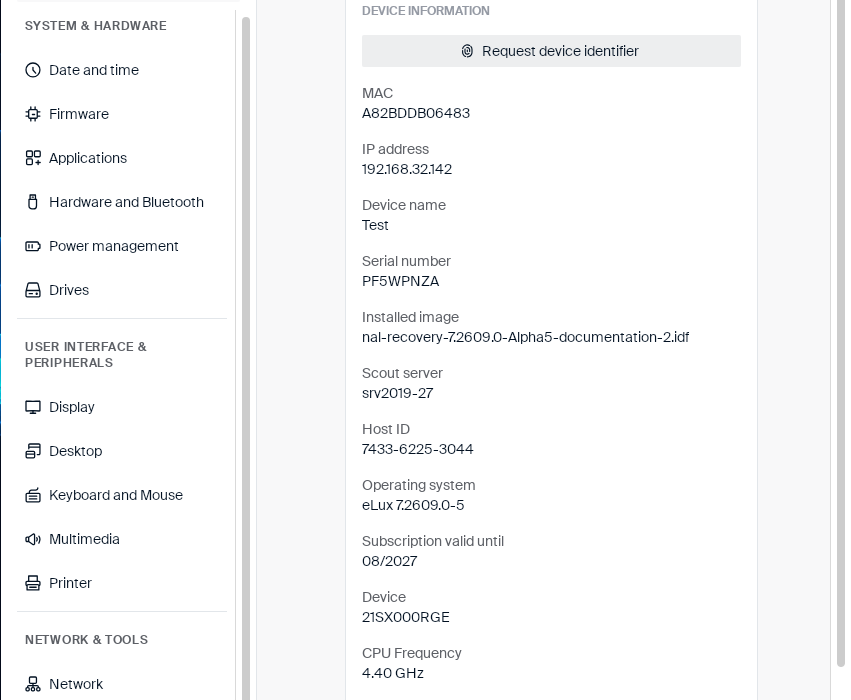
Click Request device identifier to have the device request and display a fresh device identifier from Scout.
The following table lists every field shown on the page:
| Field | Description |
|---|---|
| MAC | The device’s MAC address. |
| IP address | The device’s current IP address. |
| Device name | The device’s host name. |
| Serial number | The device’s serial number. |
| Installed image | The Image Definition File (.idf) currently installed on the device. |
| Scout server | The Scout server the device is managed by. |
| Host ID | The device’s unique Scout host ID. |
| Operating system | The eLux® version currently running. |
| Subscription valid until | The expiration date of the device’s subscription. |
| Device | The device’s model name. |
| CPU Frequency | The processor’s clock speed. |
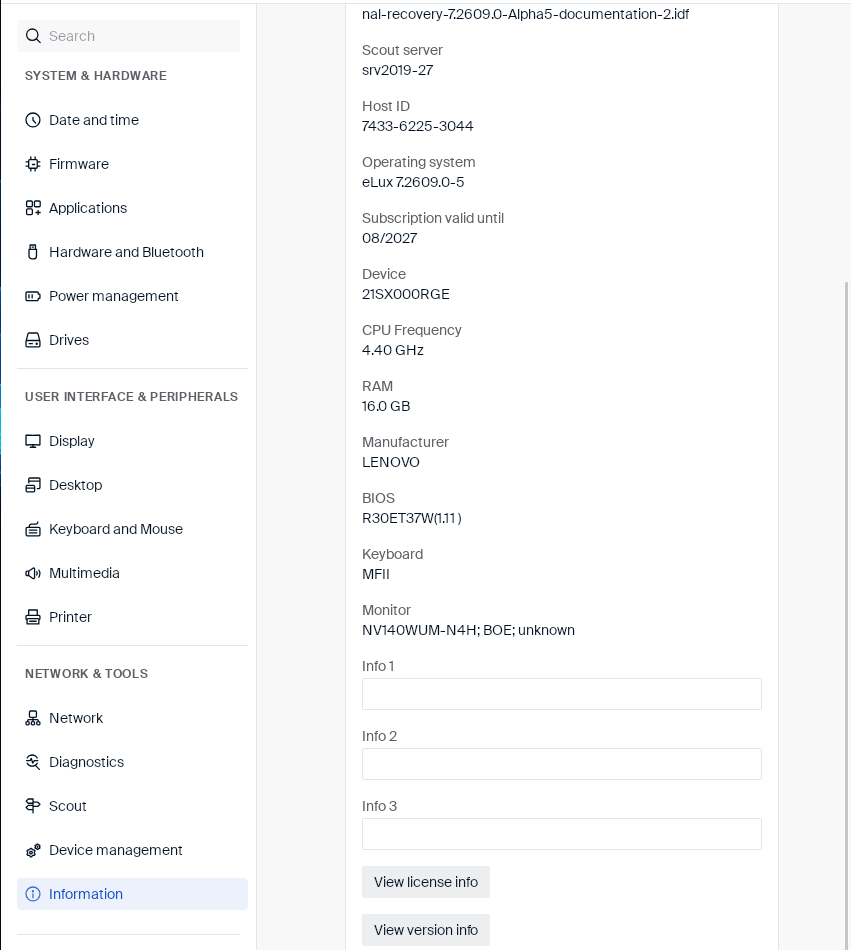
| RAM | The amount of installed memory. |
| Manufacturer | The device manufacturer. |
| BIOS | The BIOS version. |
| Keyboard | The detected keyboard model. |
| Monitor | The detected monitor model. |
Scroll down to see three editable fields and two more buttons:
| Field | Type | Description |
|---|---|---|
| Info 1, Info 2, Info 3 | Text field | Free-text fields an administrator can fill in to attach extra information to the device. These are the same Info 1/Info 2/Info 3 values shown read-only on the Scout page. |
| Button | Description |
|---|---|
| View license info | Opens a License information dialog (see below). |
| View version info | Opens a Versions dialog listing the copyright notice, the installed image name and install date, and a version breakdown of the individual OS components (for example BaseOS eLux, Core installer, Minimal Linux system, Plymouth splash screen, System binaries and libraries, Language locales). |
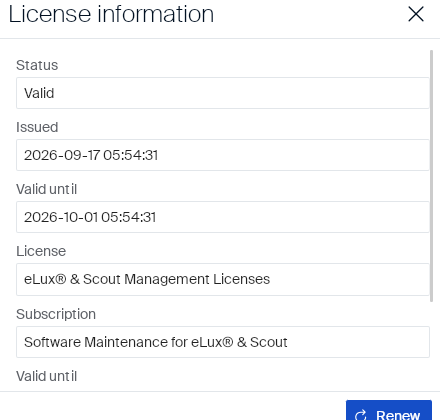
License information
| Field | Description |
|---|---|
| Status | Whether the license is currently Valid. |
| Issued | Date and time the license was issued. |
| Valid until | Date and time the license expires. |
| License | The licensed product(s), for example eLux® & Scout Management Licenses. |
| Subscription | The subscription covering the license, for example Software Maintenance for eLux® & Scout. |
Further down (scroll within the dialog) there is a second Valid until date for the subscription, and a Renew button.
Information
In this article
Copied!
Failed!