Select Citrix Cloud Connector™ as the preferred connection for Adaptive Authentication.
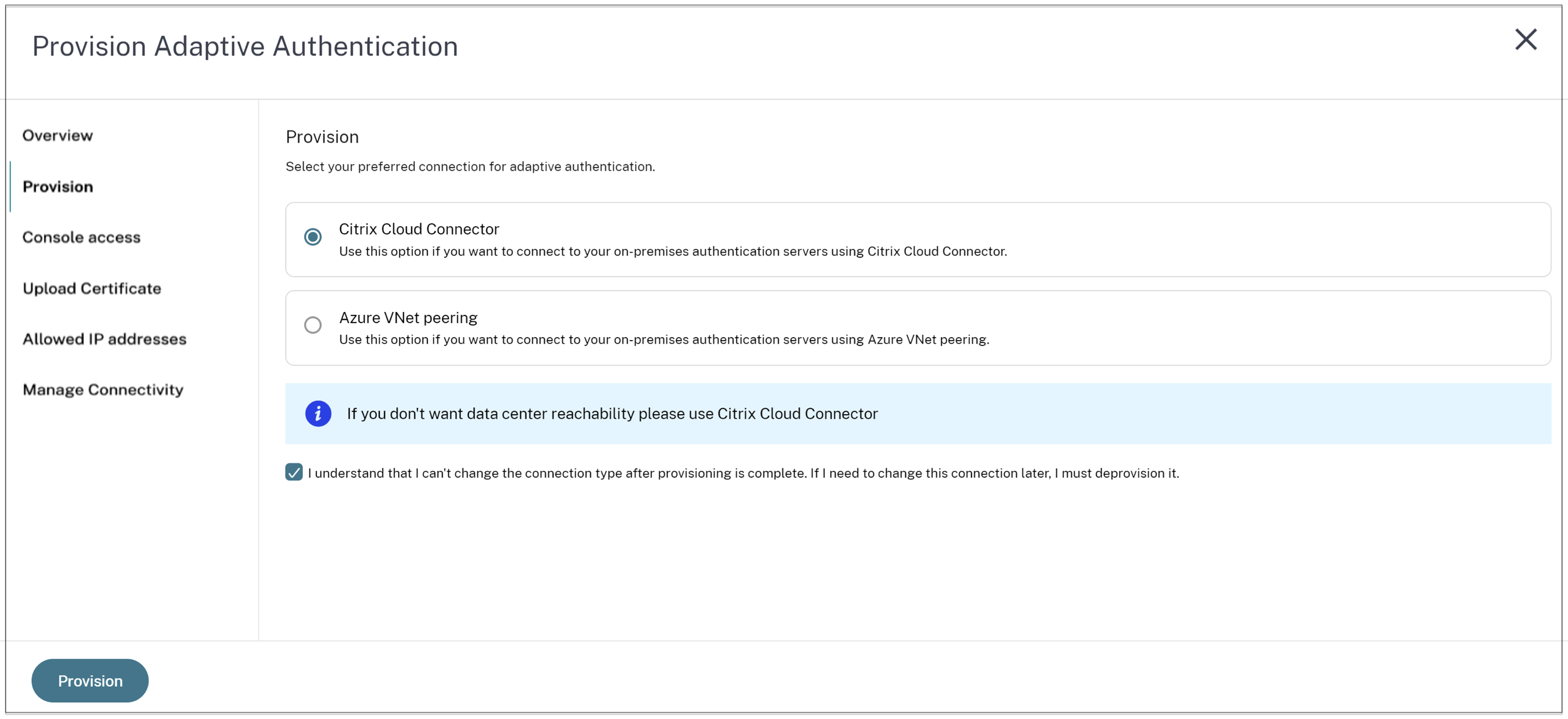
For this connection type, you must set up a connector in your on-premises network. Citrix recommends that you deploy at least two Citrix Cloud Connectors in your environment to set up connection to the Citrix Gateway hosted on Azure. You must allow your Citrix Cloud Connector to access the domain/URL you’ve reserved for the Adaptive Authentication instance. For example, allow <https://aauth.xyz.com/*>. Provisioning the Citrix Cloud Connector might take up to 30 minutes to set up.
For connector connectivity type, make sure that your Adaptive Authentication FQDN is reachable from the connector virtual machine after provisioning.
