Monitoring
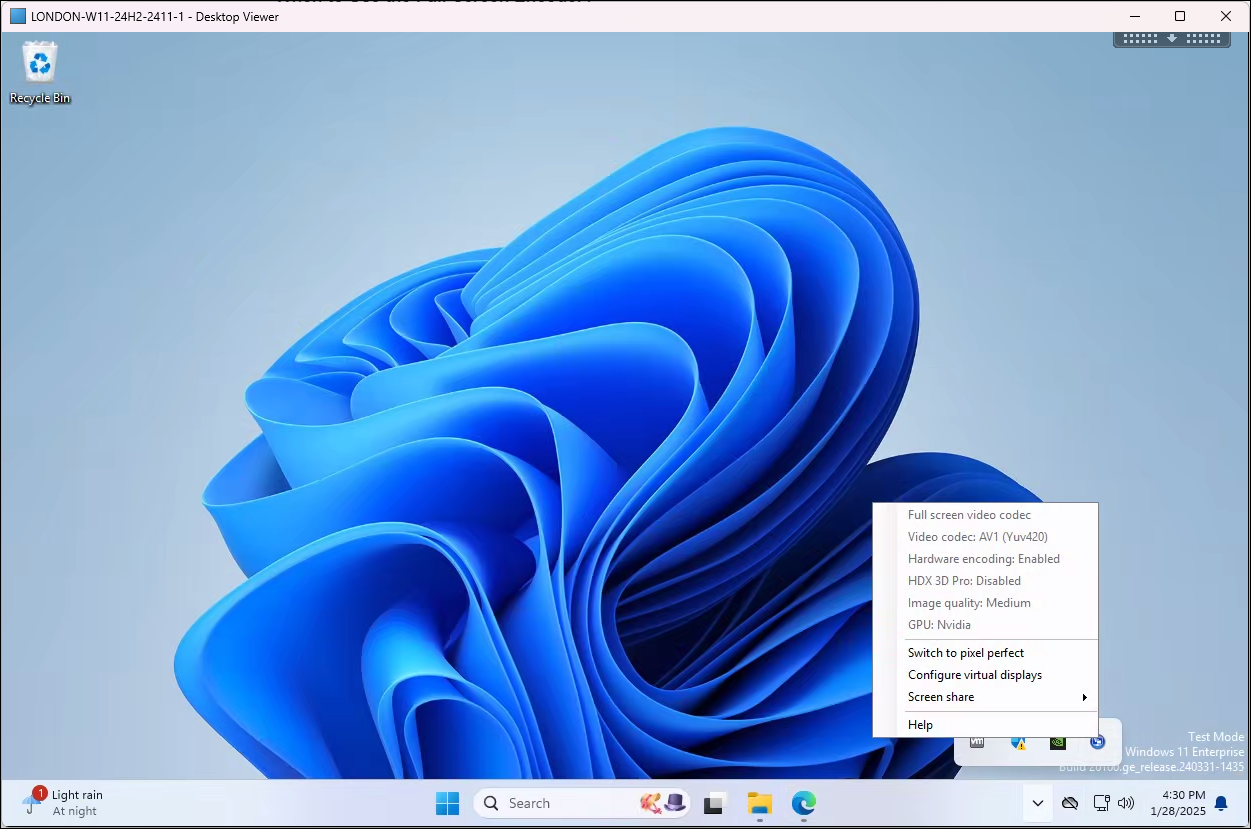
For monitoring the full screen encoder, the Graphics Status Indicator can be used in-session. Currently the Graphics Status Indicator is not enabled by default.
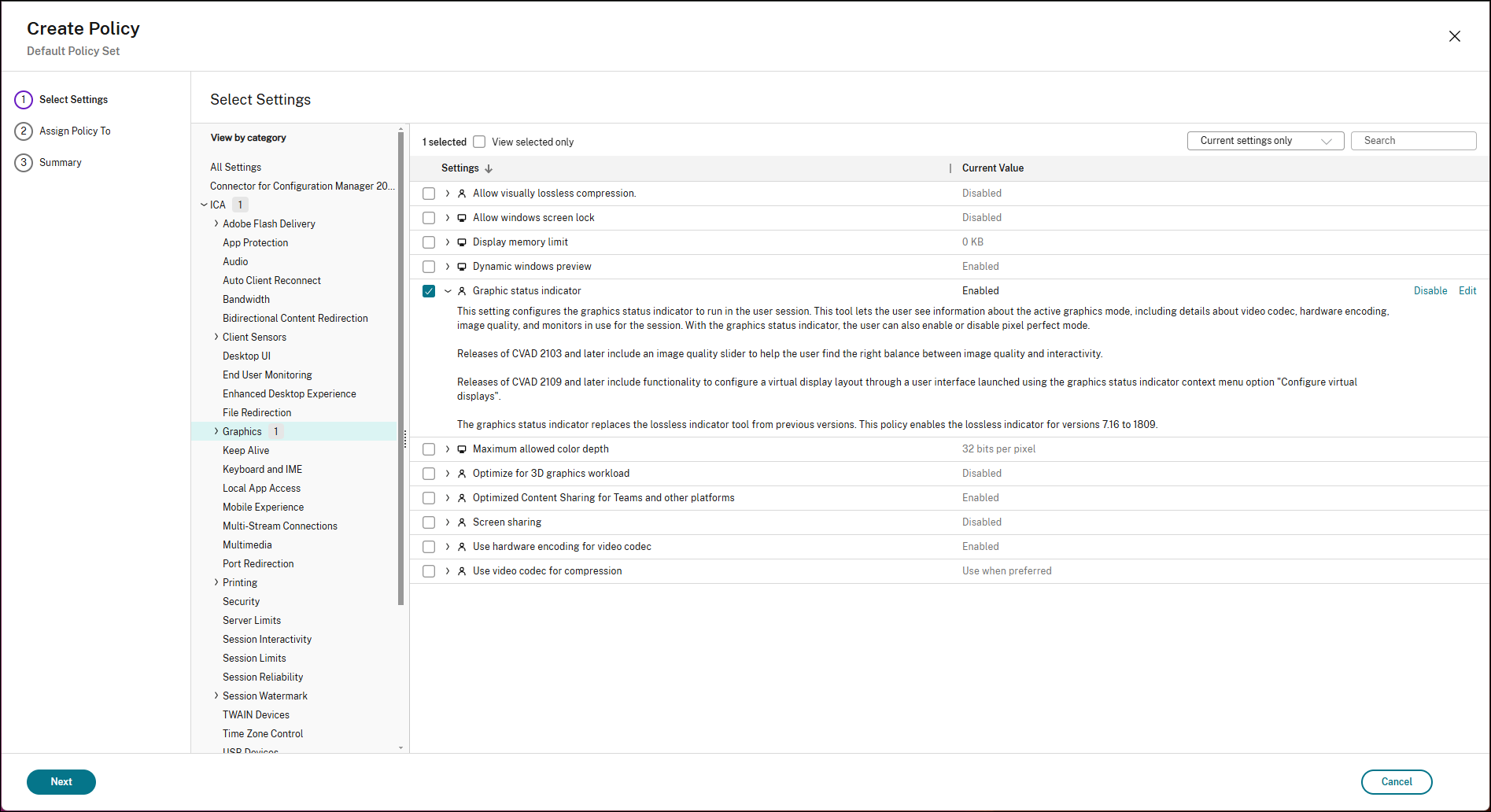
To enable the Graphics Status Indicator:
-
Navigate to the graphics policy settings in Citrix Studio.
-
Locate the ‘Graphics Status Indicator’ policy.
-
Set the policy to ‘Enabled’.
-
Apply and propagate the policy changes to your delivery groups.
The Graphics Status Indicator will be available in the tasktray in the remote session.
When using the full screen encoder the Graphics Status Indicator will show: