Configuration
The feature is managed through Citrix® policies in Web Studio or Group Policy Management.
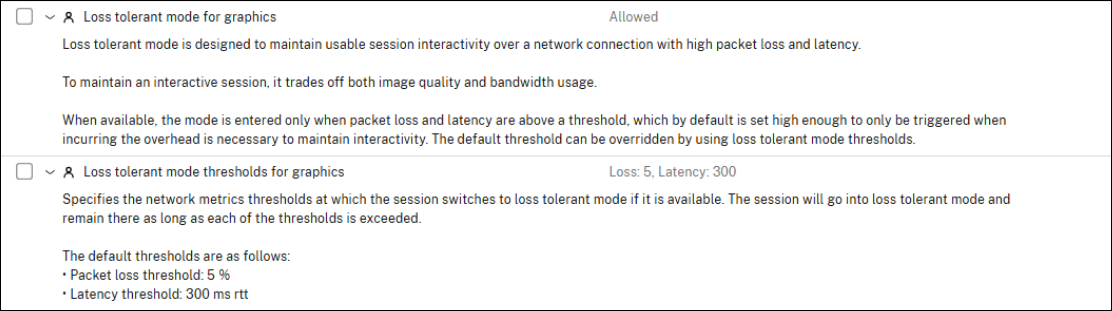
Loss tolerant mode for Graphics is enabled by default:
-
Policy: Loss tolerant mode for graphics
-
Default: Enabled
Set this policy to Disabled to turn off the loss tolerant mode for graphics feature.
To configure Loss Tolerant mode for Graphics thresholds:
-
Policy: Loss tolerant mode thresholds for graphics
-
Default Values:
-
Packet loss: 5%
-
Latency: 300 ms
-
This policy allows you to adjust the network condition thresholds that trigger loss tolerant mode for Graphics. The mode will activate when both the packet loss and latency values are met or exceeded, and the available bandwidth is at least 30 Mbps.