Fixed issues
Citrix Workspace app 2402 LTSR fixed issues
-
The Windows Surface touch pad and soft keyboard might not be supported on the Citrix Workspace app sign-in screen. This issue occurs when you sign in to a session that is published from Windows VDA in full-screen mode. As as a workaround, open the session in window mode and then sign in to the Citrix Workspace app.
-
Windows Media Player (WMP) shows a black screen with rave enabled on one monitor when the primary monitor isn't the leftmost monitor (when multiple GPUs are involved). To resolve this issue the default renderer has been changed from VMR9 to EVR. If you want to disable EVR, create DWORD AllowEvrH264 = 0 under
Computer\HKEY_CURRENT_USER\Software\Citrix\HDXMediaStream. -
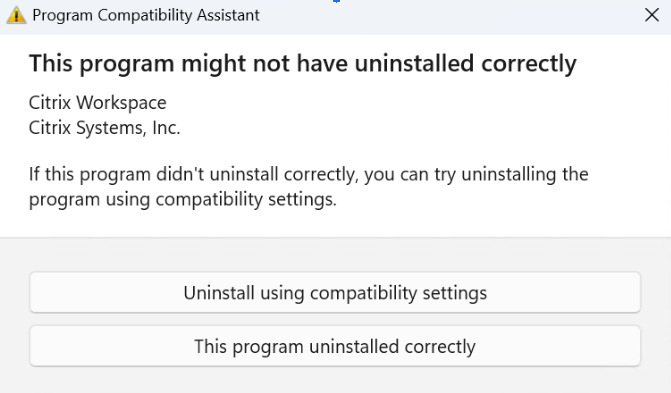
While uninstalling Citrix Workspace app 2402 LTSR for Windows - Preview version from the Control Panel > Programs > Programs and Features, the following pop-up appears: