Known issues
-
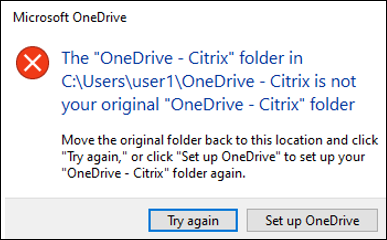
With the full profile container or the OneDrive container enabled, the following message appears when a user logs on to a machine:
-
The user has been using the OneDrive folder before the container is enabled, and
-
This is the first time that the user logs on to a machine after the container is enabled.
-
-
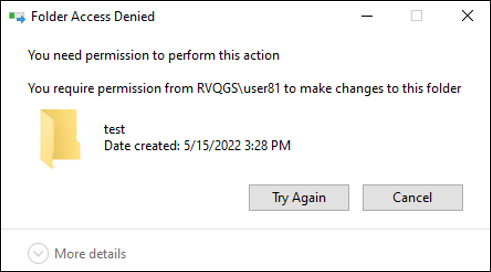
The message "Folder Access Denied" appears when users move a folder to the Recycle Bin in the following situations:
-
With the partial profile container or the OneDrive container enabled, users try to delete a folder from either container.
-
With the full profile container enabled, users try to delete a folder that is not in the user profile folder but on the same disk as the profile.
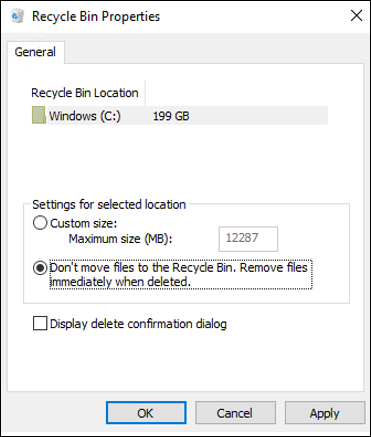
To work around this issue, perform permanent deletion instead: -