
Google Account device policy
The Google Account device policy lets you configure Google account settings for iOS devices. The settings include the account name and user identity asset which configures the email address and the user's full name.
To add or configure this policy, go to Configure > Device Policies. For more information, see Device policies.
Prerequisites
-
CEM version is equal to or greater than 25.5.0.
-
The User Identity policy is configured. Refer to User Identity device policy.
iOS settings
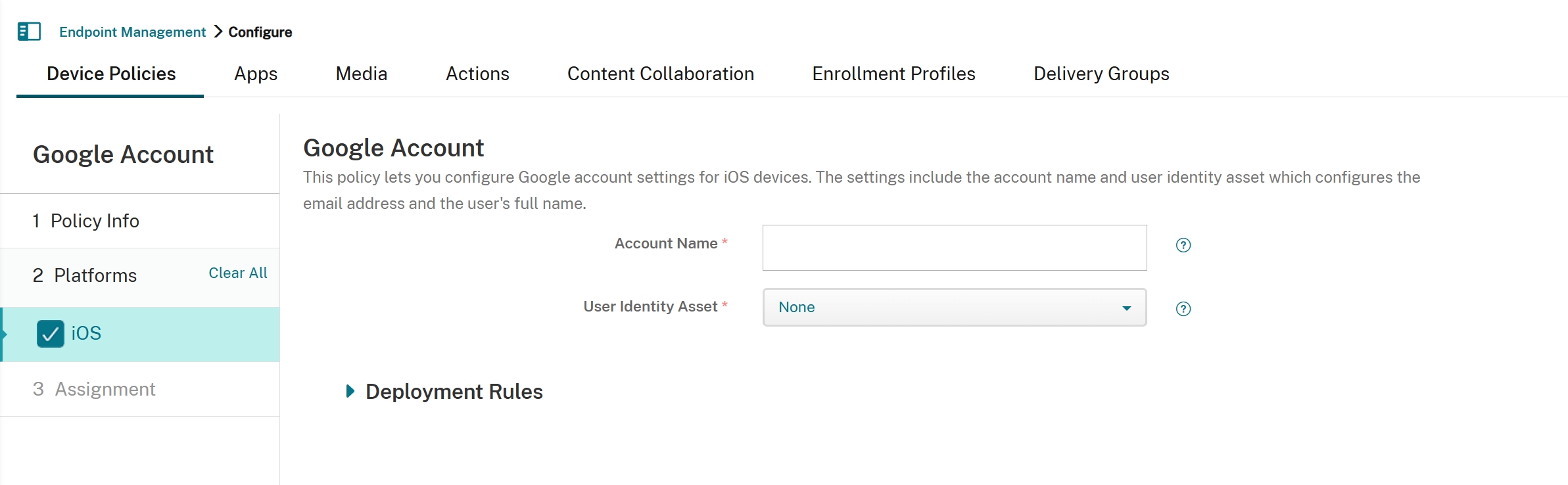
-
Account Name: Type the name for the Google account.
-
User Identity Asset: In the list, select the user identity asset created by User Identity policy, which contains the user’s email address and full name. The default is None.