
StoreFront™ Management console
Most of aspects of StoreFront can be configured using the StoreFront management console.
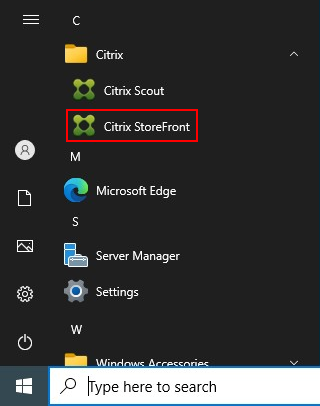
To open the management console open the Start menu, expand the Citrix folder and select Citrix StoreFront.
This opens the StoreFront management console.
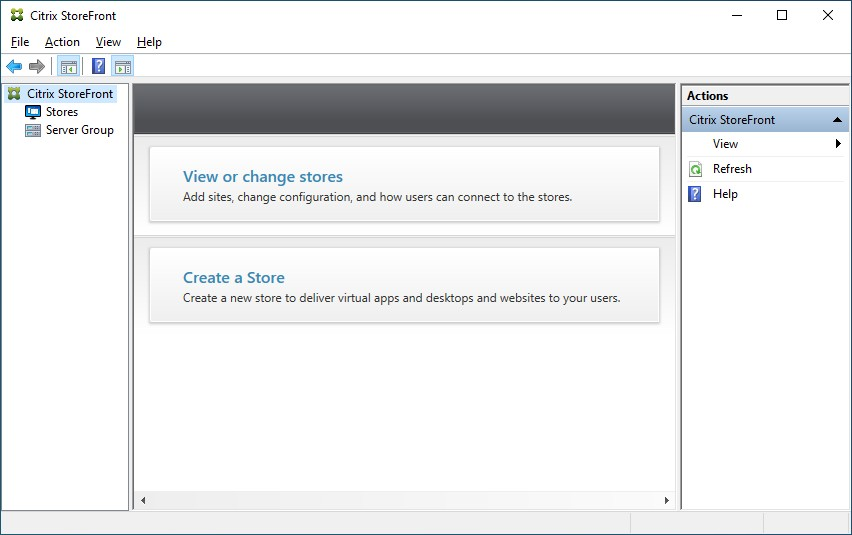
Once you have created a deployment, on the left hand side there is a tree view containing the following items:
-
Stores. Select this to view and manage stores and gateways..
-
Server Group. Select this to manage the server group and to configure the base URL.
When you select a node in the tree view, the rest of the screen updates accordingly.
The central part of the window contains information about the stores or server group.
On the right hand side is the Actions pane.
Some advanced configuration tasks are not available in the management console and require the use of StoreFront PowerShell modules.