Configure the base URL
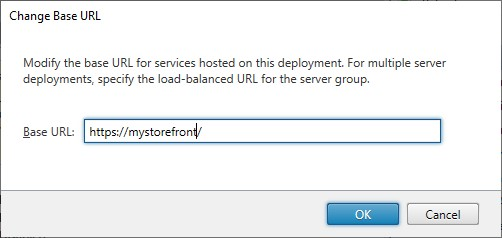
The base URL is used as the root of the URLs for the stores and other StoreFront services hosted on a deployment. You must enter the URL users use to connect directly to the deployment (not via via a Citrix Gateway) e.g.
https://storefront.example.com. The scheme must be http or https. It is recommended that you always use https.
-
For a single server deployment without a load balancer, enter the URL of the server.
-
If users connect via a load balancer, enter the URL the load balancer. You must also enable loopback communication so that StoreFront bypasses the load balancer for internal communication.
To change the base URL:
-
In the Citrix StoreFront management console left pane, select the Server Group node.
-
In the actions pane click Change Base URL...
-
Enter the new URL.
-
Press OK.