Configure a Store
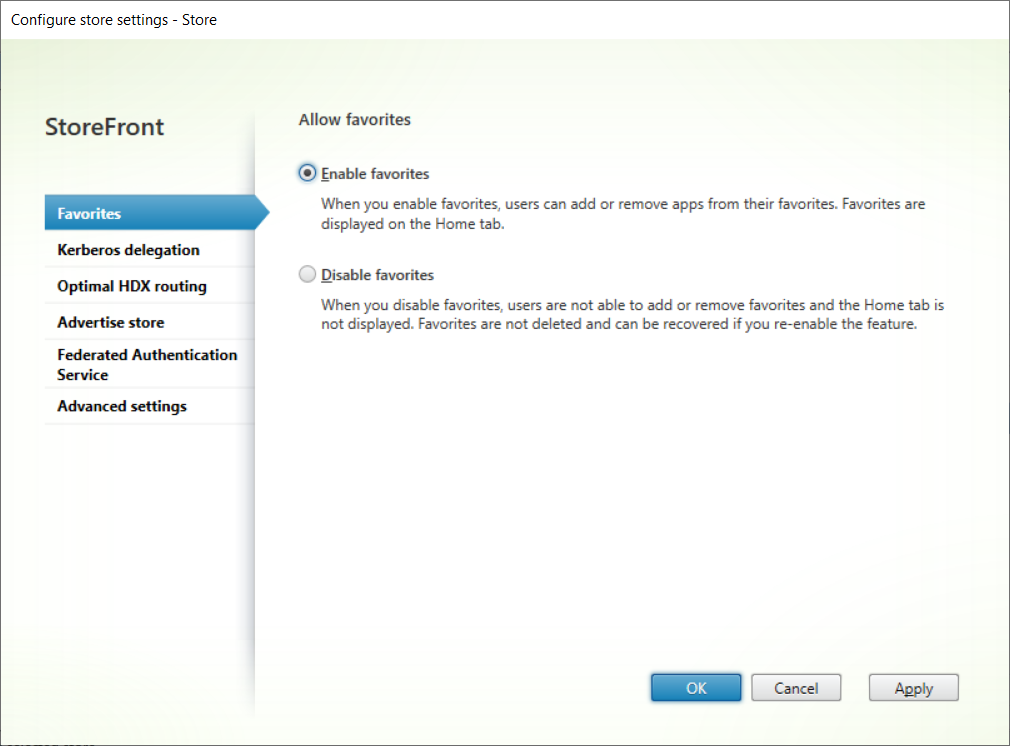
To modify a store settings:
-
Select the Stores node in the left pane of the Citrix StoreFront management console and, in the Actions pane, click Configure Store Settings.
-
Go to the User Subscriptions tab to configure whether favourites are enabled.
-
Go to the Kerberos Delegation tab to configure whether the store uses Kerberos Delegation to authenticate to the delivery controller.
-
Go to the Optimal HDX Routing tab to configure which gateway is used for launching apps and desktops according to their location.
-
Go to the Advertise Store tab to configure whether Workspace app presents the store to the user when they enter the FQDN or email address.
-
Go to the Entra ID SSO tab to configure whether to SSO to Entra joined Windows VDAs.