Configuration
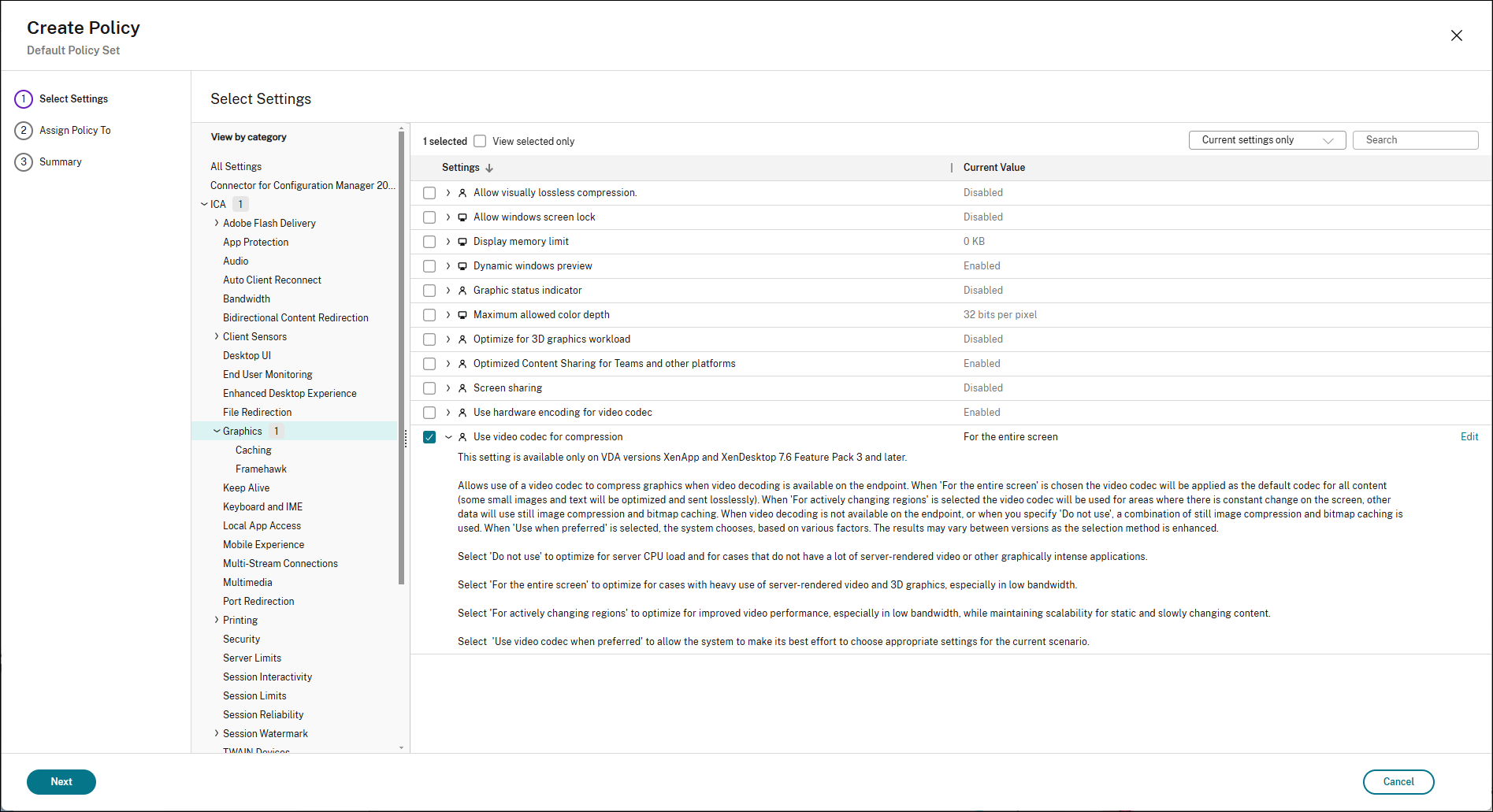
To enable the Full Screen Encoder:
-
Navigate to the graphics policy settings in Citrix Studio.
-
Locate the ‘Use video codec for compression’ policy.
-
Set the policy to ‘For the entire screen’.
-
Apply and propagate the policy changes to your delivery groups.
For additional details on codec behavior and configuration, refer to the Automatic Video Codec Configuration documentation.