
Profile Removal device policy
You can create an app profile removal device policy in XenMobile. The policy, when deployed, removes the app profile from users' iOS or macOS devices.
To add or configure this policy, go to Configure > Device Policies. For more information, see Device policies.
iOS settings
-
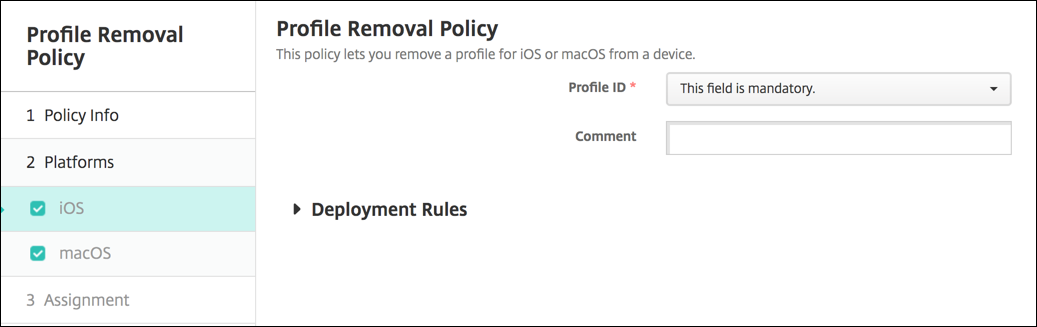
Profile ID: Select the app profile ID in the drop-down list. This field is required.
-
Comment: Type an optional comment.
macOS settings
-
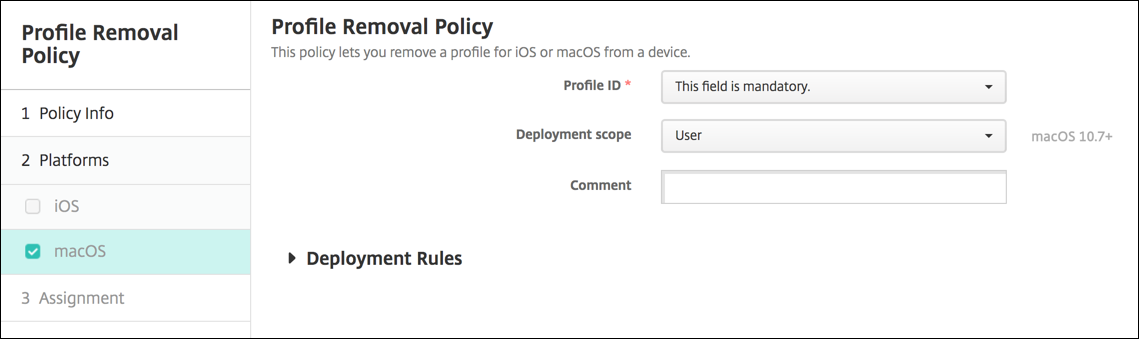
Profile ID: Select the app profile ID in the drop-down list. This field is required.
-
Deployment scope: Select User or System in the drop-down list. The default is User. This option is available only on macOS 10.7 and later.
-
Comment: Type an optional comment.