
Anonymize data in support bundles
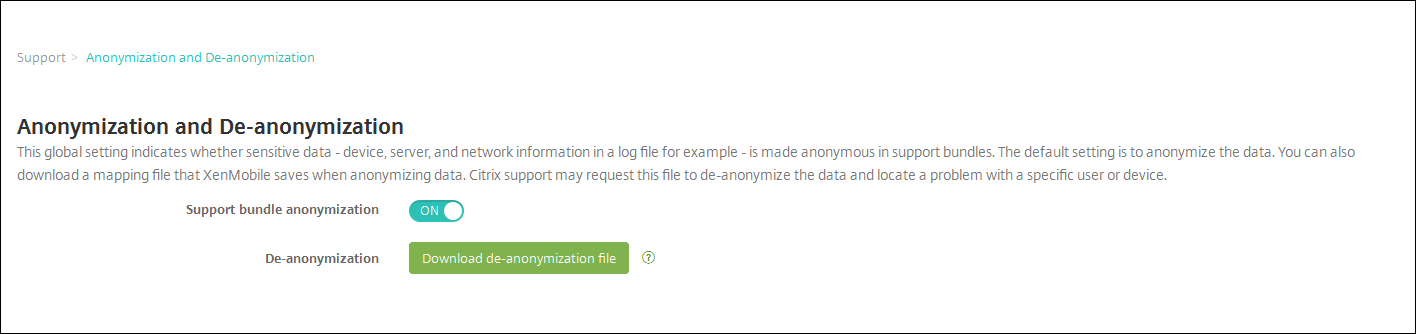
When you create support bundles in XenMobile®, sensitive user, server, and network data is made anonymous by default. You can change this behavior on the Anonymization and De-anonymization page. You can also download a mapping file that XenMobile saves when anonymizing data. Citrix® support can request this file to de-anonymize the data and locate a problem with a specific user or device.
-
In the XenMobile console, click the wrench icon in the right upper-hand corner. The Support page appears.
-
On the Support page, under Advanced, click Anonymization and De-anonymization. The Anonymization and De-anonymization page appears.
-
In Support bundle anonymization, select whether the data is anonymized. The default is ON.
-
Next to De-anonymization, click Download de-anonymization file to download the mapping file to send to Citrix support when they need specific device or user information to diagnose an issue.