
Encrypting values
Whenever you need to encrypt values, we recommend that you add and encrypt variables in a temporary OU, and then copy the encrypted values to their target position.
-
In the Scout Console, create a temporary OU such as
TEMP. -
For the TEMP OU, from the context menu, choose Advanced device configuration > Environment.
-
Add a new variable and its value. Confirm with OK.
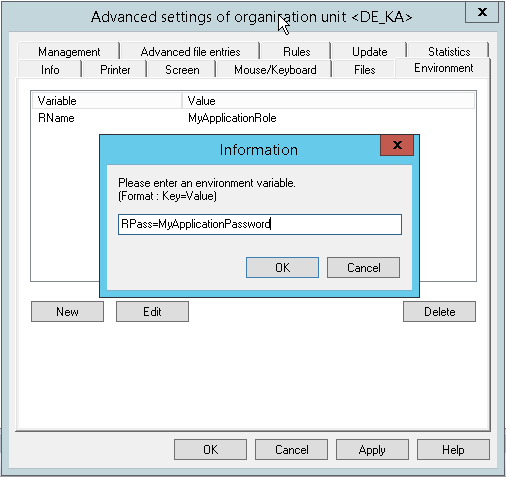 The new variable and its value are shown in the Environment tab.
 -
On the Environment tab, right-click the variable, and from the context menu, choose Encrypt value.The value of the variable is shown in encrypted mode.
-
Select the variable and click Edit. Then, copy the encrypted value to the Clipboard and paste it on the target position.
-
Delete the temporary OU.