
Agent policy for tool discovery
The agent policy for tool discovery controls which users and groups are permitted to have an agent retrieve an MCP server's tool list on their behalf using the MCP tools/list method.
When you save your first MCP server, Citrix SecurAccess ZTNA automatically creates a default rule that allows all users to view the tool list. This allows tool discovery to work immediately. You can modify the policy to restrict who can view the available tools.
-
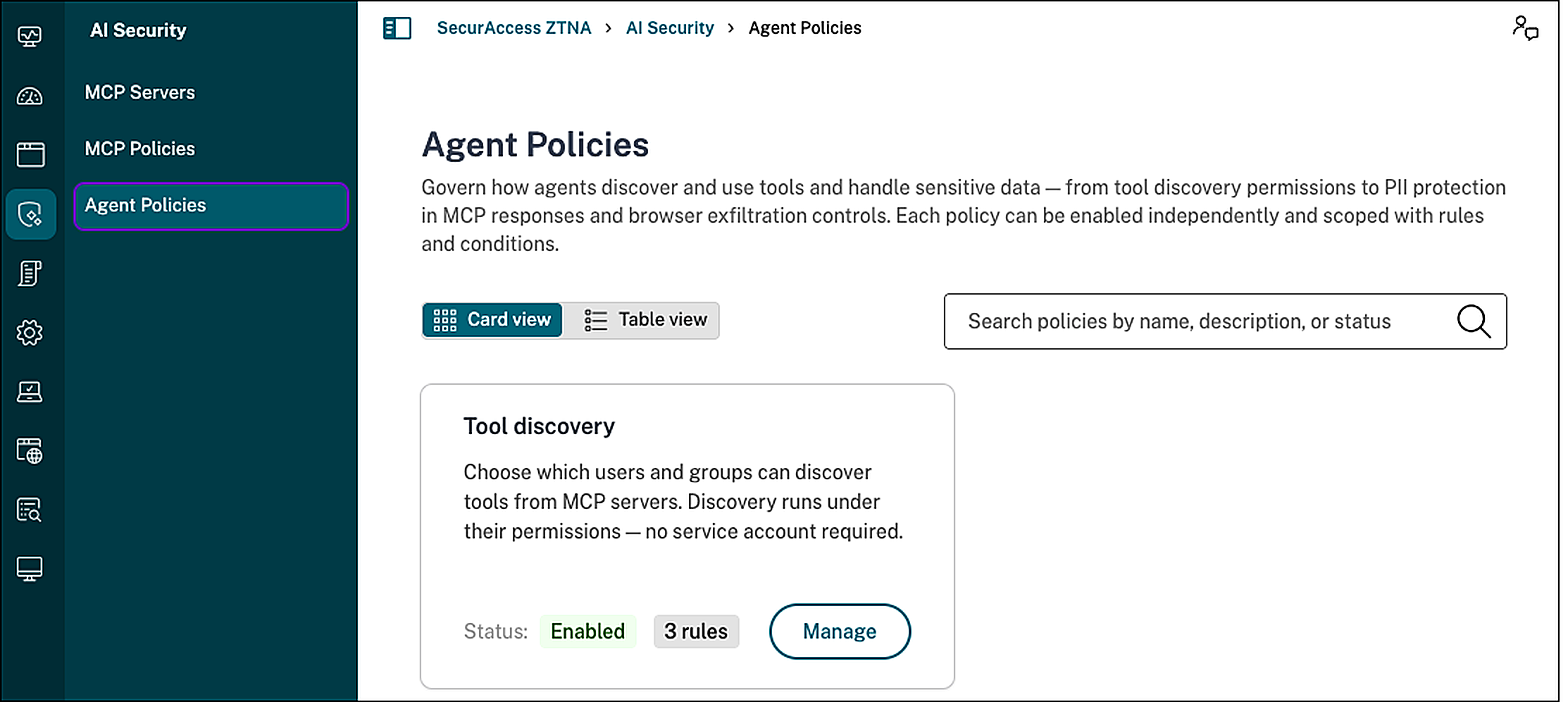
In the SecurAccess ZTNA console, go to AI Security > Agent Policies.
-
Edit the tool discovery policy.
-
Specify the users or groups that are allowed to view the tool list.
-
Click Save.
After you restrict the policy, administrators who don't match the policy can no longer retrieve the tool list.
Note:
The tool discovery policy applies to the whole tenant and only supports a user or group scope.