
System configuration
System Configuration is where you manage Citrix SecurSpaces™ at the platform level. From one place, you handle your license and its features, assign platform roles, connect identity providers, turn on integrations, set up regions, and adjust a few other platform-wide options.
Note:
Only platform administrators can open System Configuration. It's separate from Platform Settings, which covers other platform-wide options such as general settings, security settings, and analytics.
Open System Configuration
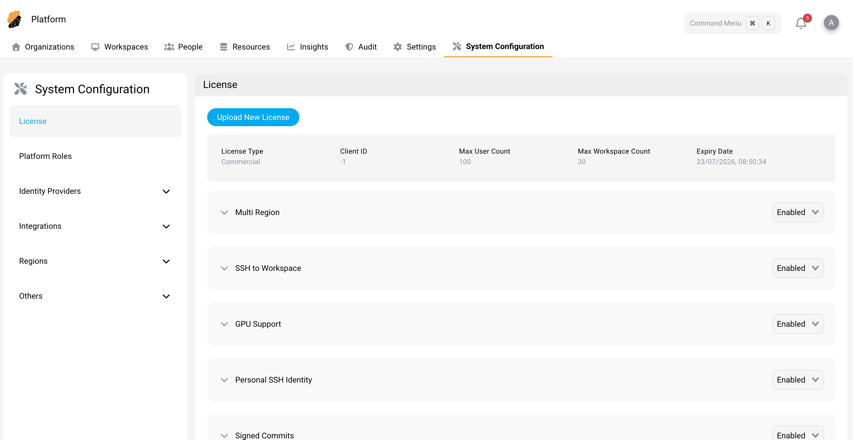
Sign in as a platform administrator and select System Configuration in the top navigation bar. It opens on the License page.
To go straight there, browse to
https://<your-sds-hostname>/platform/system_configuration.
Configuration areas
The left navigation groups everything into these areas:
| Area | What you do here |
|---|---|
| License | Upload your license, review what it covers, and turn platform features on or off. |
| Platform Roles | Give users and groups platform-wide roles, such as security officer. |
| Identity Providers | Connect OAuth, SAML, and SCIM providers so users sign in and sync automatically. |
| Integrations | Connect code repositories, third-party applications, storage, and Citrix DaaS™. |
| Regions | Add regions and warm nodes for multi-region deployments. |
| Others | Set up the email gateway, data breach contact, SSH server key, terms of service, and project labels. |