
Code repositories
Importing a repository into a project is what lets a developer clone and push without holding any credentials of their own. Citrix SecurSpaces™ injects the credentials at runtime, through the proxy, so the developer's device never needs Git access to your source.
Repositories are Git based. They are imported from a provider your platform administrator has already connected, or added manually by URL.
| Provider | Supported |
|---|---|
| GitHub | Managed and self-hosted |
| GitLab | Managed and self-hosted |
| Bitbucket | Cloud and Server |
| Azure DevOps | Managed |
| Any other Git host | By URL, entered manually |
If the provider you need is not offered when you import, it has not been connected at the platform level yet. See Code repositories for what that involves, and ask your platform administrator.
View repositories
Repositories imported into the project are listed in a table. You can search, or filter by the workspaces using them.
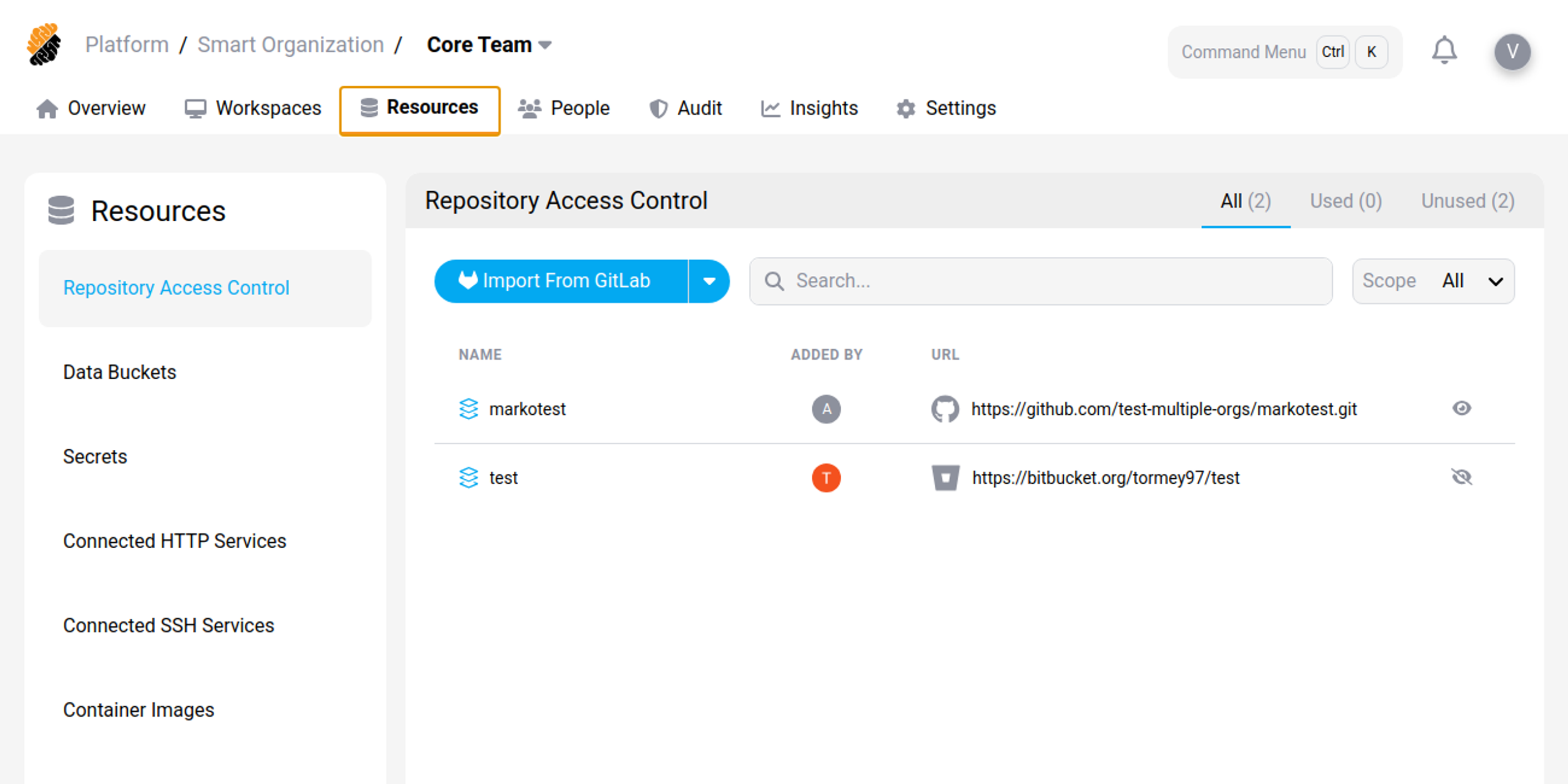
A repository record holds:
-
Basic information — name, scope (platform, organization, or project), who added it, the Git provider, and the URL.
-
Class level — the visibility of the repository, evaluated against each user's permissions.
-
Asset information — a description.
Scope matters here. A repository imported at platform or organization level is available to the projects beneath it, so check what you already have before importing your own copy.
Import a repository
Requires the Resources permission set to Import.
-
Select Import Repository.
-
Select the provider.
-
The connected Git application is scanned for repositories. Select the one you want to import.
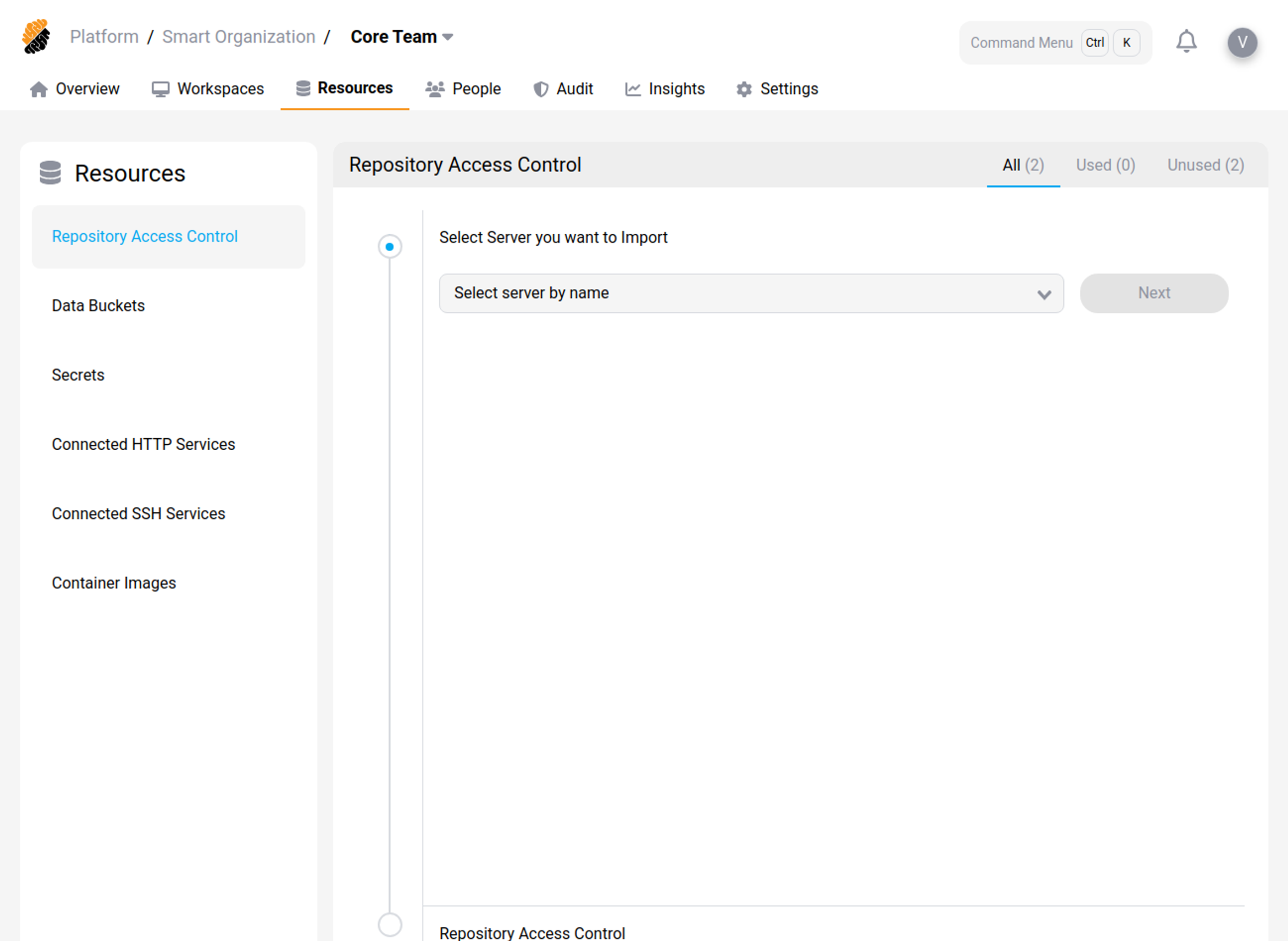
Importing records the repository with the project. It does not copy any code: the repository stays where it is, and workspaces reach it through the platform.