
Code repositories
Importing a repository into a project is what lets a developer clone and push without holding any credentials of their own. Citrix SecurSpaces™ injects the credentials at runtime, through the proxy, so the developer's device never needs Git access to your source.
Repositories are Git based. They are imported from a provider your platform administrator has already connected, or added manually by URL.
| Provider | Supported |
|---|---|
| GitHub | Managed and self-hosted |
| GitLab | Managed and self-hosted |
| Bitbucket | Cloud and Server |
| Azure DevOps | Managed, including Microsoft Entra ID authentication |
| Any other Git host | By URL, entered manually |
If the provider you need is not offered when you import, it has not been connected at the platform level yet. See Code repositories for what that involves, and ask your platform administrator.
View repositories
Repositories imported into the project are listed in a table. You can search, or filter by the workspaces using them.
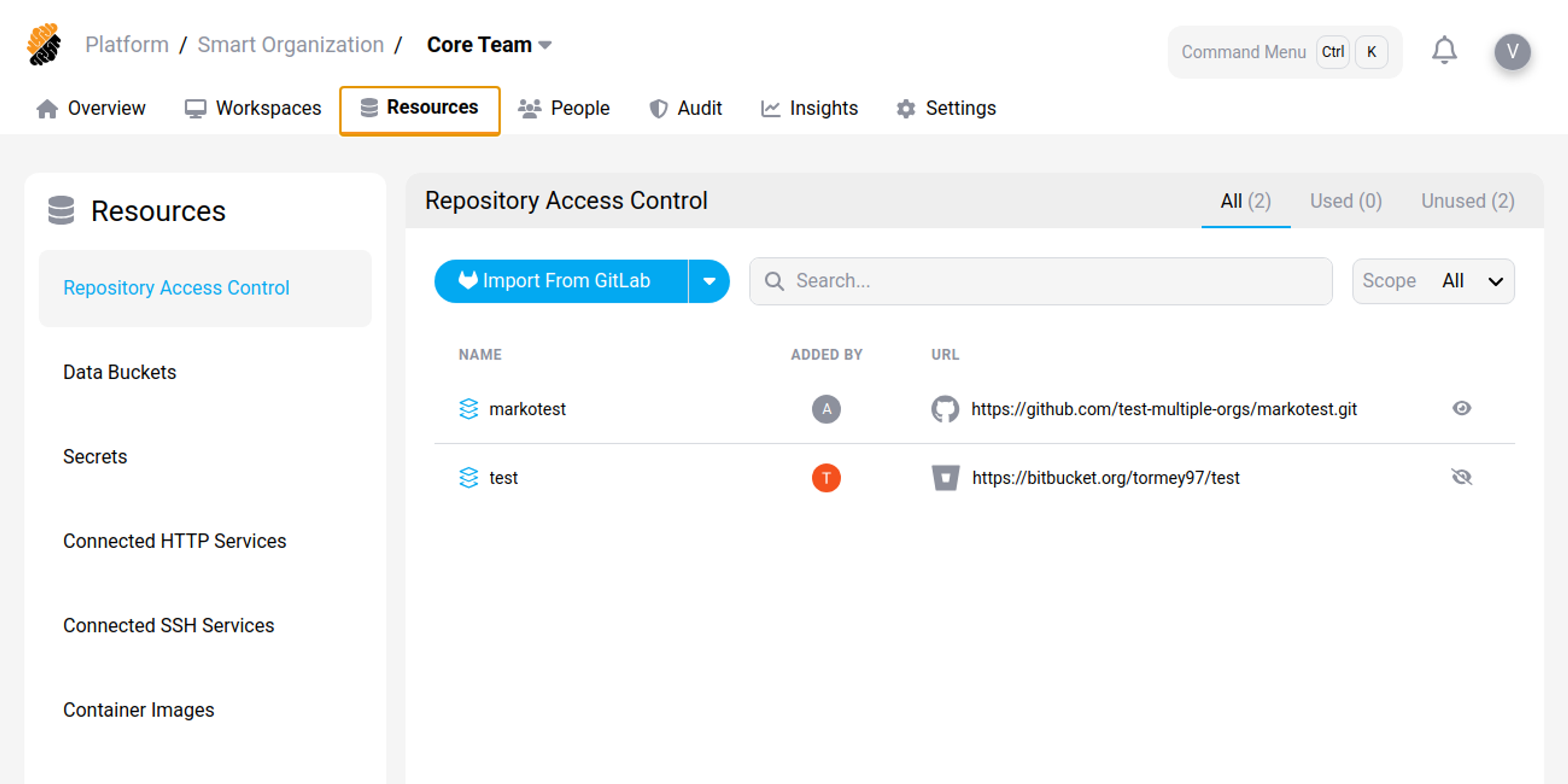
A repository record holds:
-
Basic information — name, scope (platform, organization, or project), who added it, the Git provider, and the URL.
-
Class level — the visibility of the repository, evaluated against each user's permissions.
-
Asset information — a description.
Scope matters here. A repository imported at platform or organization level is available to the projects beneath it, so check what you already have before importing your own copy.
Import a repository
Requires the Resources permission set to Import.
-
Select Import Repository.
-
Select the provider.
-
For Azure DevOps, select the configured application for the organization you need, if prompted.
-
Complete provider authentication if requested. An existing Azure DevOps Entra connection with the required permissions satisfies the connection requirement.
-
For Azure DevOps, select the project containing the repository.
-
The connected Git application is scanned for repositories. Select the one you want to import.
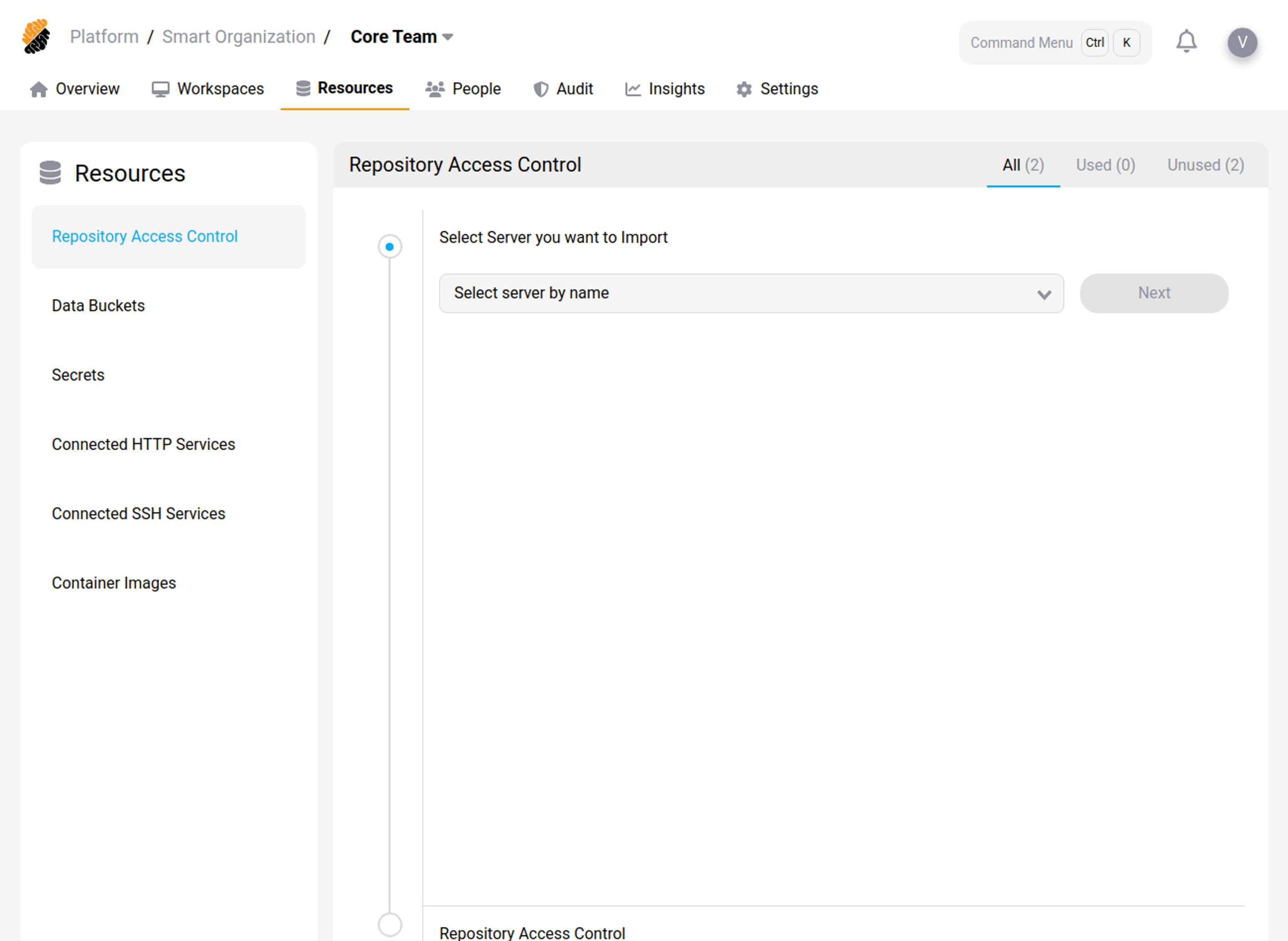
Importing records the repository with the project. It does not copy any code: the repository stays where it is, and workspaces reach it through the platform.
GitLab repository discovery includes repositories where your connected account has Reporter access or higher. Bitbucket Cloud discovery includes private repositories where your account has member-level read access. Appearing in the list doesn't grant write access or permission to manage deployment keys; those actions still depend on your permissions at the Git provider.
The Azure DevOps dialog is titled Connect To Azure DevOps for both legacy OAuth and Microsoft Entra ID connections. HTTPS access uses the application configured for the repository's Azure DevOps organization, including when the repository is automatically cloned into a workspace.
New imports convert Azure DevOps URLs from
https://<organization>.visualstudio.com/... to https://dev.azure.com/<organization>/..., and from <organization>@vs-ssh.visualstudio.com:v3/... to git@ssh.dev.azure.com:v3/.... This lets legacy-host organizations use the platform's repository credentials.
Existing imports retain their saved URLs. If a legacy URL causes cloning to request credentials, coordinate with the resource owner to remove the existing imported resource and import it again. Review its use by workspaces and templates before removing it; an already connected repository can't be imported again in the same scope. The upgrade doesn't migrate these records.
For an Entra connection created without a refresh token, reconnect Azure DevOps once after upgrading, even if the connection still appears signed in.
For SSH access, when several configured applications share a Git host, the platform selects the first one with an available key for the user, or for the repository importer during automatic cloning. An application without a key doesn't prevent another matching application from being used.
Restore missing GitHub repositories
If the import dialog warns that some GitHub repositories are hidden by organization SSO requirements:
-
Reopen Import Repository.
-
Select the same GitHub provider.
-
Load its repository list again.
The list includes the repositories that the renewed connection is authorized to access.