Custom workspace domains for accessing apps
Custom workspace domain support allows organizations to provide users with access to SaaS and private web applications through a branded, organization-owned domain (for example, workspace.company.com) instead of the default *.cloud.com domain. Admins can configure a custom domain as the authentication and access endpoint for browser-based applications delivered via Chrome Enterprise Premium and Citrix Secure Private Access. End users benefit from a seamless, branded experience while organizations gain greater control over access and security.
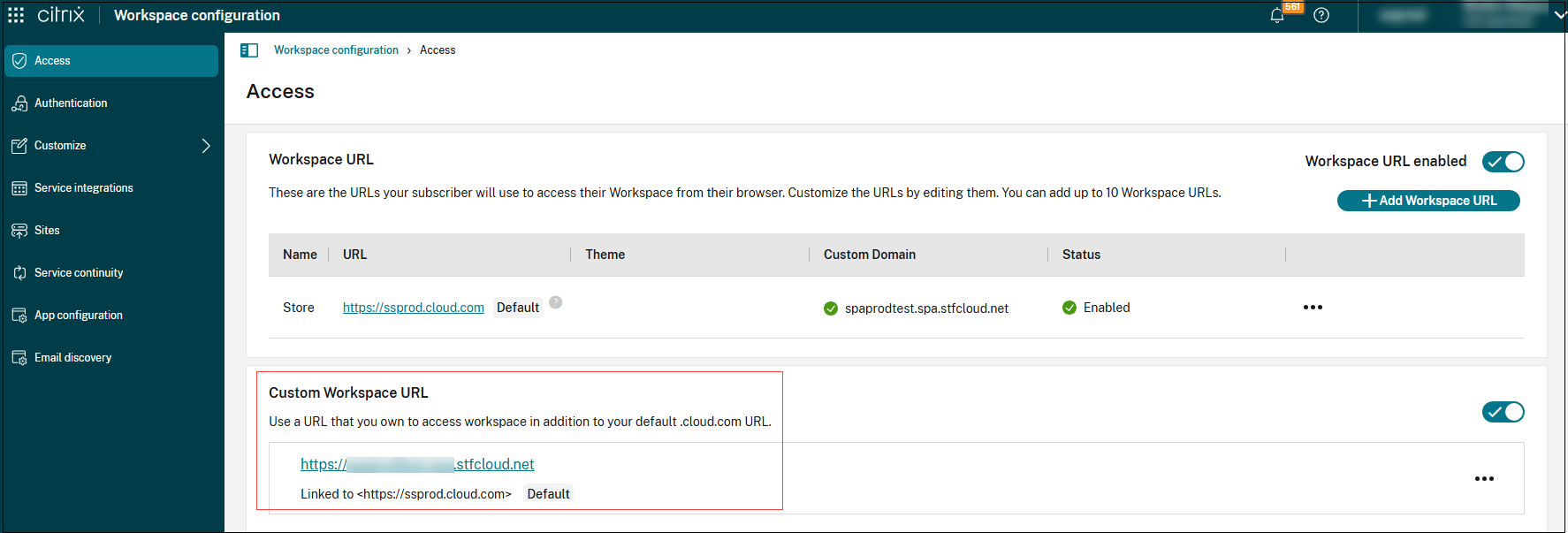
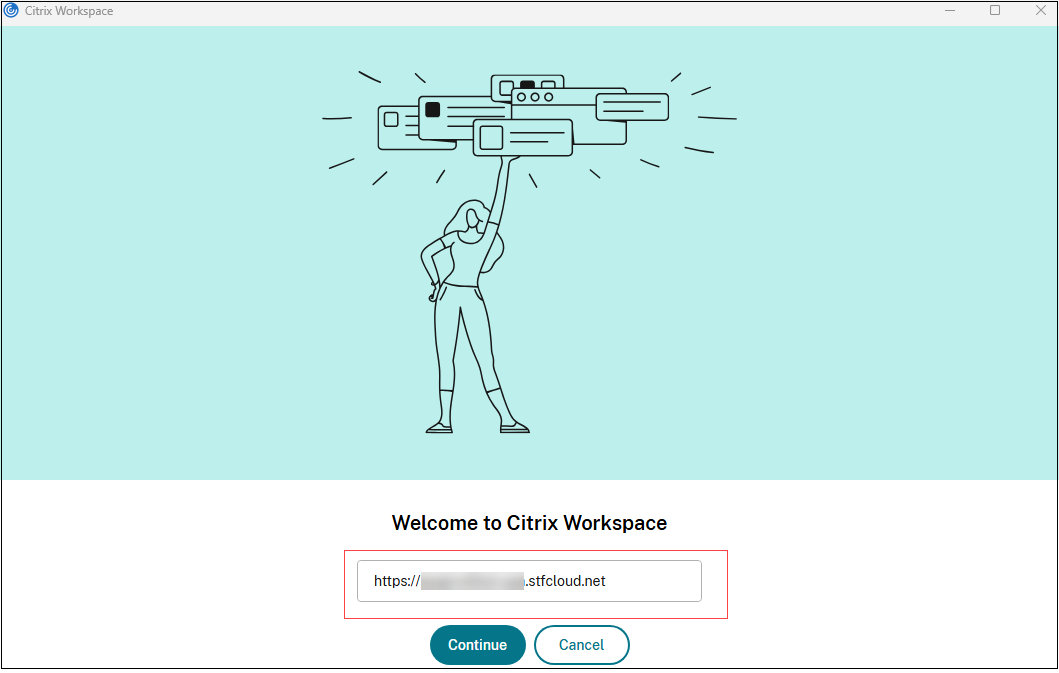
Previously, custom workspace domains were only available for virtual apps and desktops. With the introduction of this feature, web-based applications accessed via Chrome Enterprise Premium and Secure Private Access also benefit from the same branding and security advantages. This ensures a cohesive and consistent domain experience across all Citrix Workspace™ services.
Note:
Currently, the custom workspace domains feature is disabled by default. Reach out to Citrix Support to get this feature enabled. This feature will be enabled by default to all customers soon.
Benefits of using a custom domain
The following are some of the benefits of using a custom domain:
- Direct users to a familiar, branded URL for all web and SaaS app access.
- Use a privately owned domain as the authentication and access endpoint.
- Reduce the risk of impersonation and phishing attacks.
Custom domains feature help address the following limitations:
- Undermine corporate branding and user trust.
- Complicate regulatory compliance for organizations requiring access through company-owned domains.
- Increase the risk of phishing or impersonation attacks.
- Limit the ability to enforce access restrictions based on domain.
Applicability
- The custom workspace domains feature is applicable only to the following:
- Private web apps and SaaS apps accessed via Chrome Enterprise Premium.
- Agentless access to web apps via Citrix Secure Private Access.
- The custom workspace domains are not supported for the TCP/UDP apps accessed via Citrix Secure Access.
Note:
Access to *.cloud.com domain must be allowed from end-user devices to ensure proper functionality of web and SaaS applications within the custom workspace.
Prerequisites to configure custom domains
Ensure that the following prerequisites are met to use custom domains.
- Custom domain settings must be configured in Citrix Workspace. For details, see Configure a custom domain.
-
The following client versions support the custom domain feature.
- Citrix Workspace app for Windows: 2503.10 or later
- Citrix Workspace app for Mac: 2505.10 or later
- Citrix Secure Access app for Mac: 26.04.1.1 and later
- Citrix Secure Access app for iOS: 26.04.1 and later