Get started with Citrix Secure Private Access
This document walks you through how to get started with onboarding and setting up the SaaS apps delivery for the first time. This document is intended for application administrators.
System requirements
-
Operating systems support: Citrix Workspace app is supported on:
- Windows 7, 8, 10, and 11
- macOS - 10.11 and above
-
Browser support: Access apps through the cloud store URL using the latest versions of Edge, Chrome, Firefox, or Safari.
-
Citrix Workspace™ app support: Access stores using Citrix Workspace app for any of the desktop platforms (Windows, Mac).
-
If users access their store using a custom URL then they must use the following minimum versions:
- Citrix Workspace app for Windows: 2503.10 or later
- Citrix Workspace app for Mac: 2505.10 or later
- Citrix Secure Access app for Mac: 26.04.1.1 and later
- Citrix Secure Access app for iOS: 26.04.1 and later
How it works
Citrix Secure Private Access helps IT and security admins to govern authorized end-user access to sanctioned SaaS and enterprise hosted web apps. User identities and attributes are used to determine access privileges and access control policies determine the privileges that are required to perform operations. Once a user is authenticated, access control then authorizes the appropriate level of access and allowed actions associated with that user’s credentials.
Citrix Secure Private Access combines elements of several Citrix Cloud™ services to deliver an integrated experience for end users and administrators.
| Functionality | Service/Component providing the functionality |
|---|---|
| Consistent user interface to access apps | StoreFront Cloud |
| SSO to SaaS and Web apps | Citrix Gateway Service Standard |
| Web filtering and categorization | Web filtering service |
| Enhanced security policies for SaaS | Cloud app control |
| Secure browsing | Remote Browser Isolation service |
| Visibility into website access and risky behavior | Citrix Analytics |
Get started with the Citrix Secure Private Access service
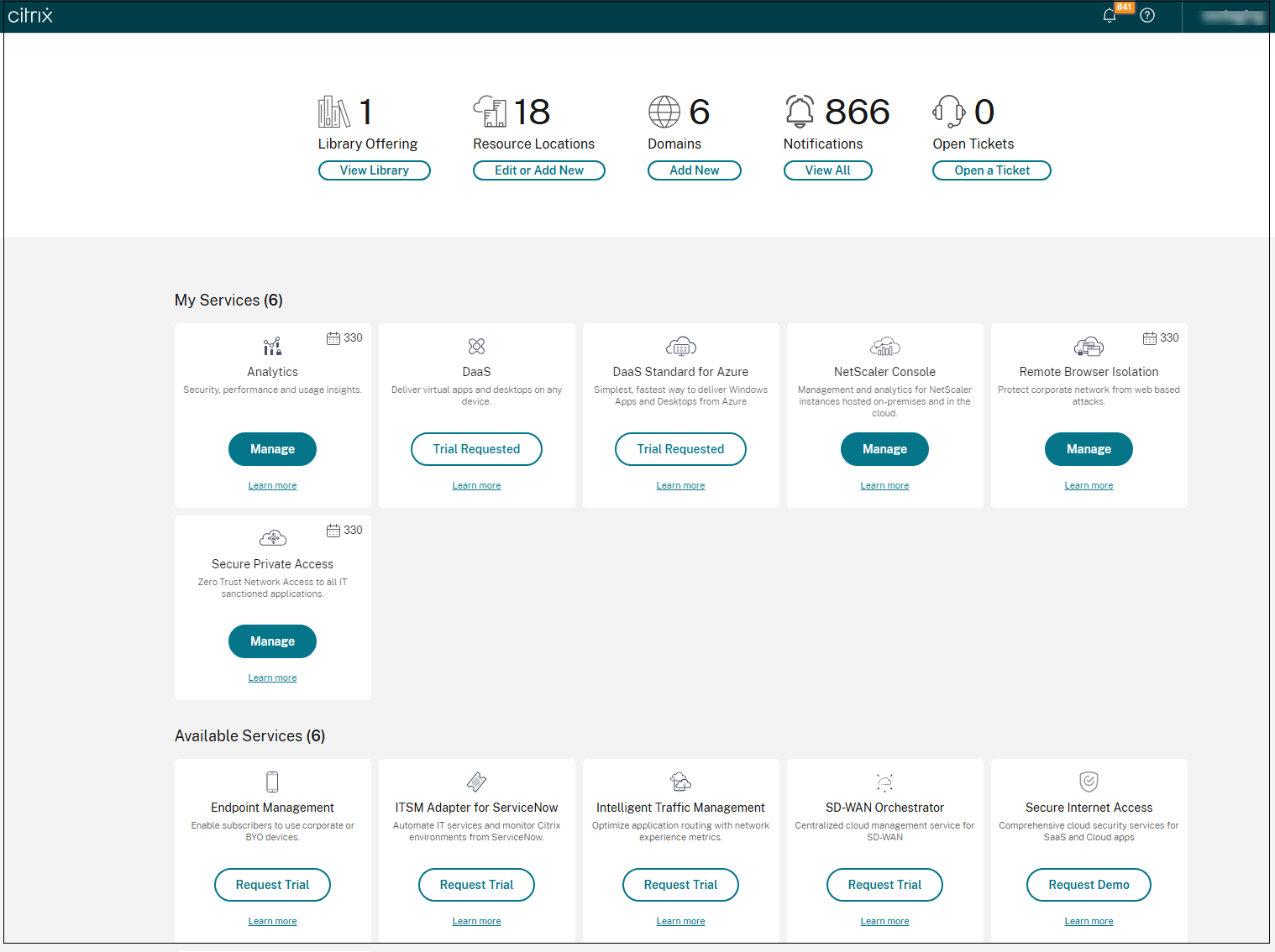
- Sign up for Citrix Cloud.
- Request for the Secure Private Access service entitlement.
- After the entitlement is granted, the Secure Private Access service is provisioned for your account.
- Access the Secure Private Access service admin UI.
- Configure the store that end users use to view and launch their apps in StoreFront Cloud.
Note:
-
For your end users to use the store and access the apps, they must download and use the Citrix Workspace app or open the store URL from their web browser. You must have a few SaaS apps published to your store to test the Citrix Secure Private Access solution. The Workspace app can be downloaded from https://www.citrix.com/downloads. In the Find Downloads list, select Citrix Workspace app.
-
If you have an outbound firewall configured, ensure that access to the following domains is allowed.
- *.cloud.com
- *.nssvc.net
- *.netscalergateway.net
More details are available at Cloud Connector Proxy and Firewall Configuration and Internet Connectivity Requirements.