-
-
-
-
-
미디어 추가
-
This content has been machine translated dynamically.
Dieser Inhalt ist eine maschinelle Übersetzung, die dynamisch erstellt wurde. (Haftungsausschluss)
Cet article a été traduit automatiquement de manière dynamique. (Clause de non responsabilité)
Este artículo lo ha traducido una máquina de forma dinámica. (Aviso legal)
此内容已经过机器动态翻译。 放弃
このコンテンツは動的に機械翻訳されています。免責事項
이 콘텐츠는 동적으로 기계 번역되었습니다. 책임 부인
Este texto foi traduzido automaticamente. (Aviso legal)
Questo contenuto è stato tradotto dinamicamente con traduzione automatica.(Esclusione di responsabilità))
This article has been machine translated.
Dieser Artikel wurde maschinell übersetzt. (Haftungsausschluss)
Ce article a été traduit automatiquement. (Clause de non responsabilité)
Este artículo ha sido traducido automáticamente. (Aviso legal)
この記事は機械翻訳されています.免責事項
이 기사는 기계 번역되었습니다.책임 부인
Este artigo foi traduzido automaticamente.(Aviso legal)
这篇文章已经过机器翻译.放弃
Questo articolo è stato tradotto automaticamente.(Esclusione di responsabilità))
Translation failed!
미디어 추가
XenMobile®에 미디어를 추가하여 사용자 장치에 배포할 수 있습니다. Apple 볼륨 구매를 통해 얻은 Apple Books를 XenMobile을 사용하여 배포할 수 있습니다.
XenMobile에서 볼륨 구매 계정을 구성하면 구매한 책과 무료 책이 구성 > 미디어에 나타납니다. 미디어 페이지에서 배포 그룹을 선택하고 배포 규칙을 지정하여 iOS 장치에 배포할 책을 구성합니다.
사용자가 책을 받고 볼륨 구매 라이선스를 수락하면 배포된 책이 장치에 설치됩니다. 책은 Apple Book 앱에 나타납니다. 책 라이선스를 사용자로부터 분리하거나 장치에서 책을 제거할 수 없습니다. XenMobile은 책을 필수 미디어로 설치합니다. 사용자가 설치된 책을 장치에서 삭제하더라도 책은 Apple Book 앱에 남아 다운로드할 준비가 됩니다.
전제 조건
-
iOS 장치
-
Apple 볼륨 구매에 설명된 대로 XenMobile에서 Apple 볼륨 구매를 구성합니다.
책 구성
볼륨 구매를 통해 얻은 Apple Books는 구성 > 미디어 페이지에 나타납니다.
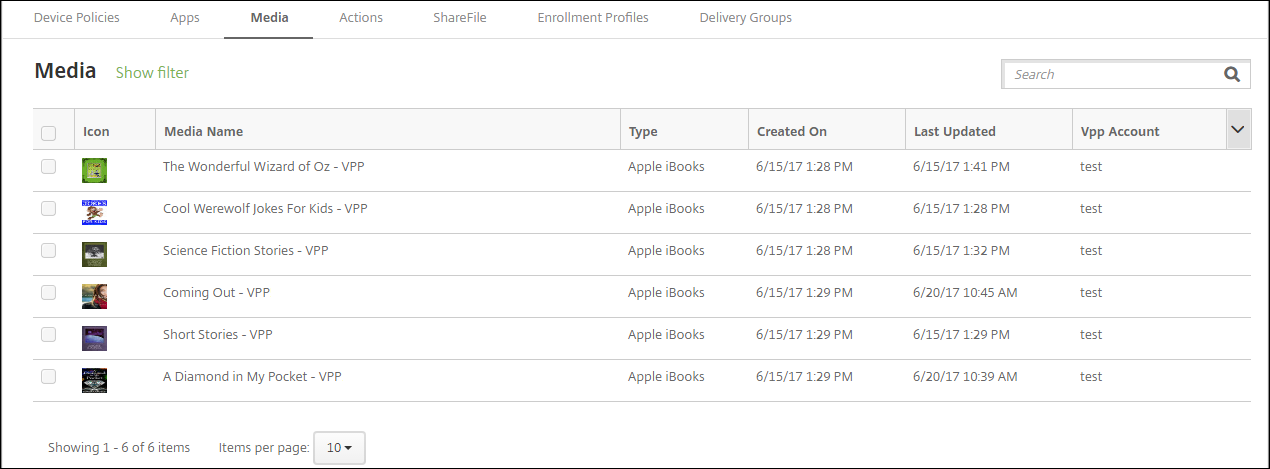
배포용 Apple Book 구성 방법
-
구성 > 미디어에서 책을 선택하고 편집을 클릭합니다. 책 정보 페이지가 나타납니다.
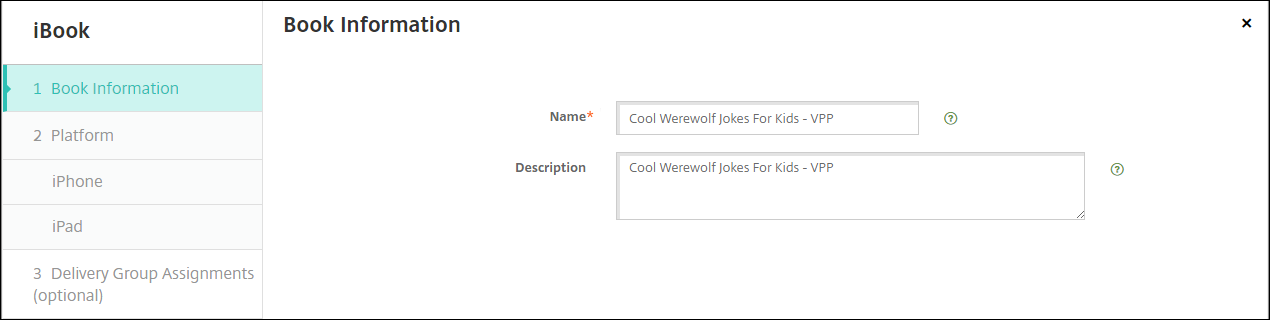
이름 및 설명은 XenMobile 콘솔 및 로그에만 나타납니다.
-
iPhone iBook 설정 및 iPad iBook 설정 페이지에서: 책 이름과 설명을 선택적으로 변경할 수 있지만, Citrix®는 이러한 설정을 변경하지 않는 것을 권장합니다. 이미지는 정보용이며 편집할 수 없습니다. 유료 iBook은 Apple 볼륨 구매를 통해 책이 구매되었음을 나타냅니다.
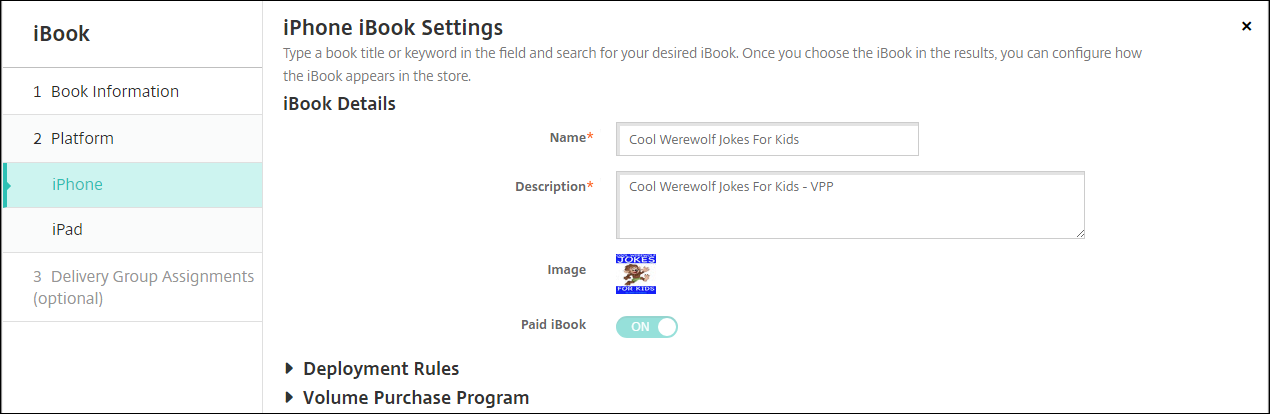
배포 규칙을 지정하거나 볼륨 구매 정보를 볼 수도 있습니다.
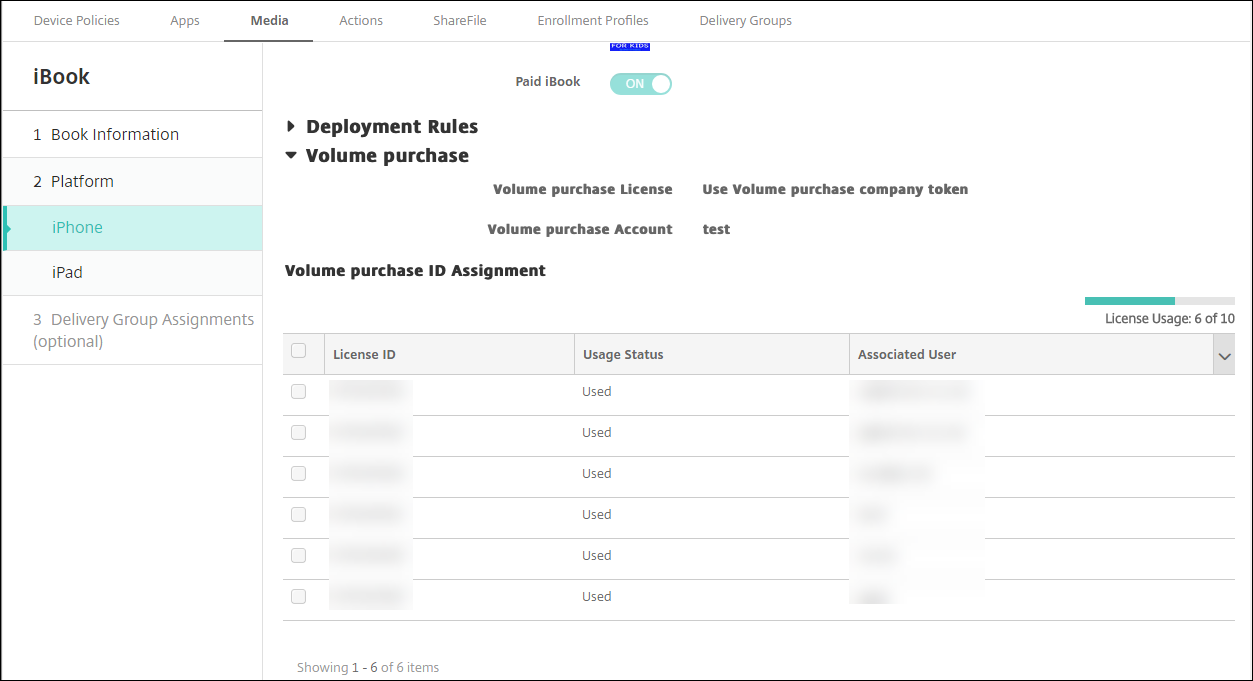
-
선택적으로 책을 배포 그룹에 할당하고 배포 일정을 설정합니다.
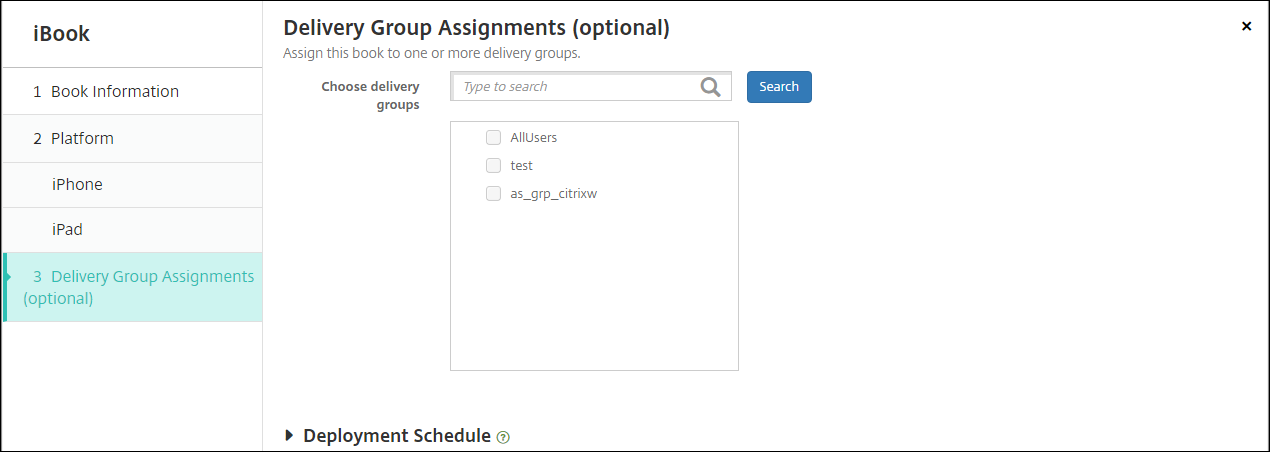
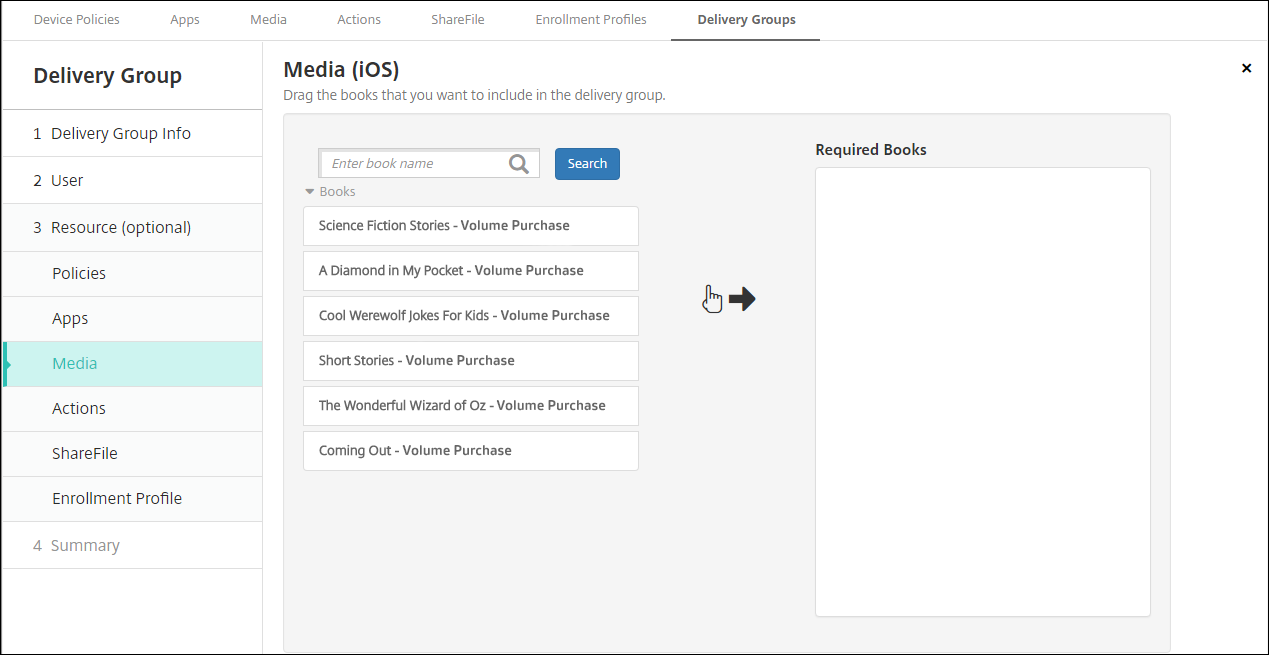
구성 > 배포 그룹의 미디어 탭에서 배포 그룹에 책을 할당할 수도 있습니다. XenMobile은 필수 책 배포만 지원합니다.
-
관리 > 장치의 미디어 탭을 사용하여 배포 상태를 확인합니다.
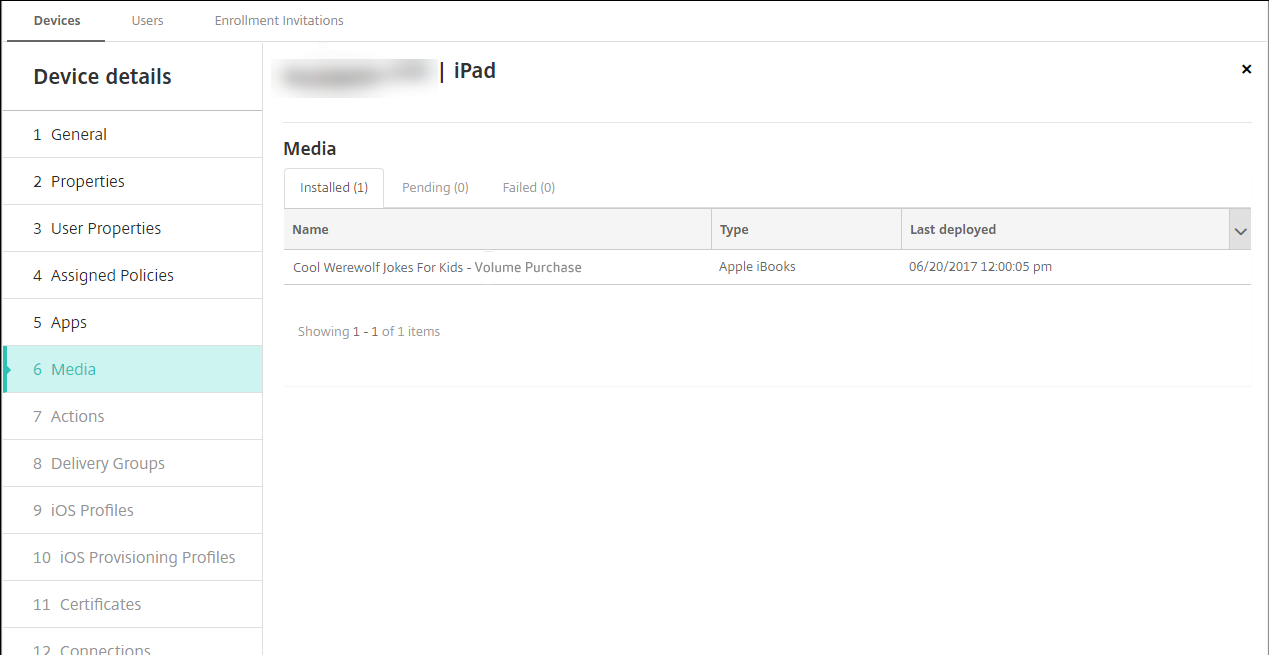
참고:
구성 > 미디어 페이지에서 책을 선택하고 삭제를 클릭하면 XenMobile이 목록에서 책을 제거합니다. 그러나 XenMobile이 다음에 Apple 볼륨 구매와 동기화할 때, Apple 볼륨 구매에서 제거되지 않은 한 책은 목록에 다시 나타납니다. 목록에서 책을 삭제해도 장치에서 책이 제거되지는 않습니다.
책은 다음 예와 같이 사용자 장치에 나타납니다.
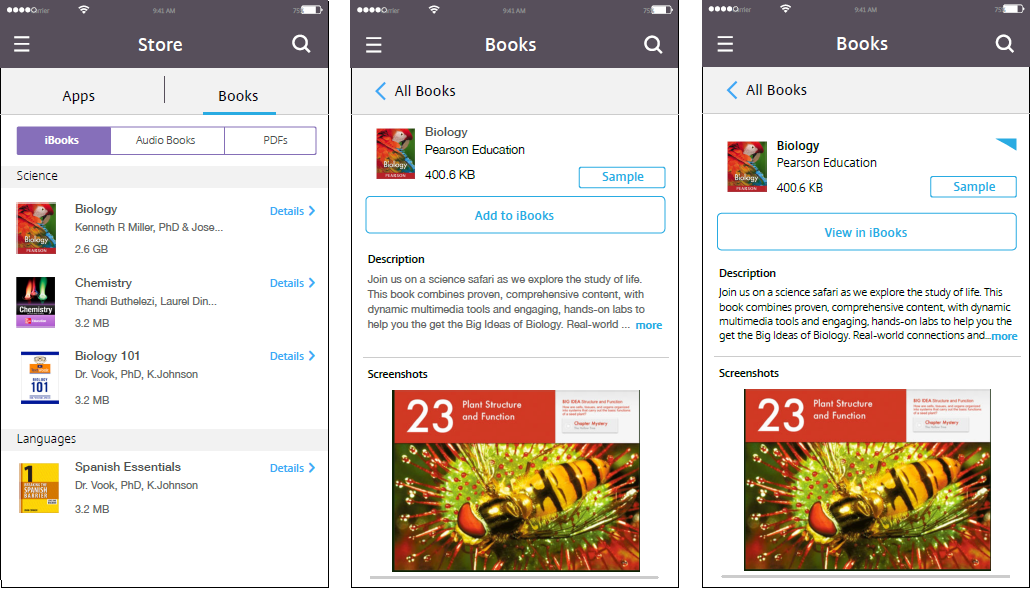
공유
공유
This Preview product documentation is Citrix Confidential.
You agree to hold this documentation confidential pursuant to the terms of your Citrix Beta/Tech Preview Agreement.
The development, release and timing of any features or functionality described in the Preview documentation remains at our sole discretion and are subject to change without notice or consultation.
The documentation is for informational purposes only and is not a commitment, promise or legal obligation to deliver any material, code or functionality and should not be relied upon in making Citrix product purchase decisions.
If you do not agree, select I DO NOT AGREE to exit.